
One beautiful home for your event and its memories
Share every detail on one polished event page, collect RSVPs, and let guests add photos and videos to a private gallery from any phone. One link or QR code, no app, no account, no scattered group chats.
Free to set up · Unlimited guests · RSVP, guestbook, budgets and gallery included
From setup to shared memories in three effortless steps
Create your event page
Add your title, date, agenda, location and guest list to give guests one clear place for everything.
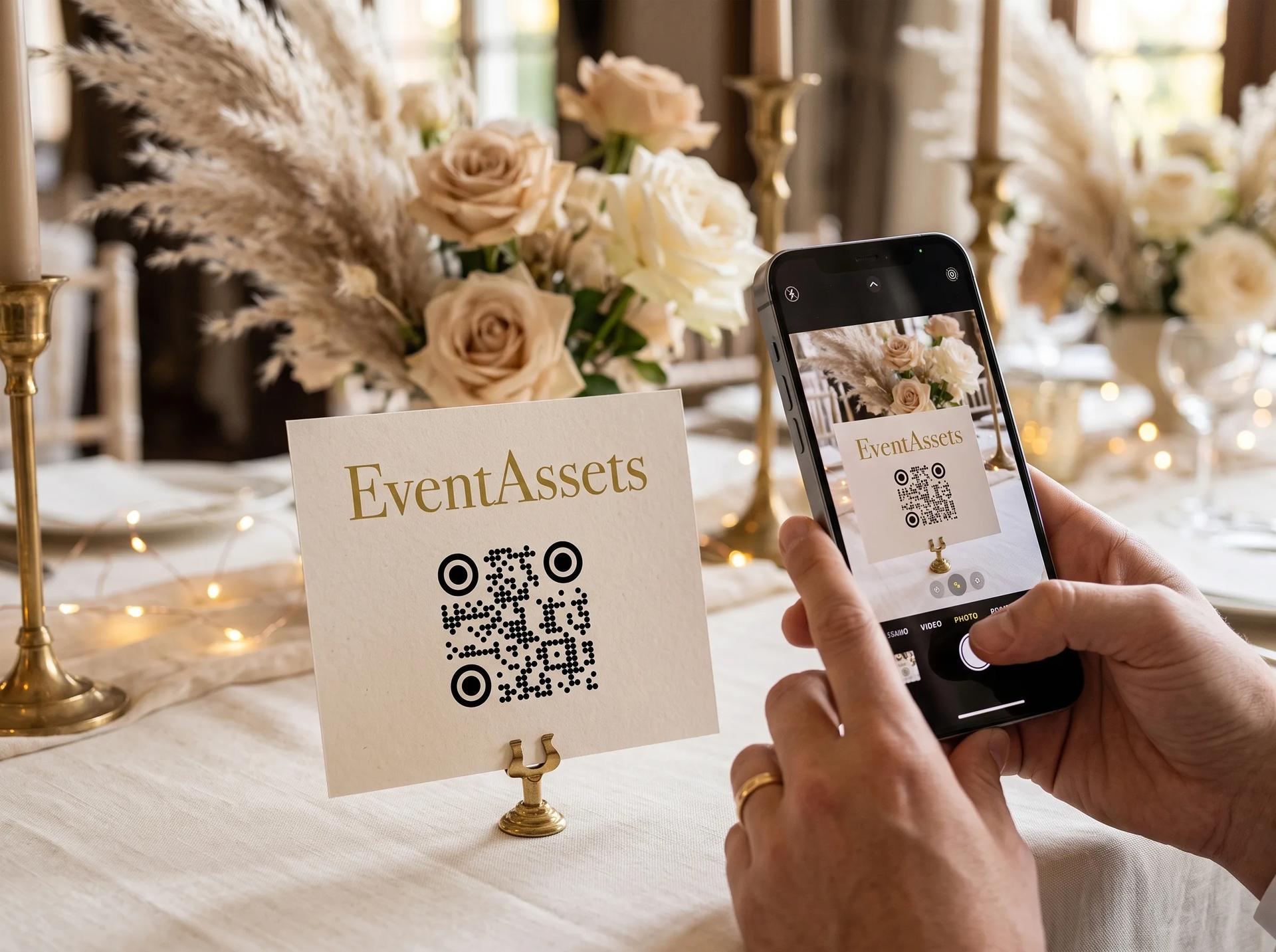
Share one link or QR code
Invite guests with a single link or printable QR code. They RSVP and upload from any phone — no apps to download, no accounts to create.
Watch replies and the gallery fill up
RSVPs update live while photos and videos appear instantly in one private, moderated gallery that everyone can enjoy and you can download in full.

Give every guest one beautifully ordered source of truth
Your event page brings the essentials together before the first photo is taken — elegantly presented, easy to update, and ready to share.
Name, description & covers
Introduce your event with a title, a personal description and up to 10 cover images that rotate as a slideshow.
Date, time & calendar
Show exactly when things start and end in the right timezone, with one-tap add-to-calendar.
Agenda & location
Lay out the schedule and share the venue with a clear map so everyone knows what's next and how to get there.
RSVP, right on the page
Guests find their name, reply for their party and answer your questions — sections you can add, remove and reorder like any other.

Media sharing designed to feel effortless in the moment
Guests contribute straight from their phones while every photo and video arrives in one polished, private place.
Instant uploads
Guests upload straight from their phone in seconds — no app required.
Guests react and comment
An emoji or a few words under any photo, signed with the name a guest chose. You decide whether to allow it.
Built-in moderation
Review and remove anything you don't want before it appears in the gallery.
One beautiful gallery
Every upload organised in a clean, shareable, downloadable gallery — with albums to keep moments sorted automatically.


Know who is coming, without the chasing
Your guest list and the replies live on the same page as everything else: guests find their name and answer for their whole party.
Replies in seconds
Guests open your link, find their name and mark each person of their party attending or not attending.
Your questions, answered
Meal choice, dietary needs, shuttle seats: every answer lands on the guest’s row and in your statistics.
A deadline you control
Replies close at your event start or on a date you set; you can still edit every response afterwards.
Every wish, written or in their own voice
Guests write a few lines or record a voice note on your event page; you read every entry in one place and decide what shows.
Written or recorded
A few lines take as long as typing; a voice note takes one tap from the phone in hand.
Signed or anonymous
An entry carries the name a guest chose from your list, or says a guest left it.
You decide what shows
Review entries before they appear, or let them show at once; hide or delete any entry later.
Seat every guest and let them find their table
Place your tables, seat parties together and show the chart on your event page when it is ready.
Drag and drop seating
Drag a guest or a whole party onto a table, or pick the table from the guest’s menu.
Follows your RSVPs
Guests who declined need no seat, and whoever still has to be seated waits in one list beside the chart.
Guests find their table
On the event page a guest searches their name and sees their table and their companions’ tables.
Every cost in view, from first estimate to fully paid
Budgets and items with planned and actual amounts, due dates and payments, kept where your guests are.
Planned against actual
A ring on every budget shows what is spent against what was planned and flags it the moment you go over.
Due dates that stay in view
An item’s due date shows in the tone of how soon it is; mark it paid and the progress follows.
Export when you need it
Download every budget and item, dates included, as a CSV file.
Quietly powerful behind every shared moment
Fast for guests, dependable for hosts, and uncompromising about the quality of every memory.
Blazing-fast uploads, anywhere
Uploads land in seconds whether your guests are next door or across the globe — no waiting, no spinning loaders.
Original quality on every plan
Free or paid, every photo and video keeps its original quality. Nothing is compressed or downgraded.
Always on, always reliable
Your event page, RSVPs and gallery stay fast and available throughout your event and beyond.
A feature for every part of your planning
From the shared gallery to guest lists and budgets, explore what's included today — and what's coming next.
A refined fit for every kind of gathering
From an intimate celebration to a company-wide event, one page keeps the details and memories beautifully connected.

Weddings
Capture every angle of your big day from everyone who was there.

Parties
Birthdays, anniversaries, celebrations — collect the fun as it happens.

Private events
Gatherings and get-togethers, kept private and shared just with your guests.

Corporate events
Conferences, team days, and launches — organised and ready to hand off.
The complete EventAssets experience is free.
Event page, guestbook, RSVP, seating, budgets, albums, moderation and downloads are included. Upgrade only for more photos, videos and voice recordings.
Free
The complete experience
- Event page with link and styled QR code
- 50 photos or videos in original quality, 500 MB
- Guestbook with messages and 10 voice recordings
- Unlimited guests, RSVP and seating chart
- Budgets with planned and actual costs
- Private gallery with albums, moderation, downloads, reactions and comments
- No app or account for guests
Unlimited
One-time payment per event · no subscription
Regular price €25
- Everything included in Free
- Unlimited photos and videos
- Unlimited storage
- Unlimited guestbook recordings
Upgrade any time from your event
In accordance with Section 19 of the German Value-Added Tax Act (UStG), no value-added tax is charged.