
Every perspective of your event in one gallery
Share one link or QR code and guests add photos and videos from any phone in seconds. No app, no account, and no memories disappearing into separate chats.
Free to set up · Unlimited guests · Original-quality uploads


One shared gallery in three frictionless steps
Your gallery is ready in a minute; the link and the QR code do the rest.
Create your event gallery
Set up your event in a minute and get a private gallery ready to receive every guest upload.
Share one link or QR code
Invite everyone with a single link or printable QR code — no apps to download, no accounts to create.
Watch the memories arrive
Photos and videos appear instantly in one organised gallery that everyone can browse and you can download.

A gallery guests add to without stepping away from the celebration
Uploading stays simple and immediate, and every contribution lands in one private, polished place.
Instant uploads, no app
Guests upload straight from their phone in seconds. No download, no login, no barrier between them and the gallery.
Every format, in original quality
Photos and videos are stored exactly as shot, free or upgraded. Nothing is compressed.
Straight into the right album
Guests choose the album they add to, so the ceremony, the dinner and the party stay apart from the first upload.
Viewer and slideshow
Guests browse in a viewer or start a full-screen slideshow that picks up new uploads as they arrive, ideal on a venue screen.

Guests react and comment, right on the photos
A gallery everyone talks about: an emoji under a photo, a few words beneath it, and the hosts in the conversation too.
An emoji for every photo
Six favourites are one tap away, and every other emoji a search away. A chip shows which emoji guests chose and how many did.
Comments, signed
Guests leave a few words under a photo or video, signed with the name they chose from your guest list, or anonymously. No account, nothing to install.
You join in as the hosts
Comment or react yourself, from the web or the app. Only you can remove a comment.
Allowed or off, each on its own
Switch reactions or comments off for an event whenever you like. Nothing is lost: allowed again, everything returns.
Curate the gallery and keep every original
Your Media tab holds the settings, the totals and every upload, ready to approve, sort and download.
Review first, or show at once
Review uploads before they appear, or show them at once. Hide any upload later, one by one or in bulk.
Albums and bulk tools
Create, rename and reorder albums, filter by album, and select, move or delete many files in a few taps.
Downloads, single or all at once
Save any original on its own, or request a ZIP of the whole gallery or of one album and get an email when it is ready.
Windows you can plan around
Uploads open on your event date or a date you choose, guests upload for months afterwards, and the gallery stays online long after the day.
Everything your shared gallery includes
Start free and collect your first files; one payment lifts the caps of the free plan, with no subscription.
Files
- Photos
- JPEG, PNG, GIF, WebP
- Videos
- MP4, MOV, AVI, WebM
- Size per file
- Up to 1 GB
- Quality
- Original, never compressed
Time
- Uploads open
- Your event date, or a date you choose
- Guests can upload
- 3 months
- Gallery online
- 1 year
- ZIP download available
- 3 days
Gallery
- Albums
- Unlimited
- Moderation
- Reviewed first or shown at once
- Downloads
- Single files or ZIP
- Slideshow
- From the event page
Guests
- App or account
- None needed
- Reactions and comments
- Allowed or off, per event
- Languages
- 5
- Guests per event
- Unlimited
Made for every kind of event
From the big day to the office party, shared media collection brings everyone's photos and videos together in one place.
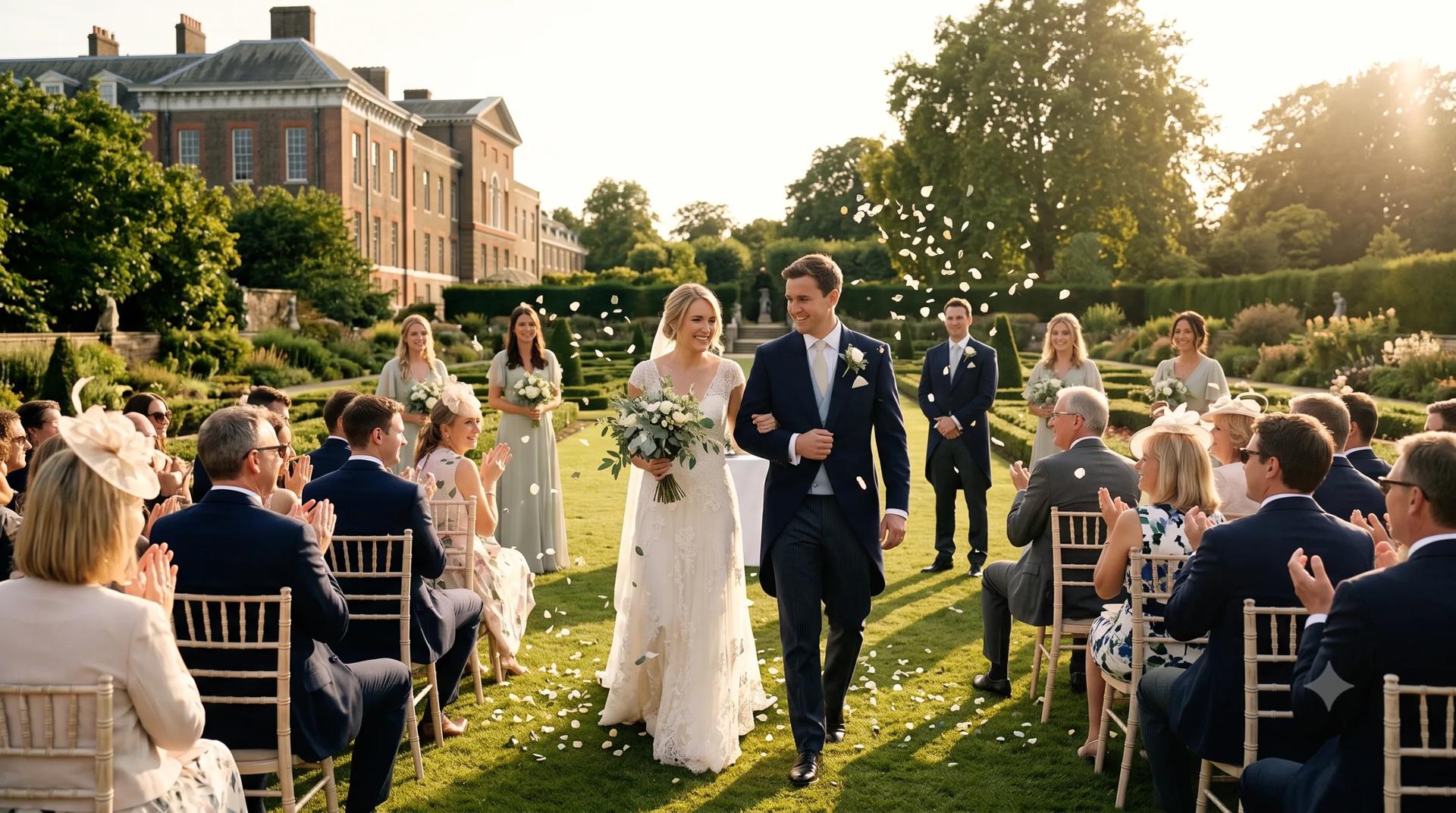
Weddings
Capture every angle of your big day from everyone who was there — not just the official photographer.

Parties
Birthdays, anniversaries, celebrations — collect the candid fun as it happens.
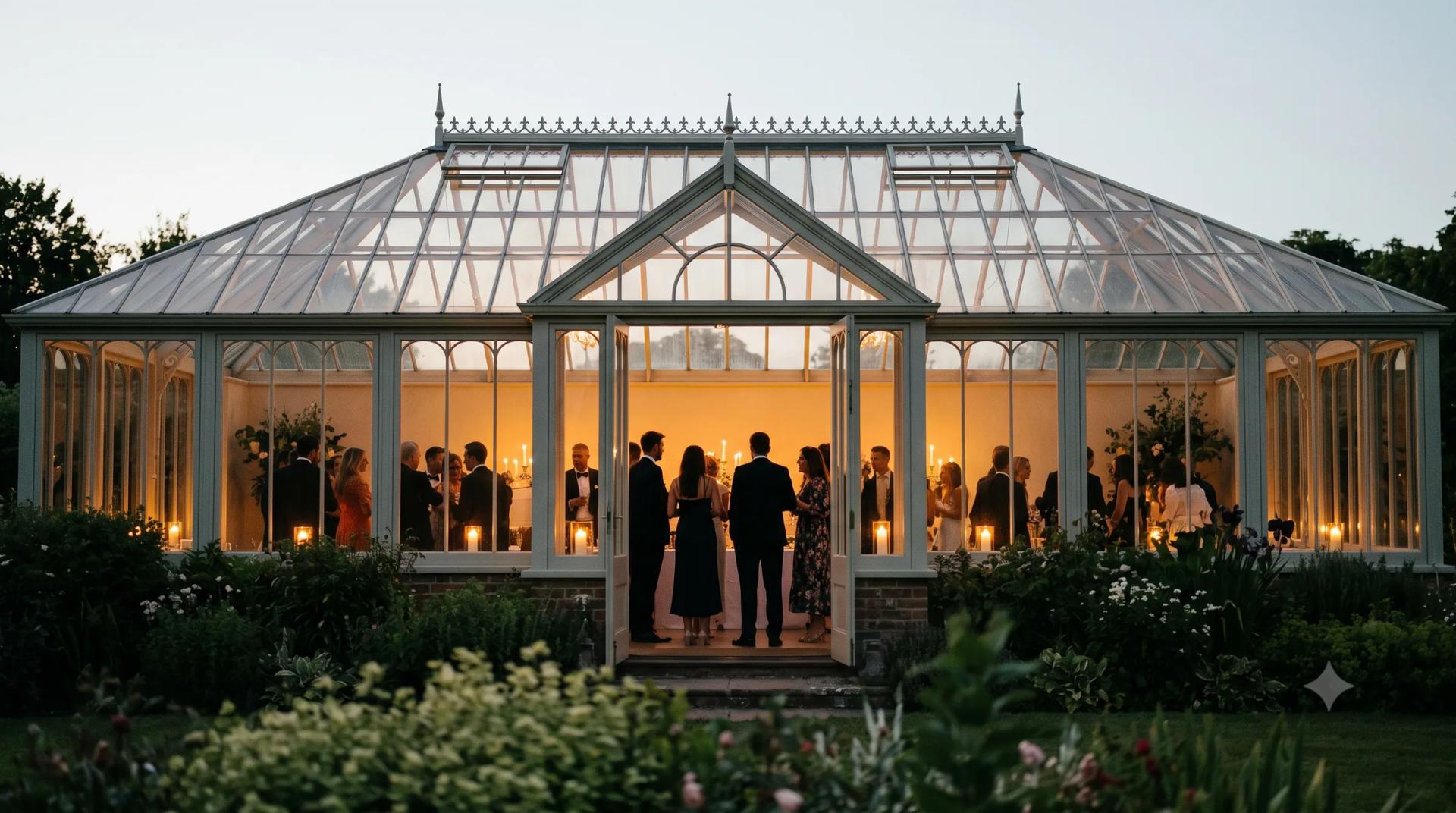
Private events
Gatherings and get-togethers, kept private and shared just with your guests.

Corporate events
Conferences, team days, and launches — every photo organised and ready to export.