
Create and customize an event QR code
Style the QR code of your event, add an image to its center, and download it for invitations and signs.
Steps for
Open the QR code style
- Open the Event page tab of the event.
- Select Share at the bottom of the cover.
- Select QR code style under the code.
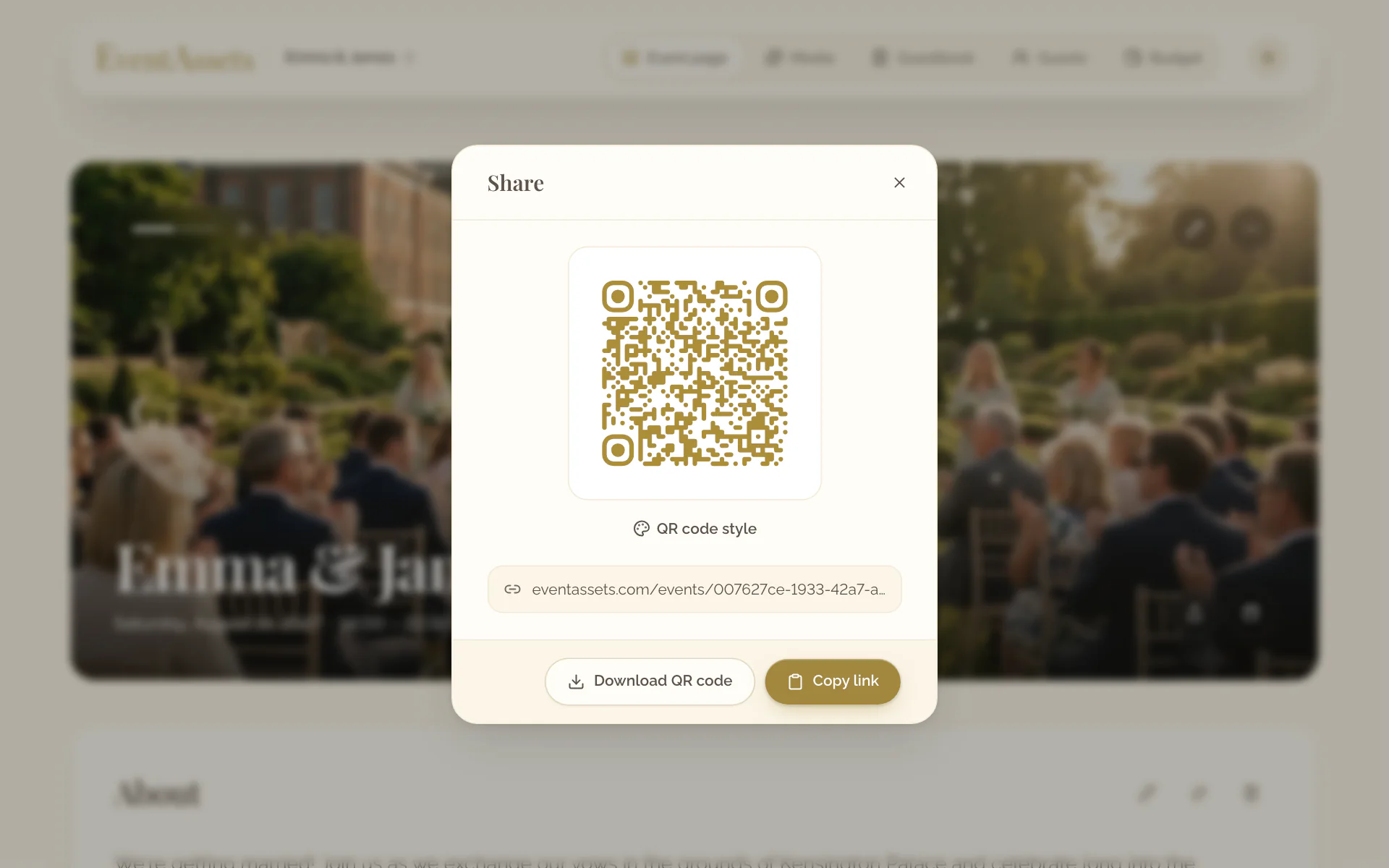
- Open the Event page tab of the event.
- Select the share button at the bottom of the cover.
- Select QR code style under the code.
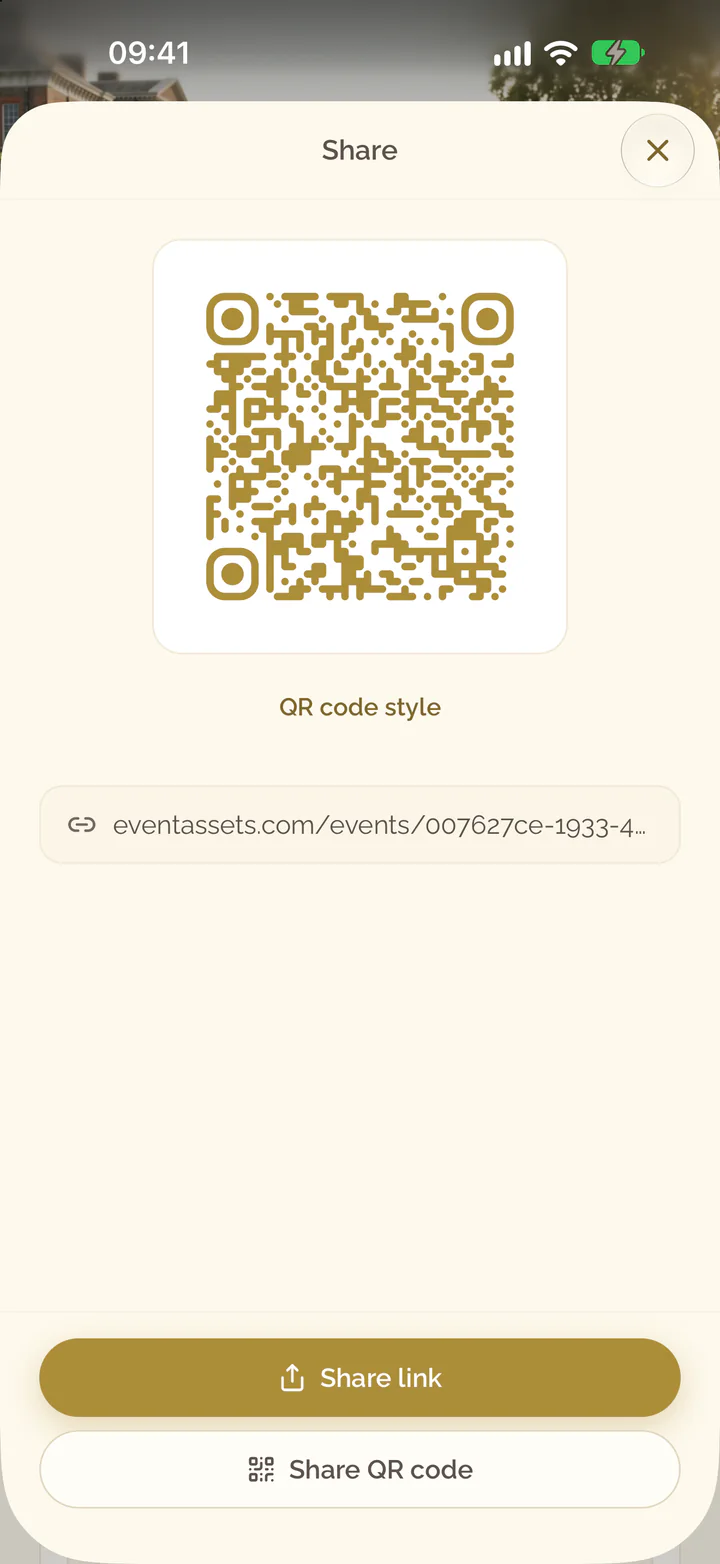
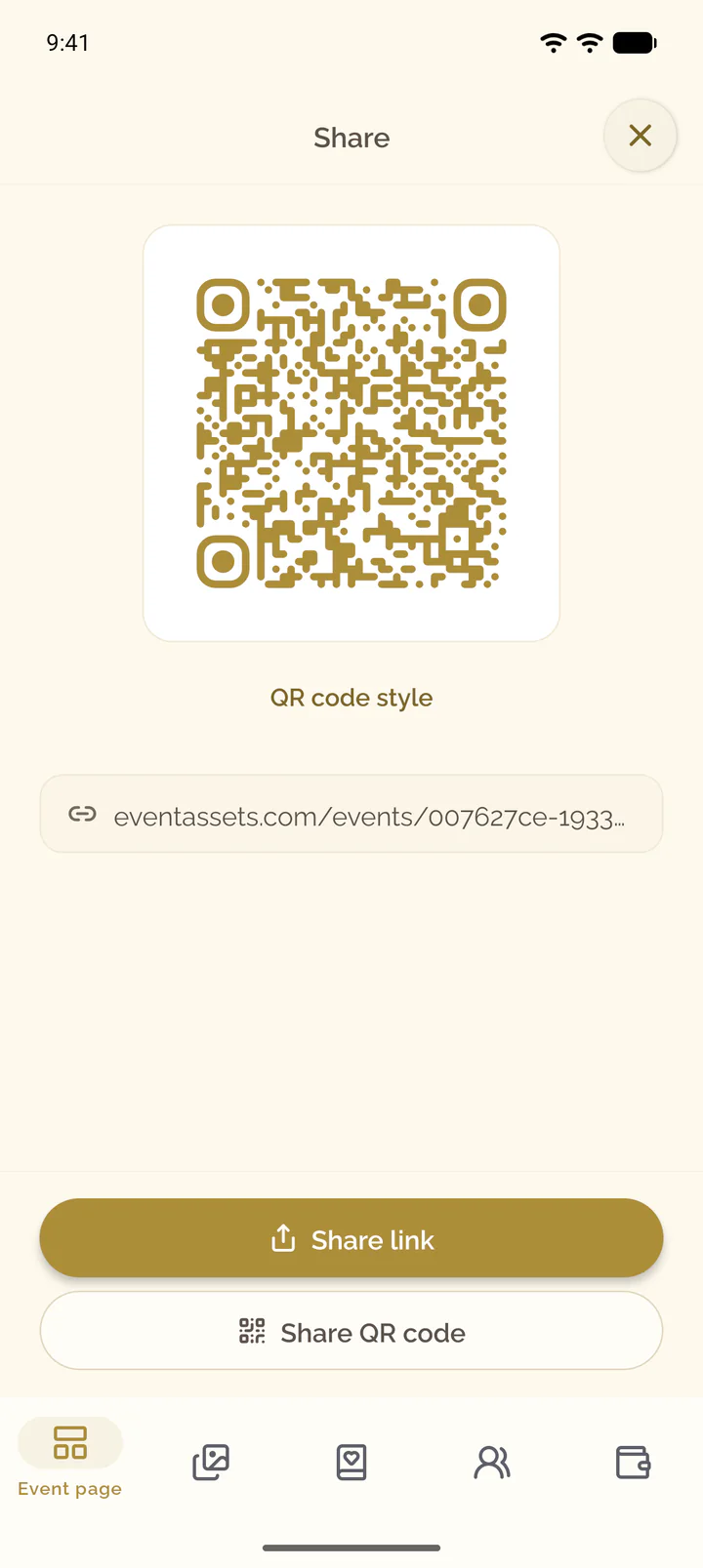
Choose style and colors
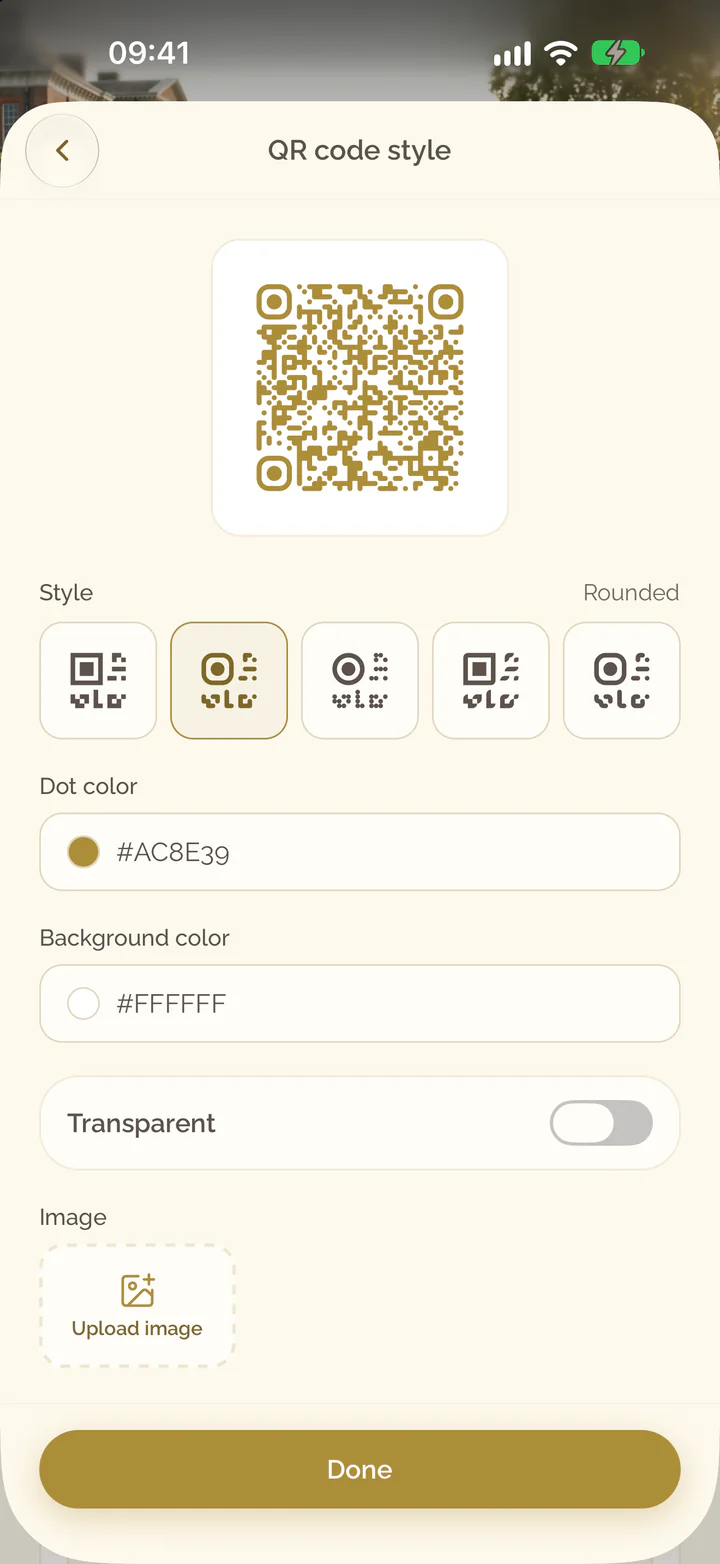
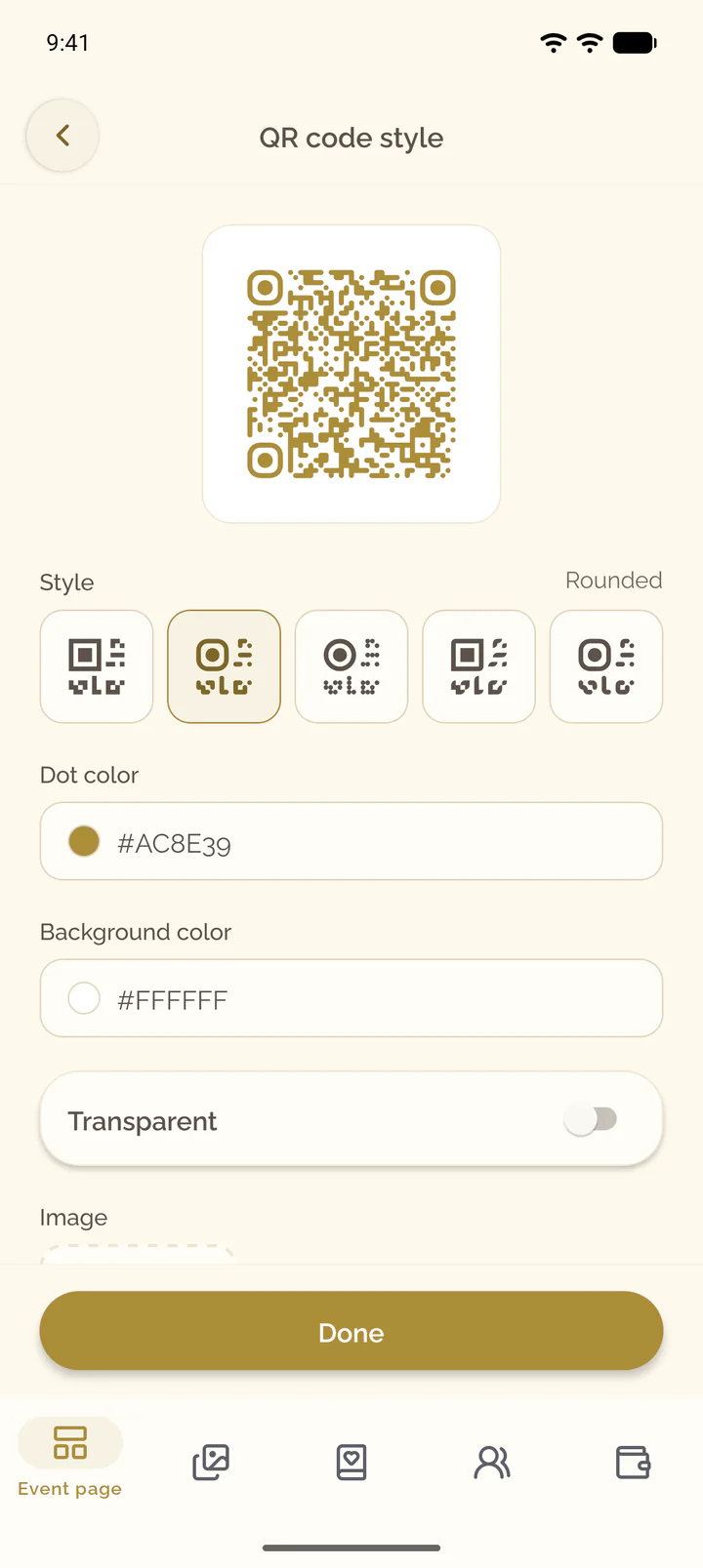
- Under Style, choose Square, Rounded, Dots, Classy or Extra rounded.
- Set Dot color and Background color.
- Switch on Transparent for a code without a background.
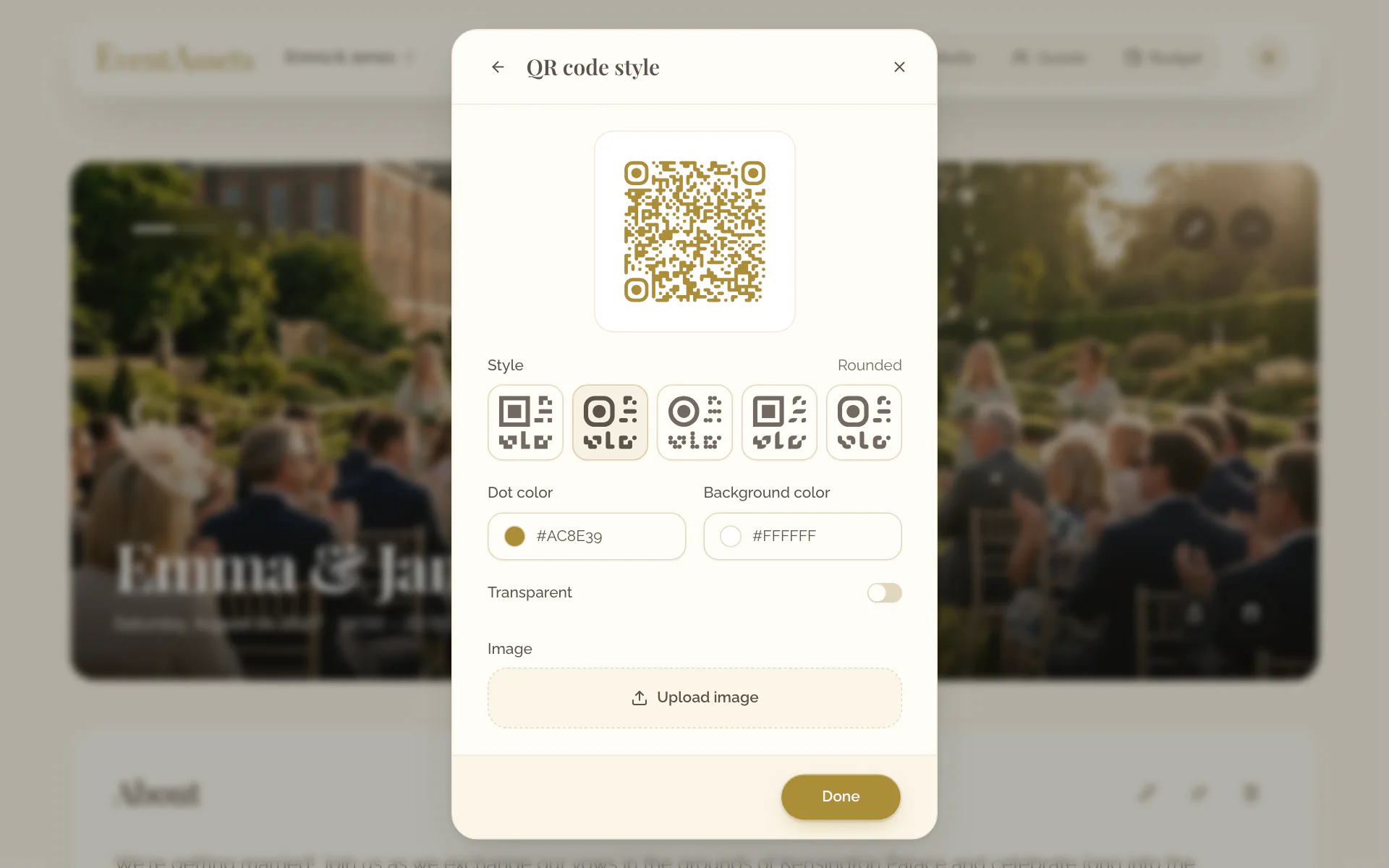
- Under Style, choose Square, Rounded, Dots, Classy or Extra rounded.
- Set Dot color and Background color.
- Switch on Transparent for a code without a background.
Add an image to the center
- Under Image, select Upload image.
- Choose a JPG, PNG, GIF or WebP file of up to 1 MB.
- To take the image out again, select Remove.
- Under Image, select Upload image and choose the photo library or the camera.
- Choose a JPG, PNG, GIF or WebP file of up to 1 MB.
- To take the image out again, select Remove.
Download the code
- Select Done.
- Select Download QR code.
- Scan the downloaded image with a phone before you print it.
- Select Done.
- Select Share QR code.
- Save the image or hand it to one of the apps on the phone.
- Scan the image with another phone before you print it.