
Manage your event budget
Plan the costs of your event in budgets and line items, record what is paid, and export the figures.
Steps for
The Budget tab is yours alone: guests never see it. Amounts are in euros.
Create a budget
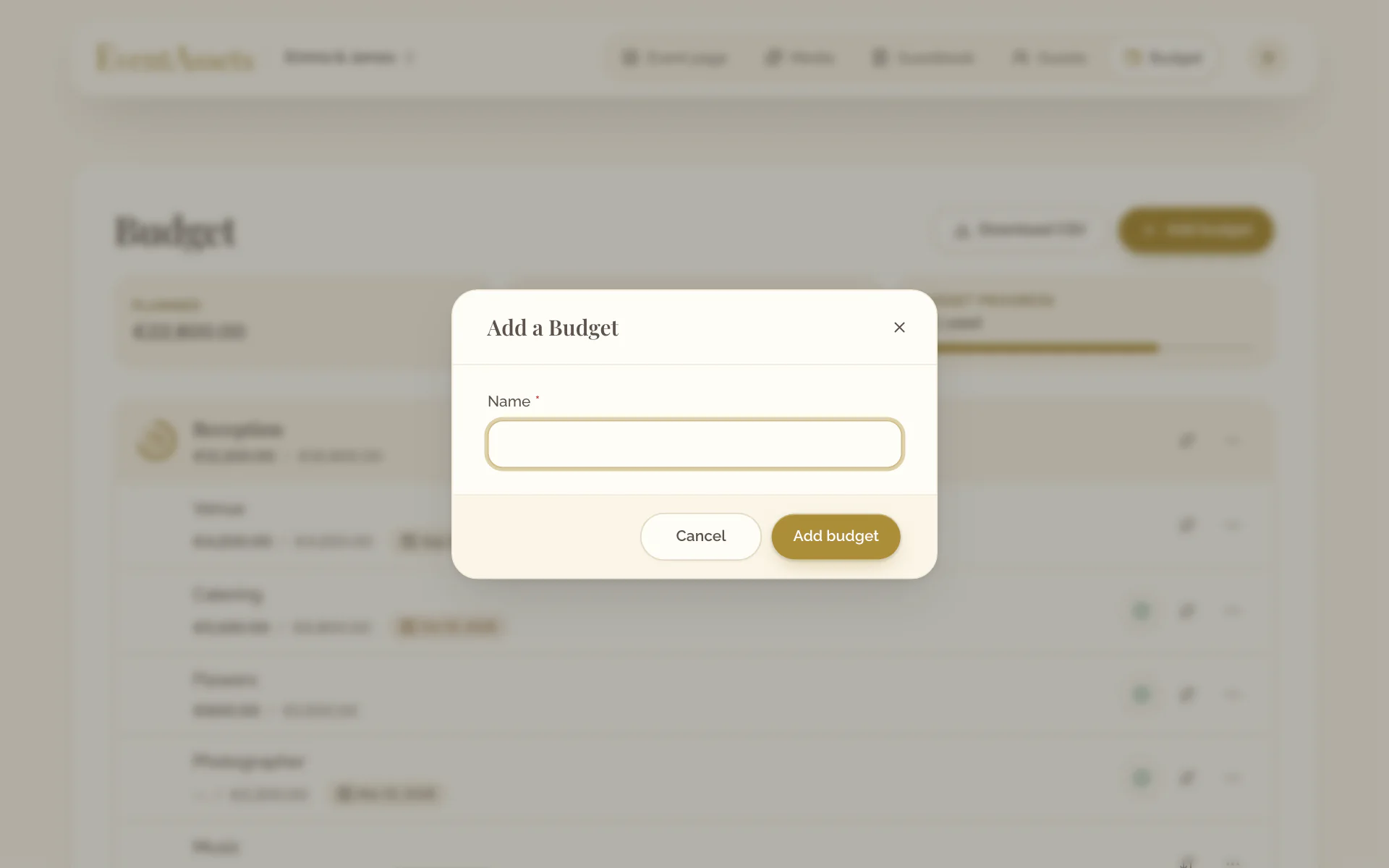
- Open the Budget tab of the event.
- Select Add budget.
- Enter a Name, for example the venue or the catering, and select Add budget.
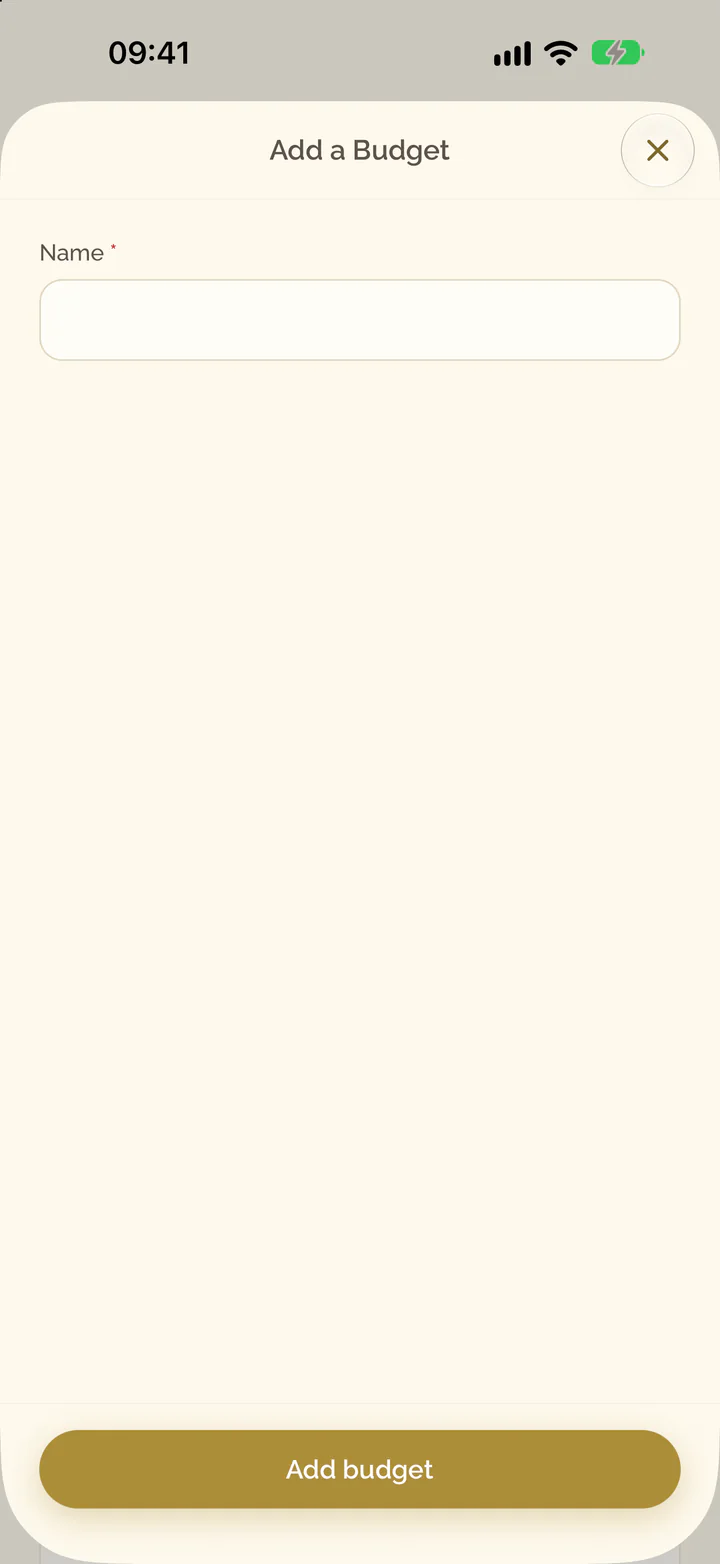
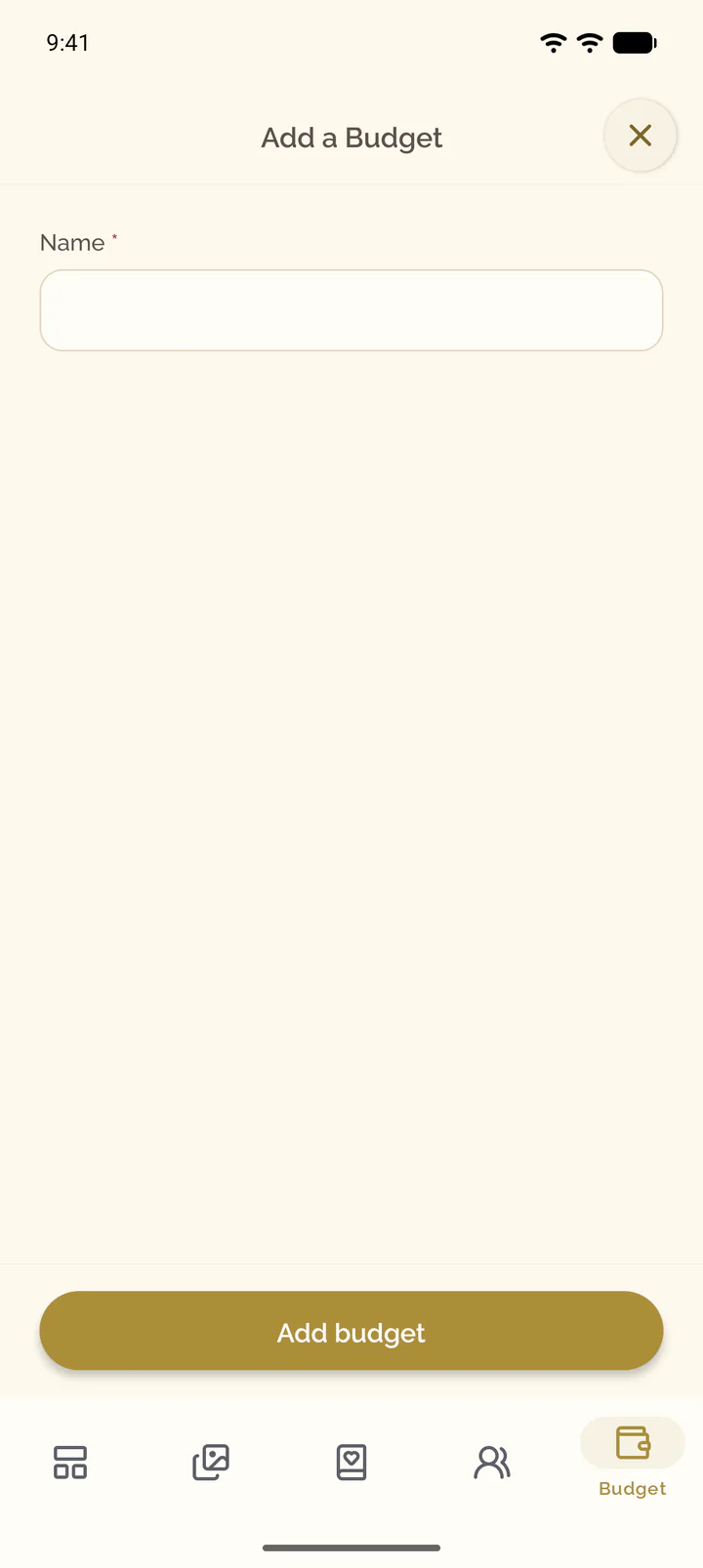
- Open the Budget tab of the event.
- Select the plus button at the top of the screen.
- Enter a Name, for example the venue or the catering, and select Add budget.
Add a line item
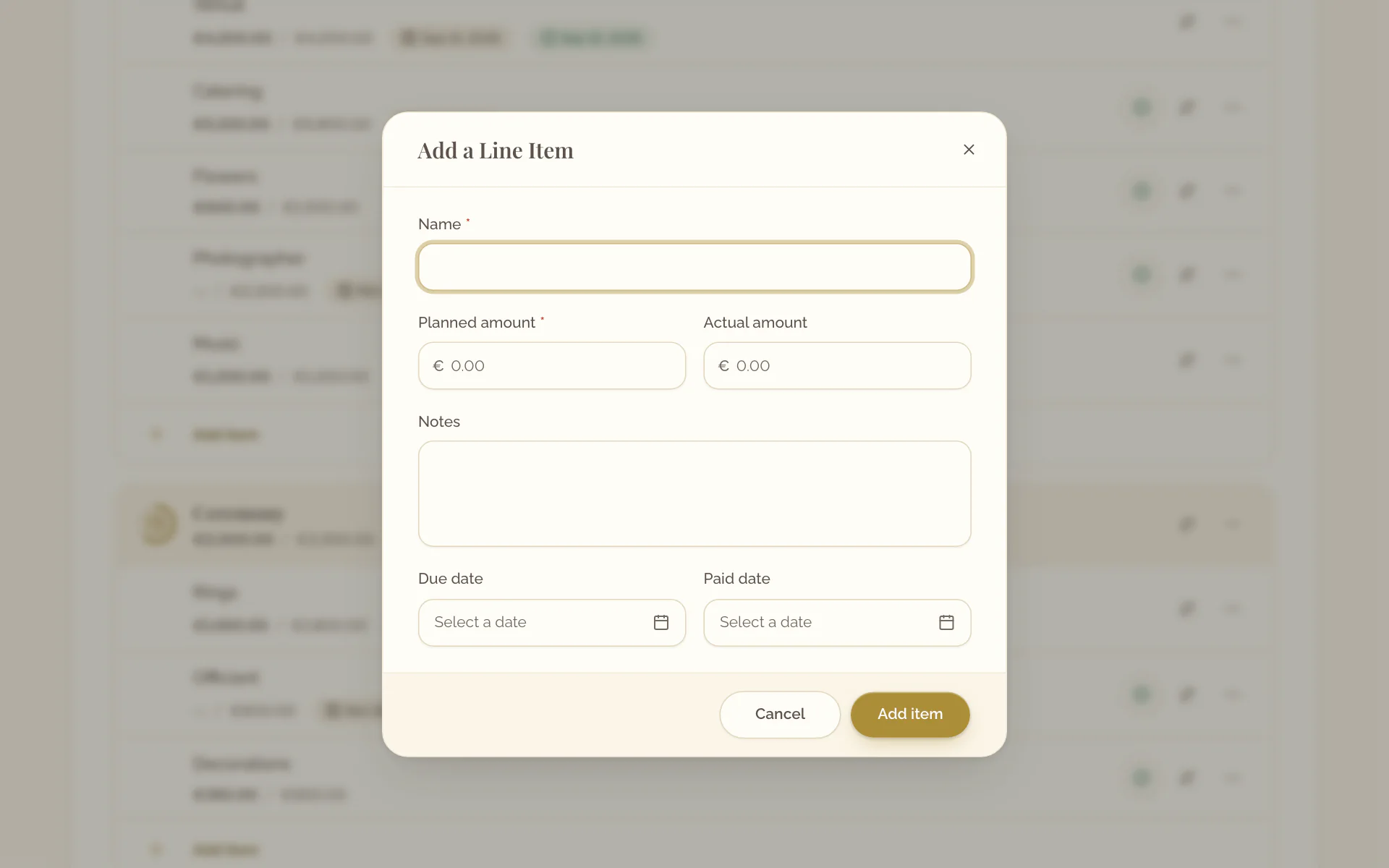
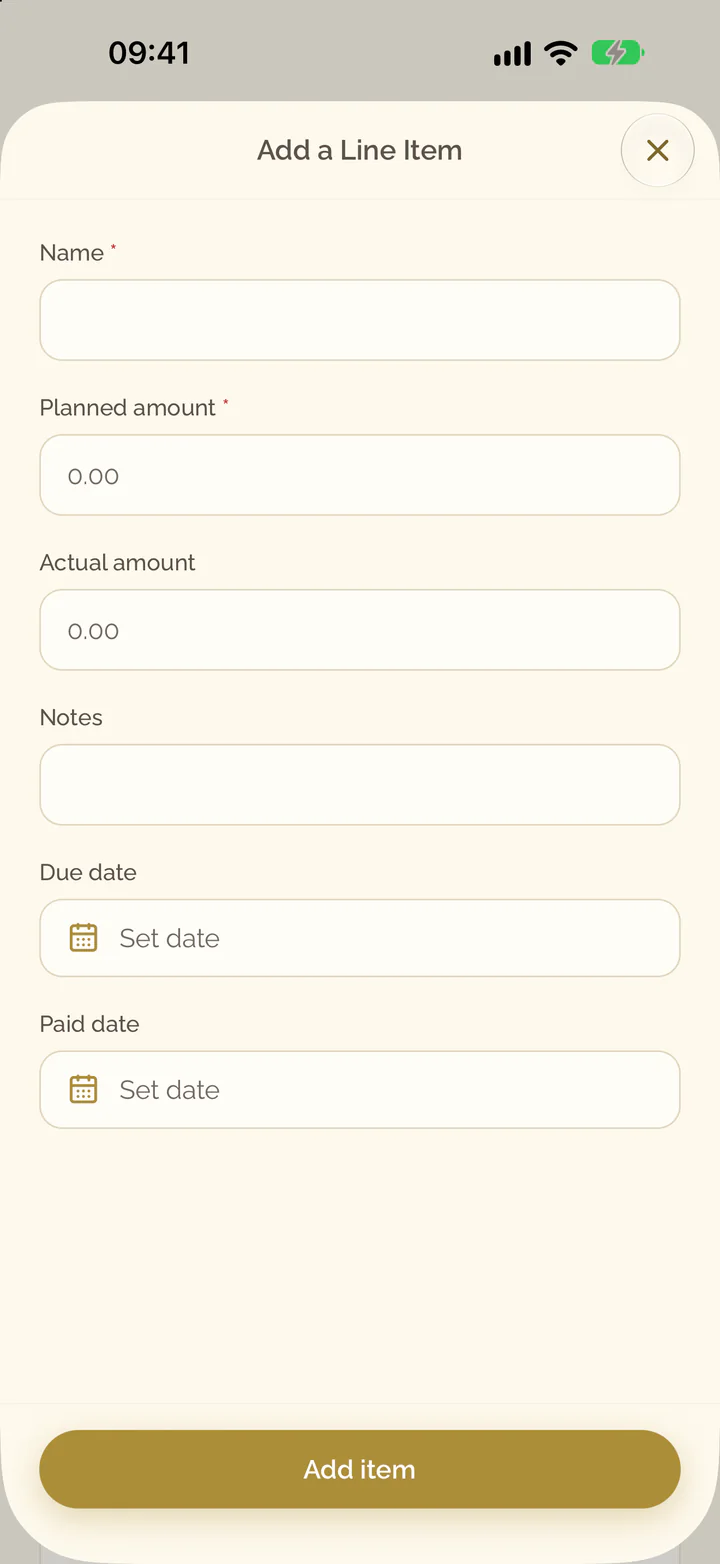
- In the budget, select Add item.
- Enter Name and Planned amount.
- Where you know them, enter Actual amount, Notes and Due date.
- Select Add item.
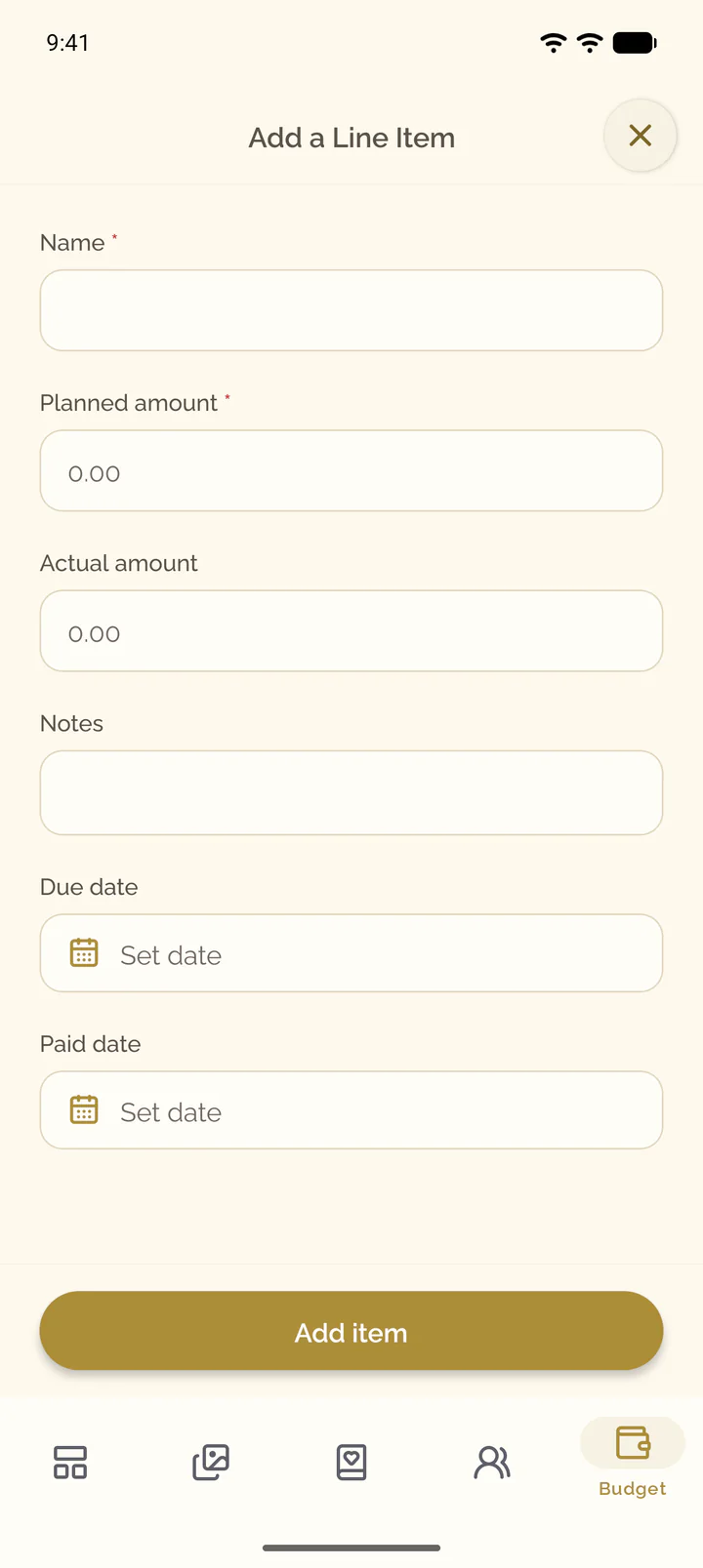
- In the budget, select Add item.
- Enter Name and Planned amount.
- Where you know them, enter Actual amount, Notes and Due date.
- Select Add item.
Mark an item as paid
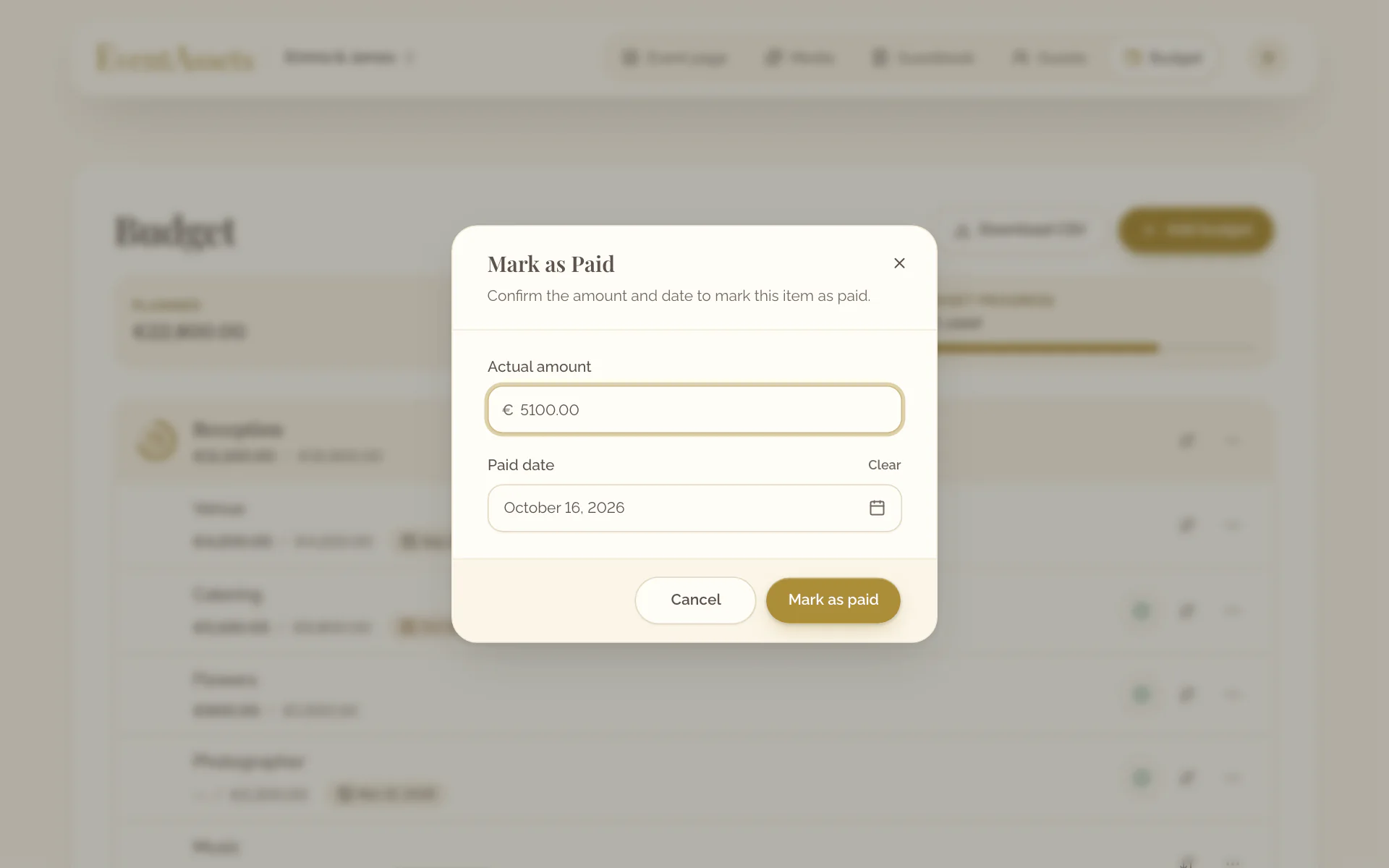
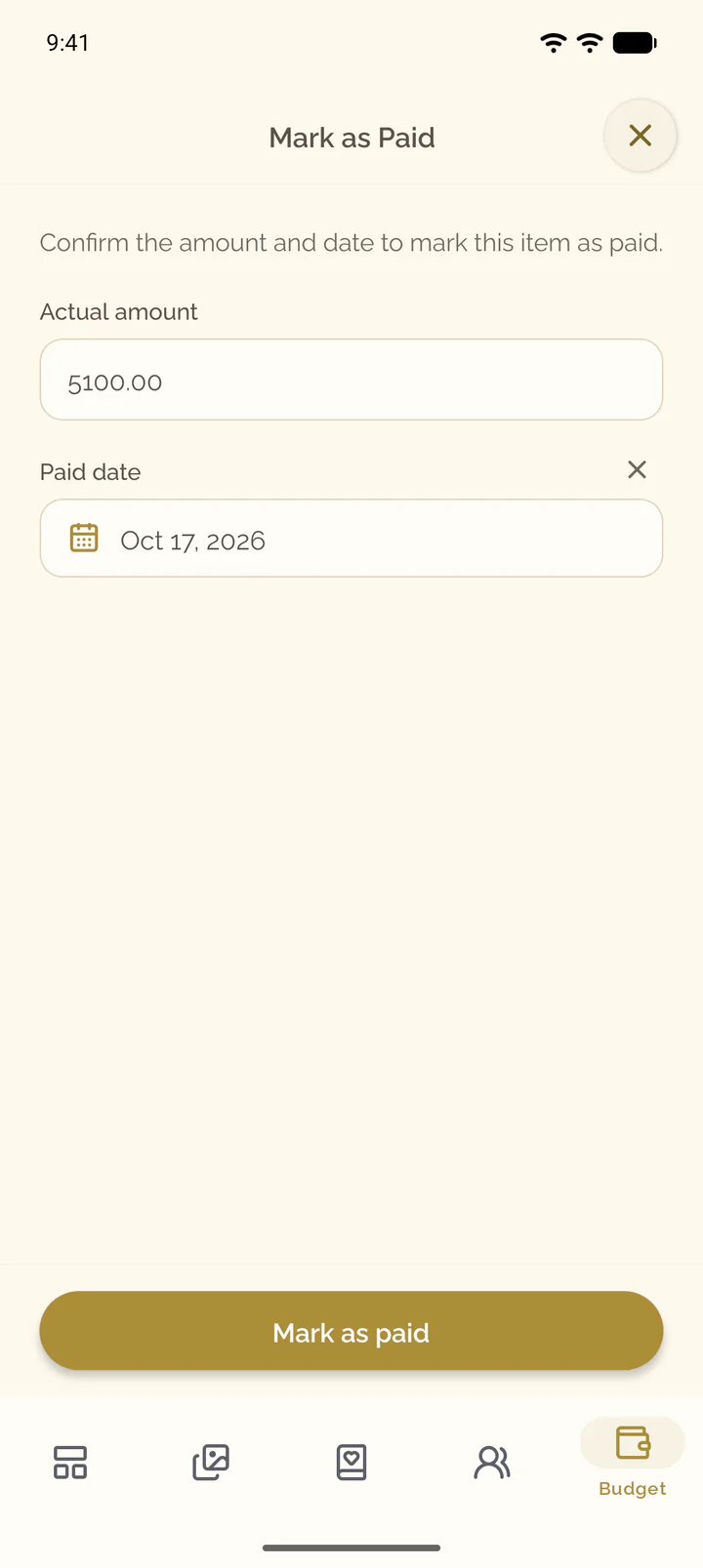
- On the item, select Mark as paid.
- Check Actual amount and Paid date.
- Select Mark as paid.
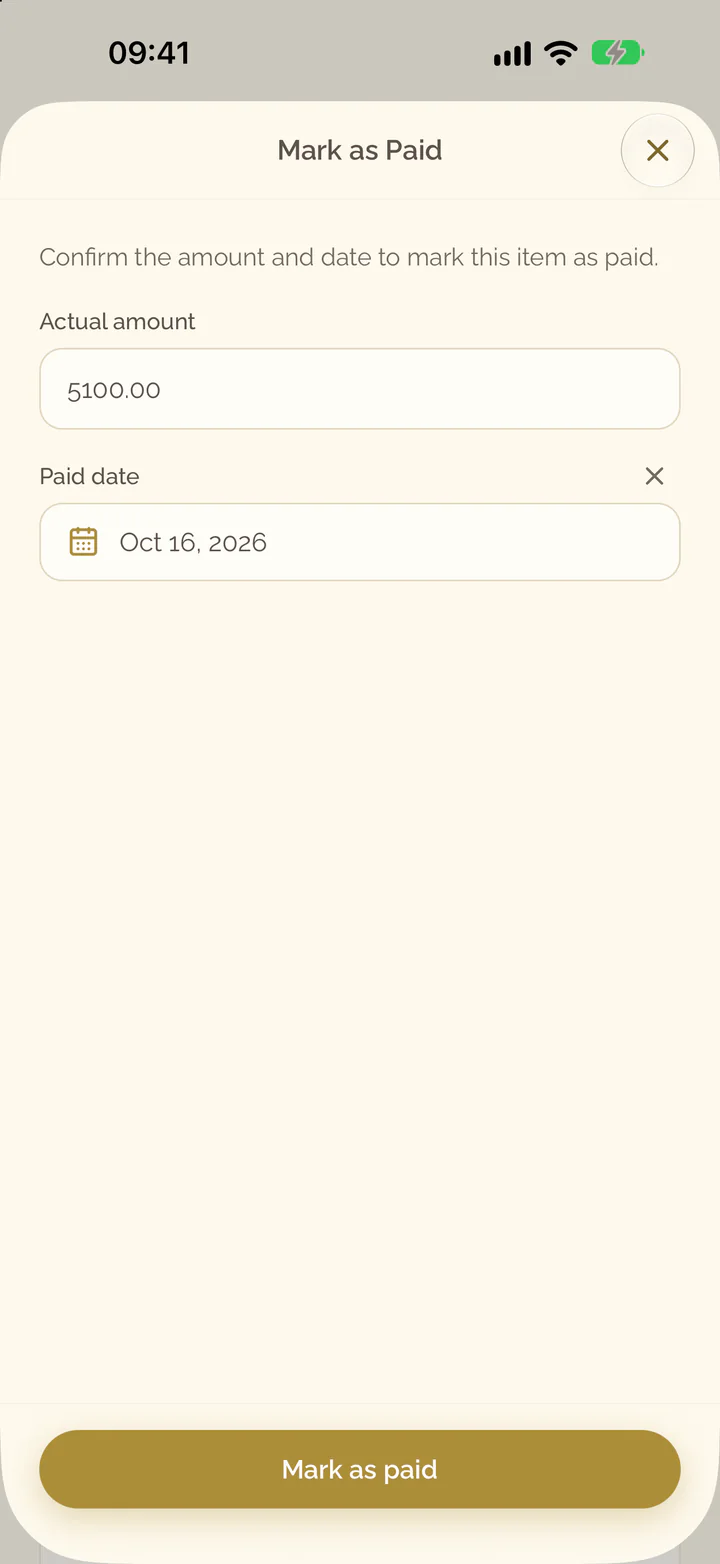
- On the item, select the button with the check mark, or open its menu and select Mark as paid.
- Check Actual amount and Paid date.
- Select Mark as paid.
Edit or reorder budgets and items
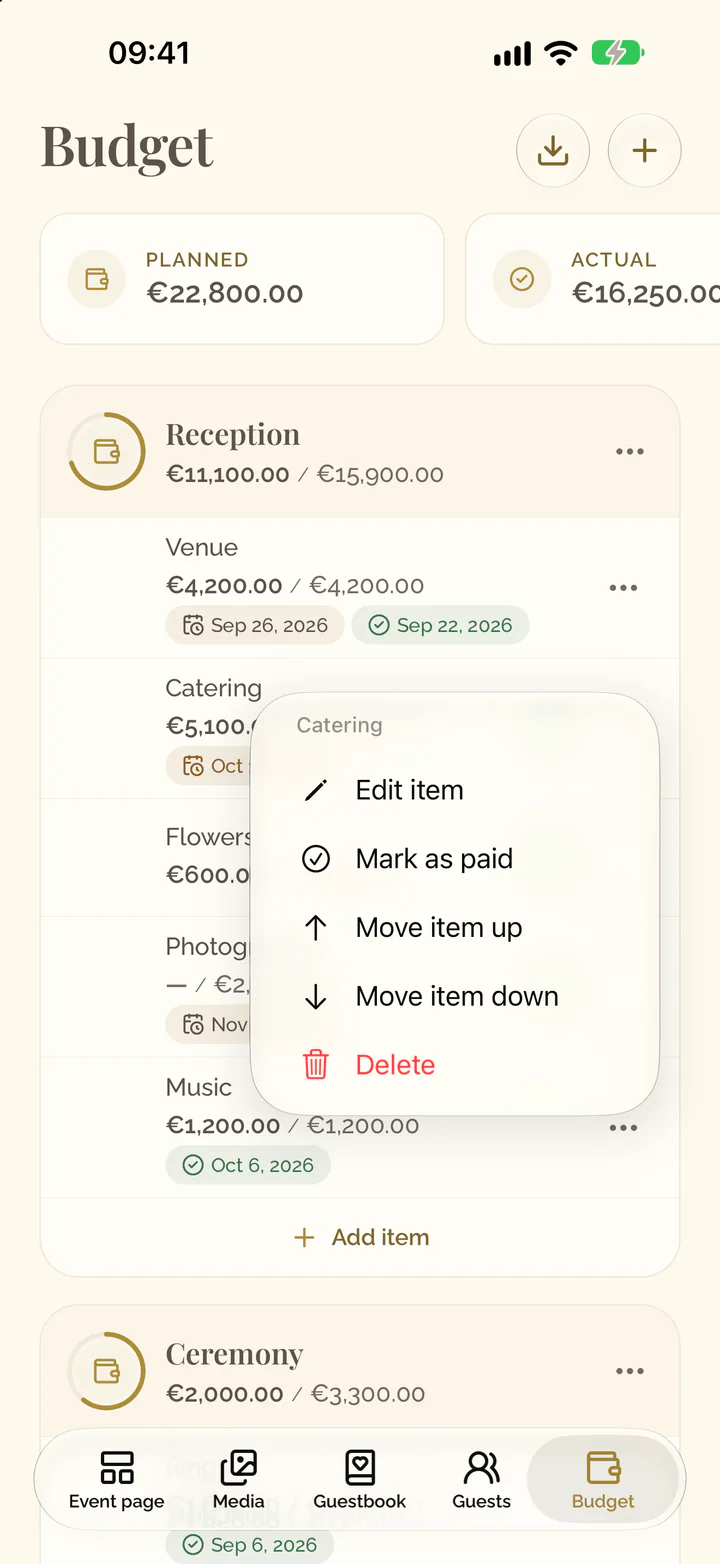
- Open the menu of the budget or the item.
- Select Rename for a budget or Edit item for an item, then Save.
- Select Move budget up, Move budget down, Move item up or Move item down to change the order.
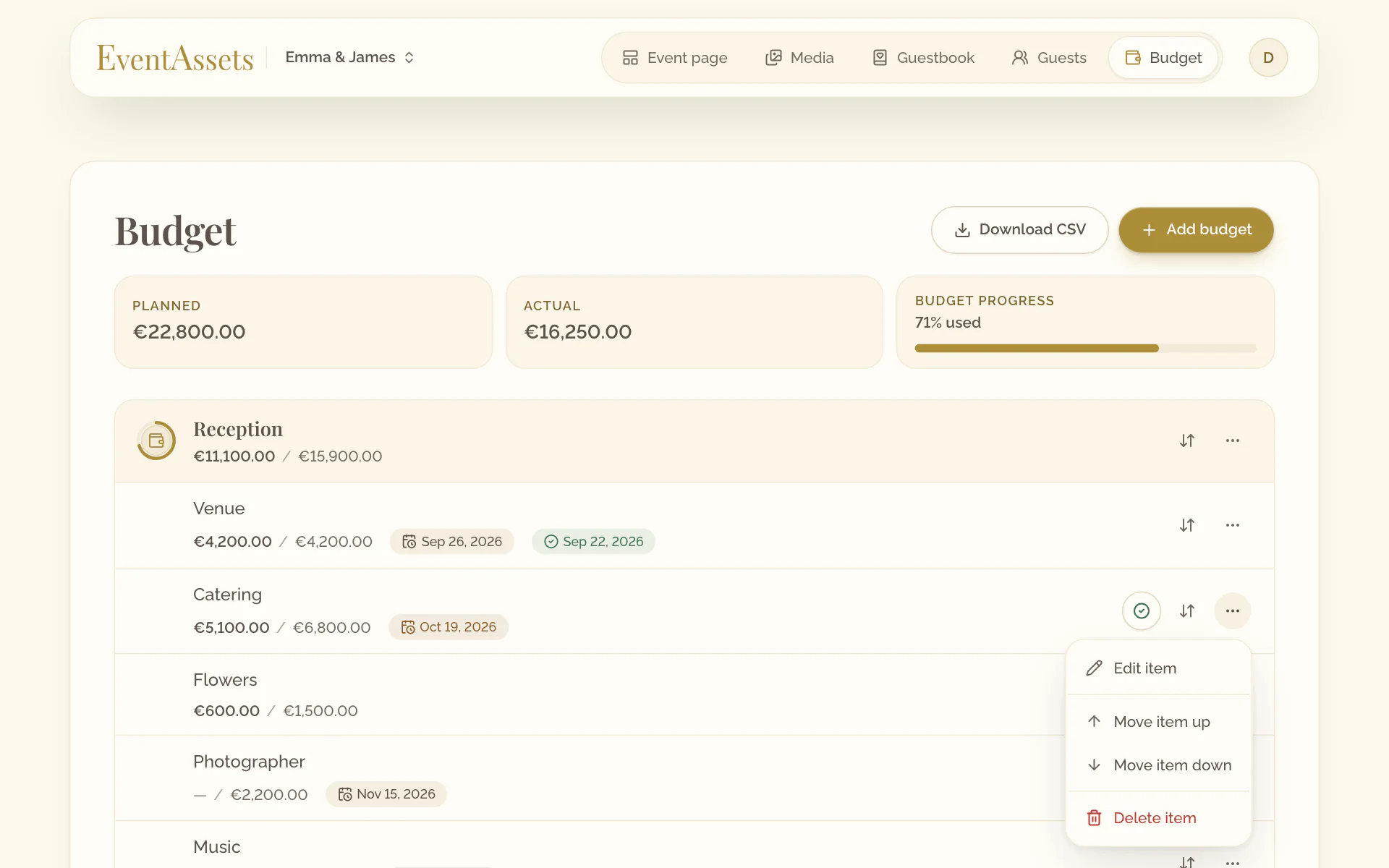
- Select the budget to rename it, or the item to edit it.
- Change what you need and select Save.
- To change the order, open the menu at the end of the row and select Move budget up, Move budget down, Move item up or Move item down.
Delete a budget or an item
- Open the menu of the budget or the item.
- Select Delete for a budget or Delete item for an item.
- Confirm.
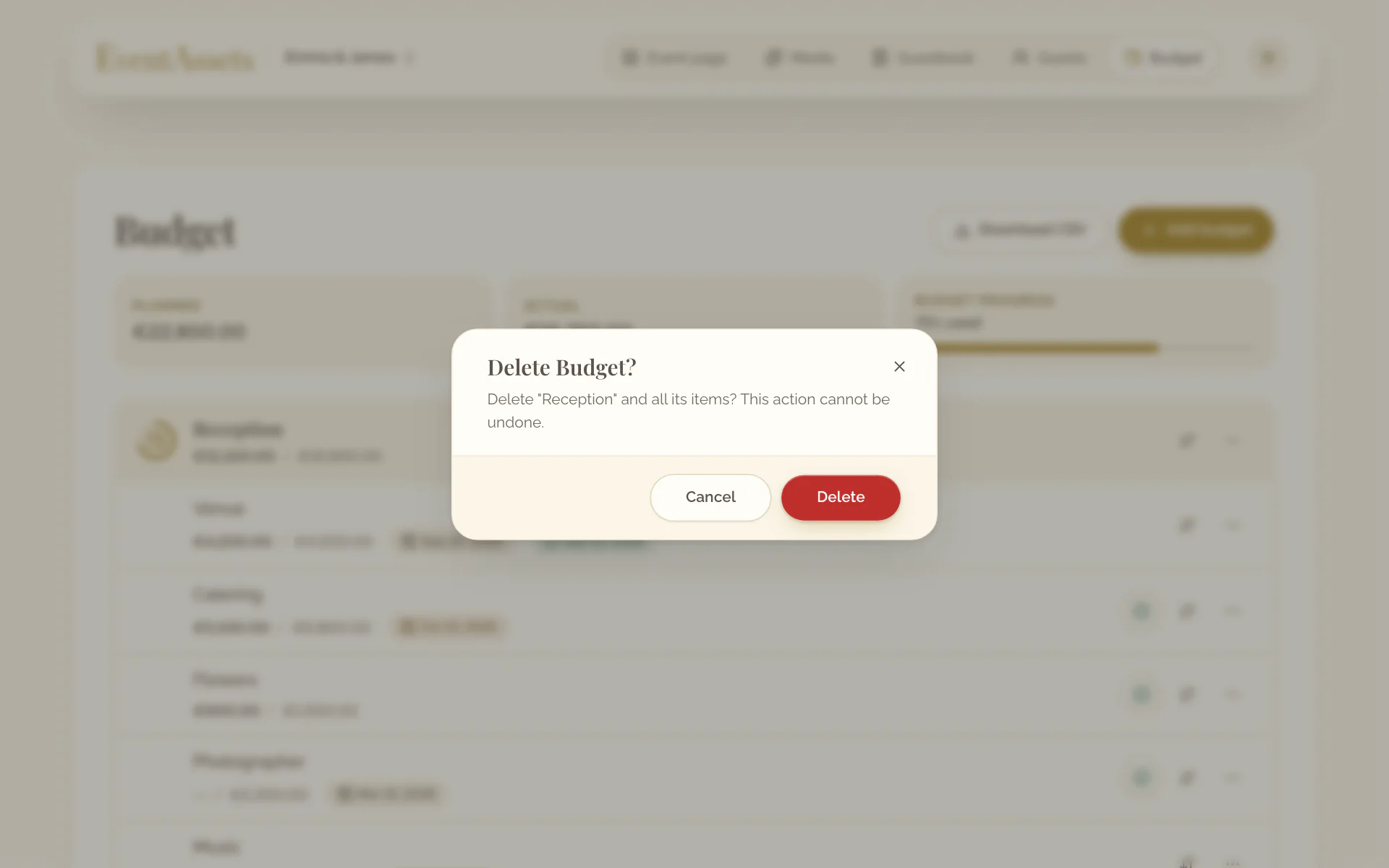
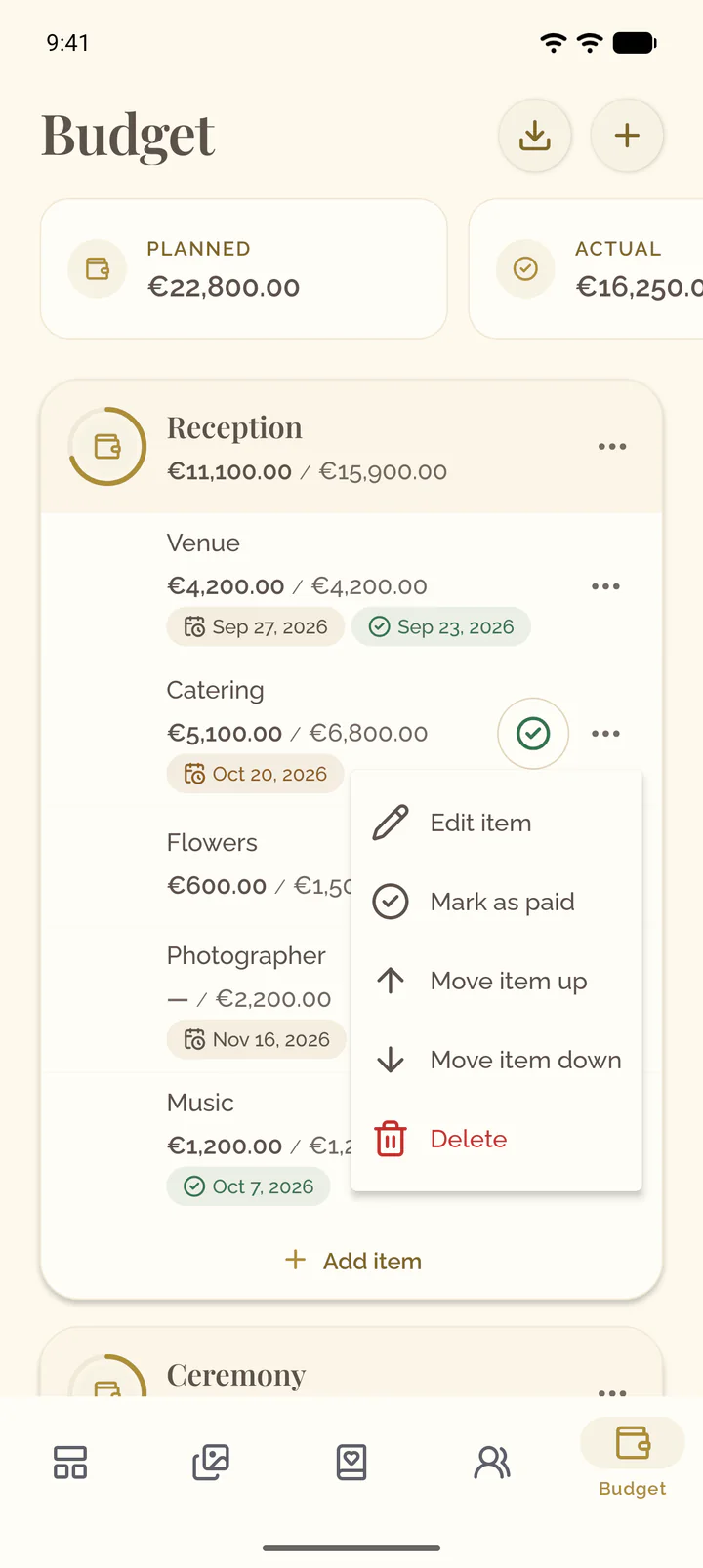
- Open the menu at the end of the row of the budget or the item.
- Select Delete. An item can also be swiped aside to delete.
- Confirm.
Read the totals
The tiles above the budgets show Planned and Actual over all budgets. Budget progress shows how much of the planned amount is used, and by how much you are over it.
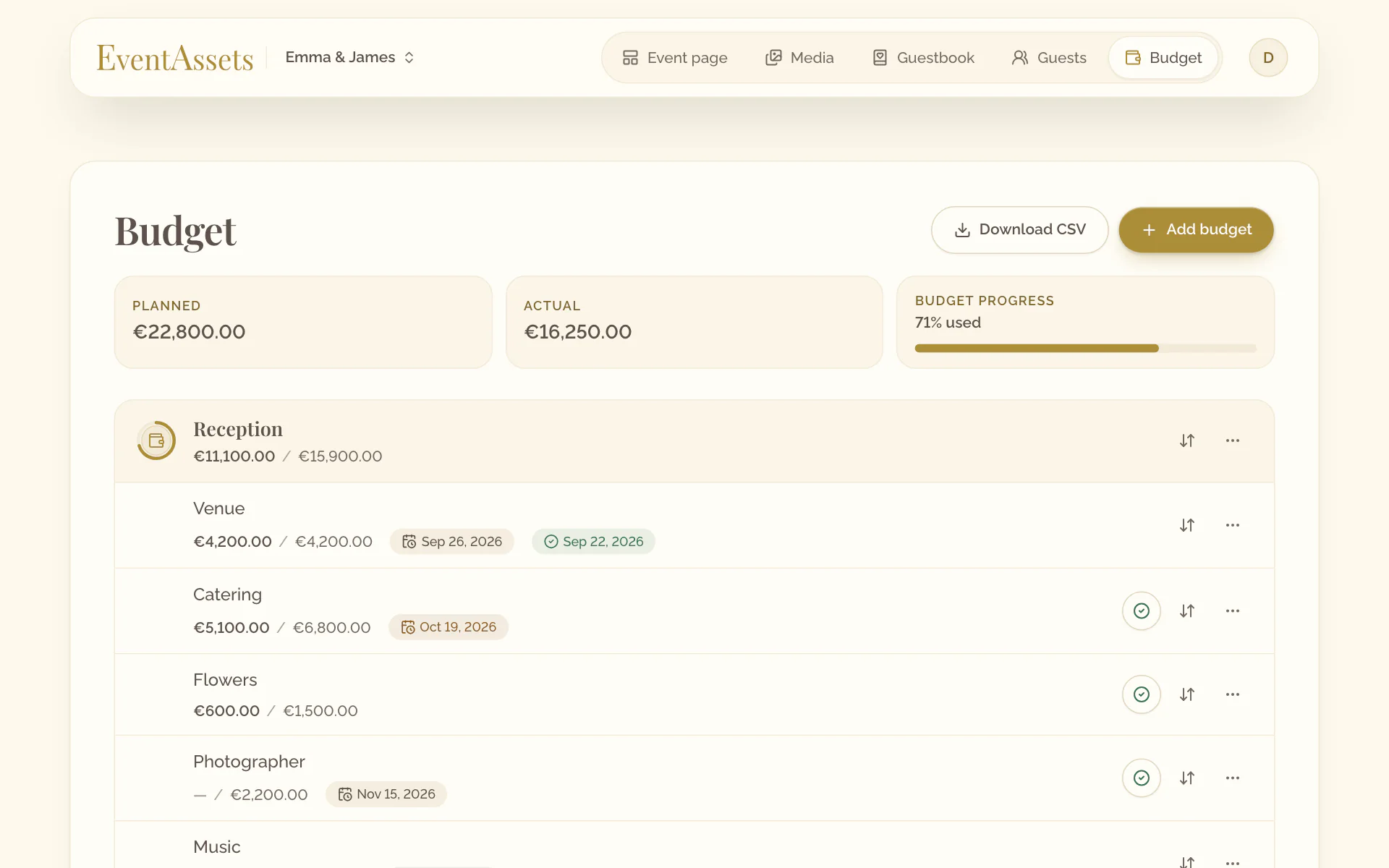
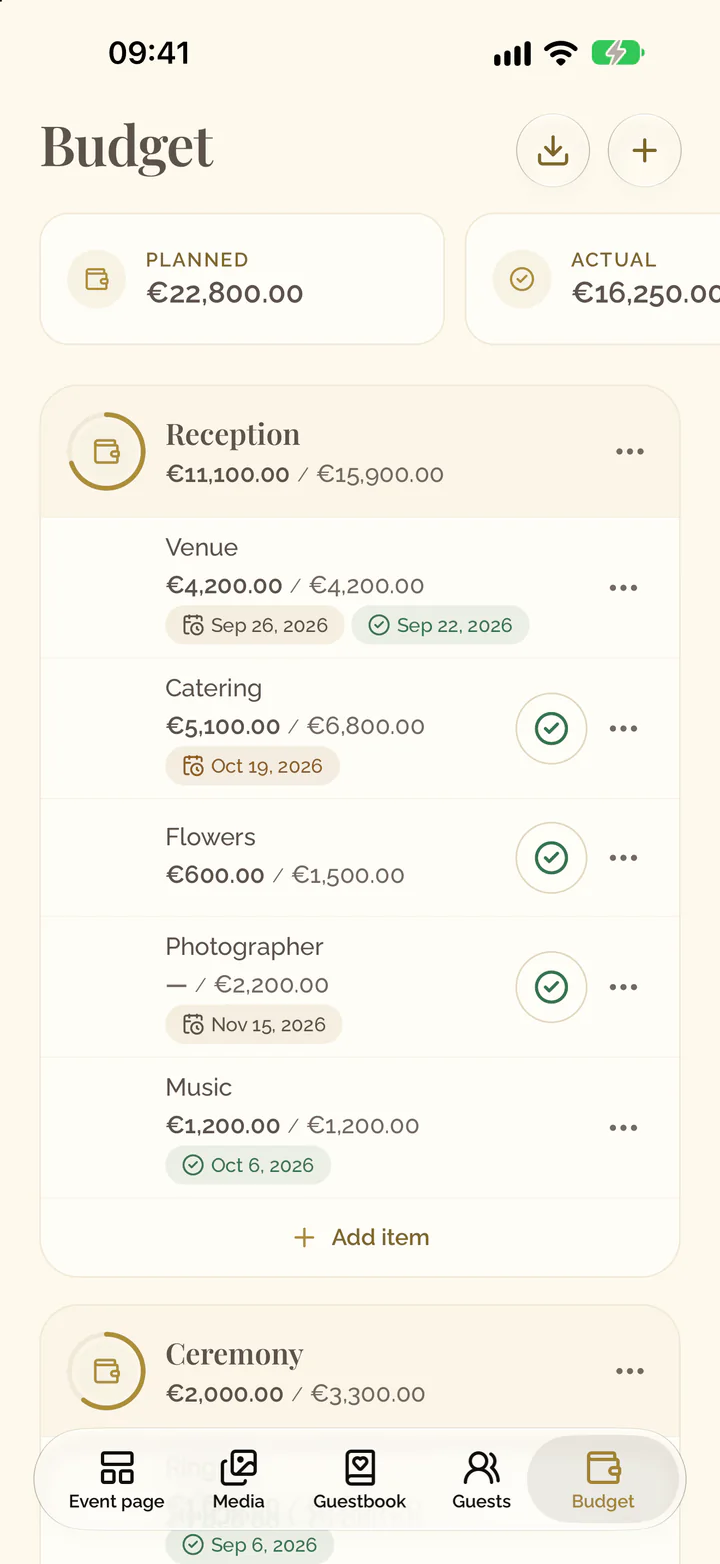
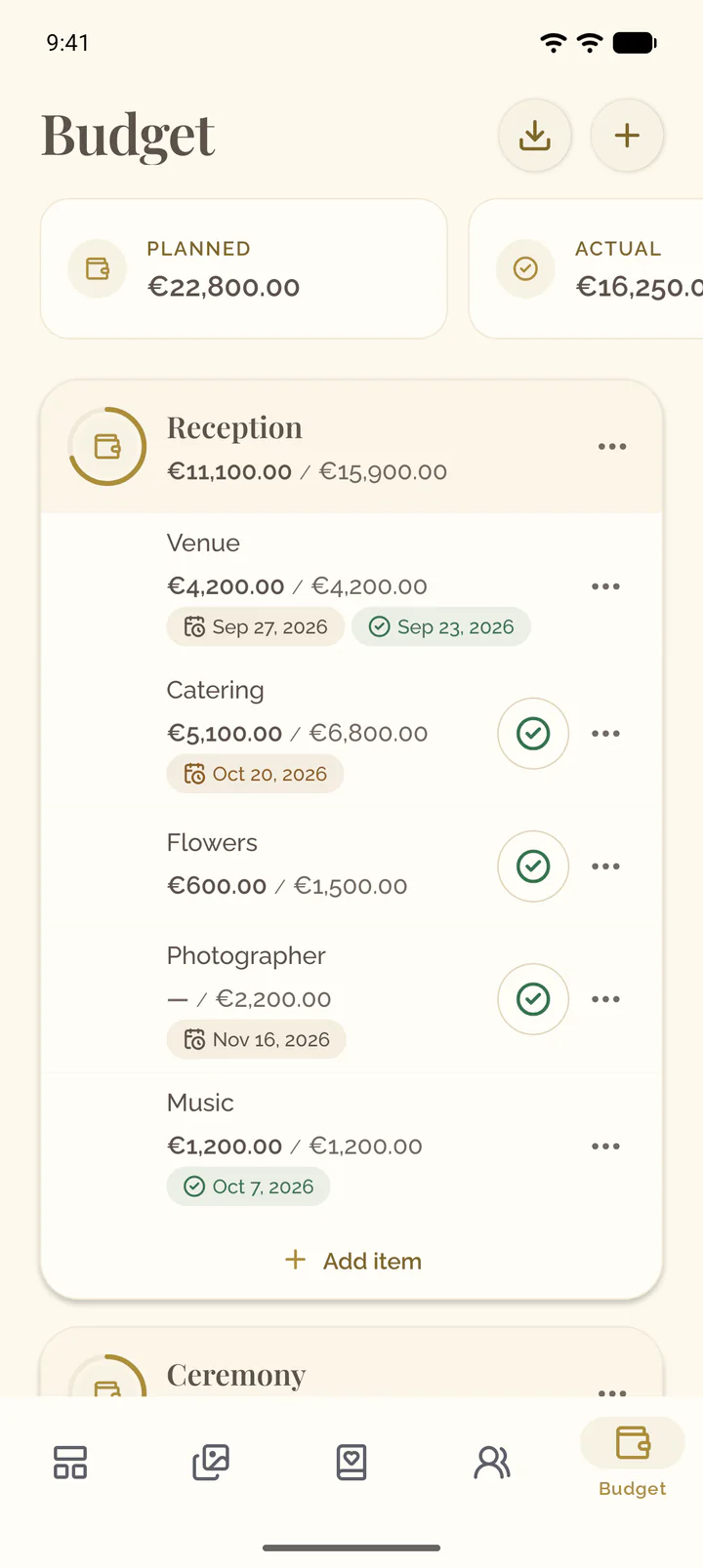
The tiles above the budgets show Planned and Actual over all budgets. Swipe the row to Budget progress: it shows how much of the planned amount is used, and by how much you are over it.
Export the budget
- Open the Budget tab of the event.
- Select Download CSV.
- Open the Budget tab of the event.
- Select the download button at the top of the screen. The file is handed to the apps on the phone: save it or send it on.