
One page for your whole event, in the look of your day
Choose a template, set your colours and fonts, and add what your guests need to know: the details, the plan and the place, with RSVP, the gallery and the guestbook on the same page. Guests open it from one link or QR code.
Free to set up · Switch templates any time · No app for guests

From a name to a finished page in three steps
Your page is there as soon as your event is. You choose how it looks and what stands on it.
Choose a template
Start with a template made for your occasion. It brings its palettes and a pair of fonts, and you can try another on your own page before you switch.
Add what guests need
The details, the agenda and the place fill their sections. Add text of your own, a countdown, questions and answers, links or photos wherever they belong.
Share one link
Guests open the page from a link or a QR code styled to match. RSVP, the gallery and the guestbook are part of the same page.
A look made for the occasion
A wedding does not look like a conference, and neither should their pages. Each template sets the cover, the name and the chapters in its own way.
For every occasion
Templates for weddings, parties, private events, corporate events and trips. Narrow the gallery by occasion and by style, from elegant to playful.
Tried on your own page
Open a template to see your own page in it, with your covers and your text, before anything changes.
Your content stays
Switching the template changes the look alone. Every section, every block and every chapter stays where you put it.
Complete without a photo
Every template is a finished page before you have a cover, and takes yours as soon as you add it.

Your colours, your fonts, your code
A template is where the look starts. From there the page takes the colours and fonts you choose, down to the QR code that leads to it.
A palette, or two colours of your own
Every template comes with palettes made for it. Choose one, or set the background and the accent yourself.
One font for headings, one for text
Each template starts with a pair chosen for it. Change either one and the whole page follows.
Tabs or one long page
Set your chapters behind tabs, or under each other on one page that scrolls.
A QR code and cards to match
The code takes the palette’s colours, a shape of your choice and your own image in its centre. Print it on cards in the same design, for the tables, the guestbook or the RSVP.
Say what your guests need to know
Beside its sections, the page holds whatever you add: blocks of your own, arranged in chapters you name.
Blocks of your own
Text, a quote, a countdown, questions and answers, links, photos and a divider. Add one after any other and edit it in place.
Chapters you name
Group what belongs together: the day, getting there, good to know. Move a block to another chapter, or a whole chapter earlier or later.
Hidden until it is ready
Hide a block or a section from guests while you work on it. It keeps its place on the page.
Undo and redo
Every change is saved at once, and every step can be taken back while you edit, on the web and in the app.


Everything else your event needs
Every feature works on the same event and the same guest list, included free.
Media Sharing
Collect every guest photo and video in one private gallery.
Guestbook
Messages and voice notes from your guests, right on your event page.
Guests & RSVP
Collect RSVPs on your event page with your own questions and deadline.
Seating Chart
Add your tables, seat your guests and let them find their table.
Budgeting
Track expenses, due dates, and payments in one place.


Everything your event page holds
Every template, every block and the whole design are part of the free plan.
Design
- Templates
- 22
- Palettes per template
- 3, or your own colours
- Fonts
- 21
- Chapters
- Behind tabs or on one page
Content
- Sections
- Details, agenda, location, RSVP, seating, gallery, guestbook
- Blocks
- Text, quote, countdown, questions, links, photos, divider
- Cover photos with slideshow
- Up to 10
- QR code styles
- 5, with your own image
Guests
- App or account
- None needed
- Way in
- One link or QR code
- Editing
- On the web and in the app
A page for every kind of event
The same page, set for the occasion: stationery for a wedding, a field of colour for a conference, the plan by day for a week away.
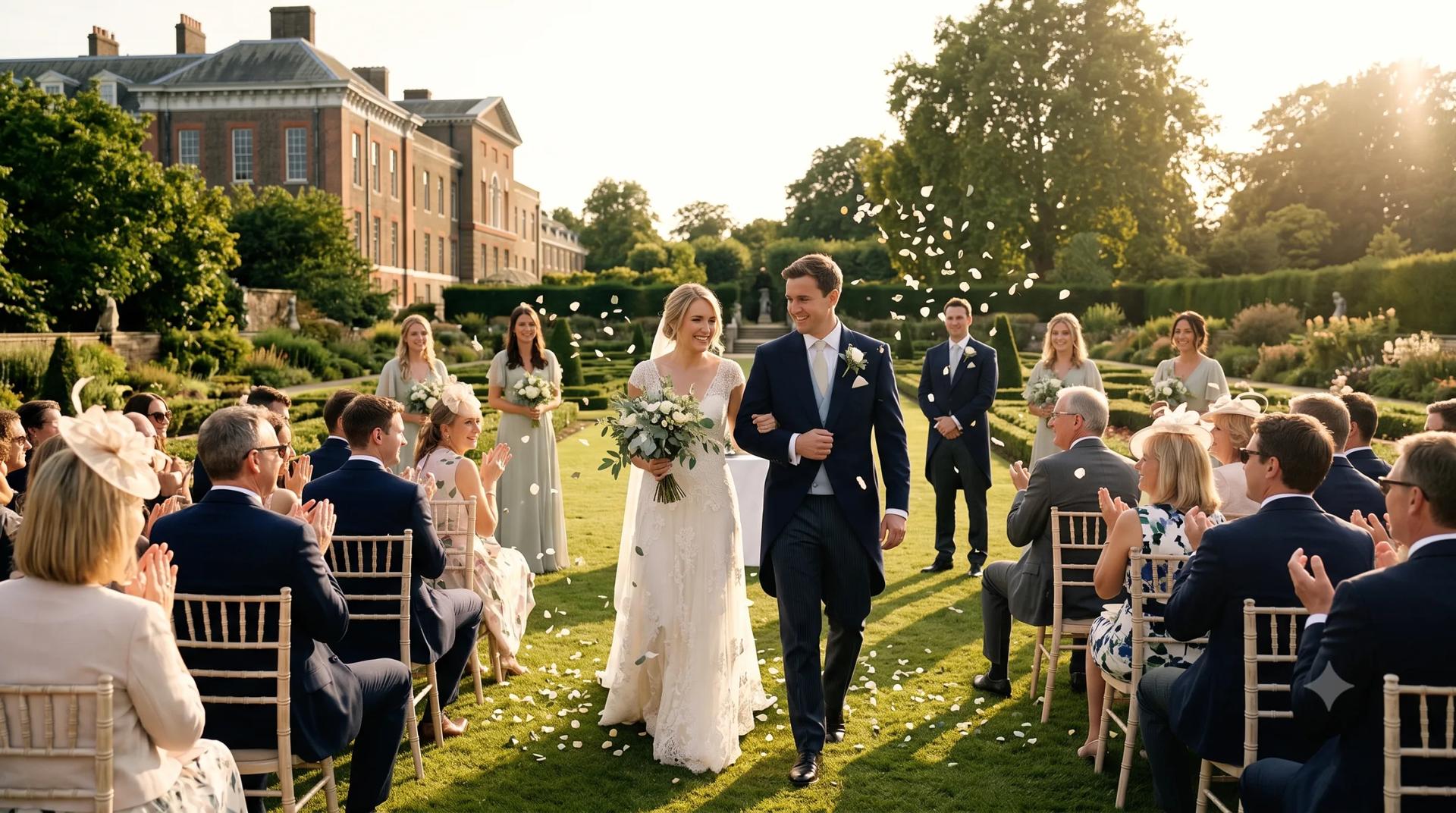
Weddings
The plan of the day, RSVP and the gallery in a look that goes with your stationery.
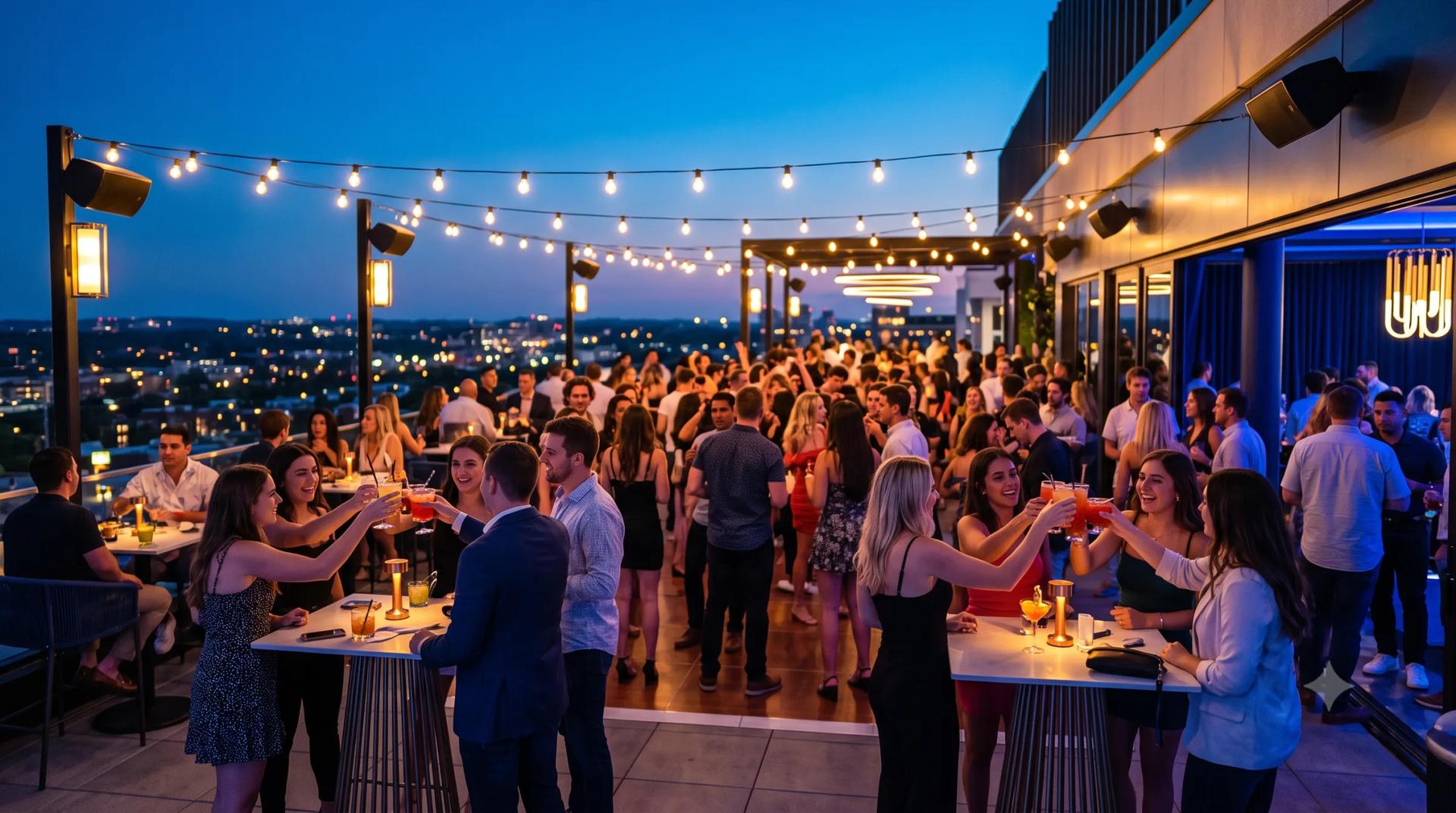
Parties
Dark and festive or bright and round, with the countdown on top and the photos after.
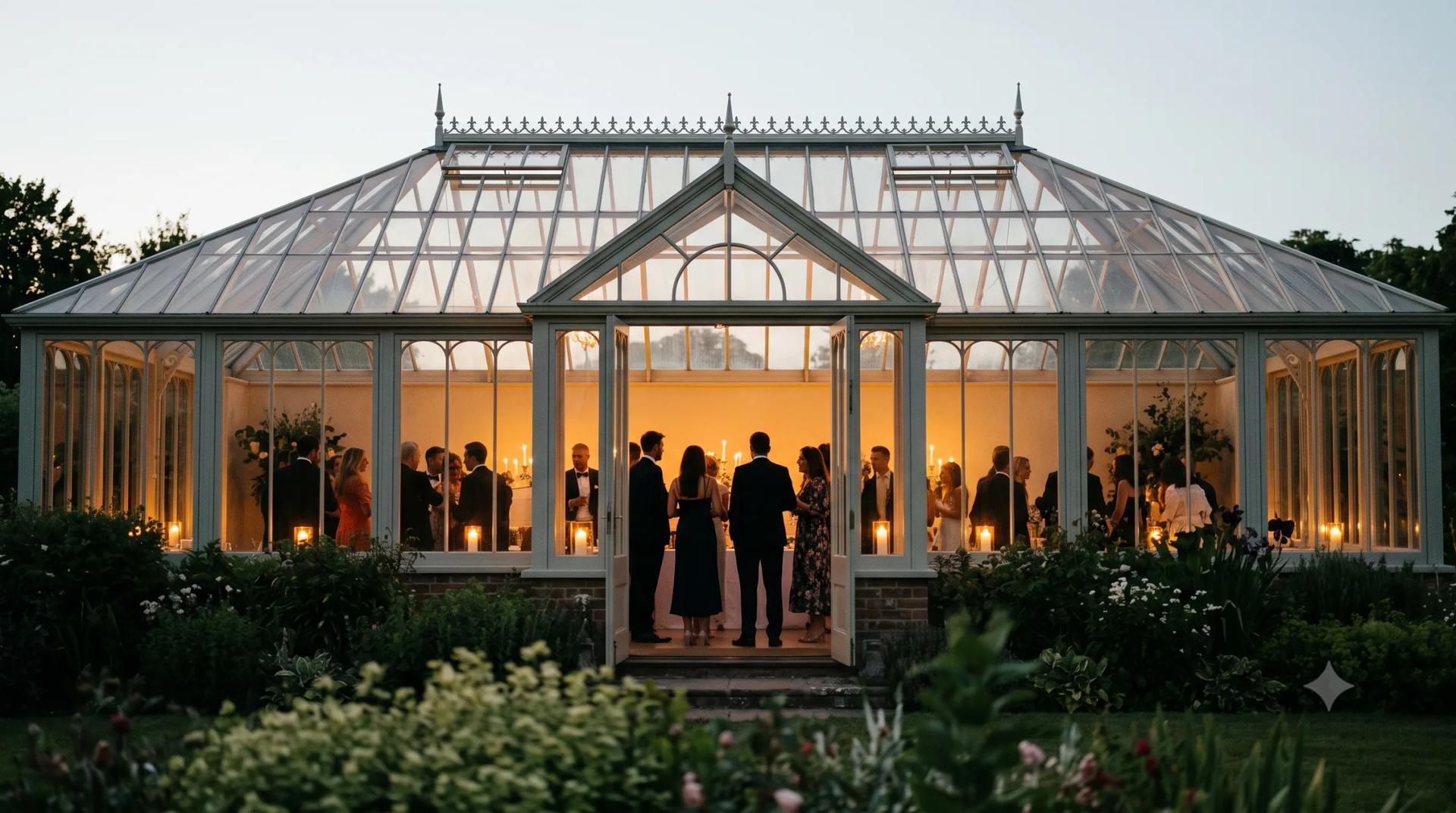
Private events
A quiet page for an anniversary or a christening that puts the occasion first.

Corporate events
The agenda, the venue and the questions attendees ask on a clear page that needs no photo.

Trips
The plan by day, the links everyone needs and the photos of the week in one place.
Event page, questions answered
Event page
Media Sharing
Still have questions? Browse all FAQs