
Connect AI assistants
Connect Claude, ChatGPT or another AI assistant to manage your events by chat, see what it can do, and disconnect it.
Steps for
EventAssets has an MCP server: an AI assistant you connect to it reads and changes your events for you, in the chat. How it works and which assistants it supports is on the page EventAssets MCP server.
Connect an assistant
- Open My Account.
- Under AI assistants, select your assistant. For another assistant, select Copy connector URL.
- Add the connector in your assistant, as described below.
- In the browser window that opens, sign in if asked and select Allow access.
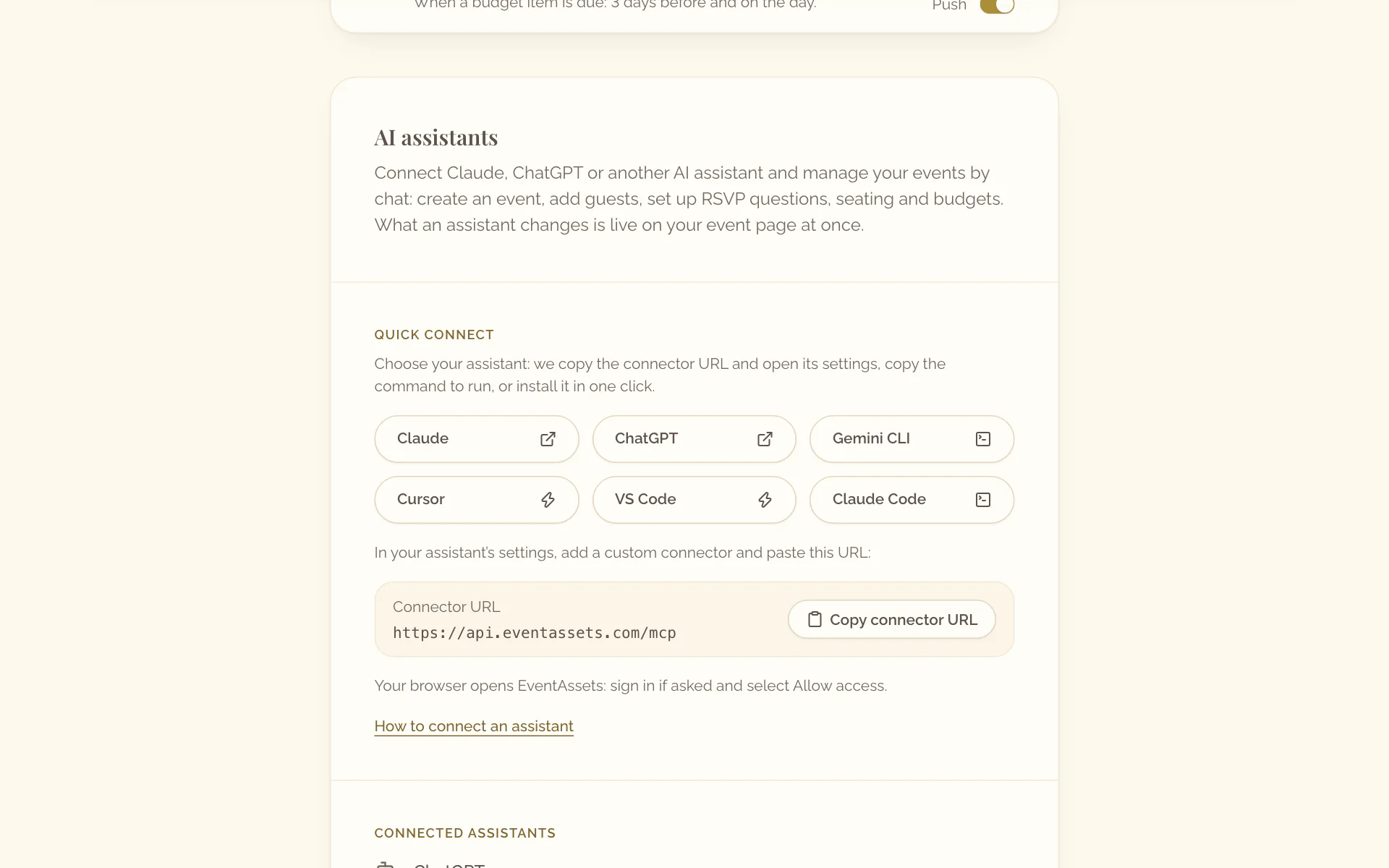
- Open My Account and scroll to AI assistants.
- Select Share connector URL and send the URL to the computer on which you use your assistant.
- On that computer, add the connector in your assistant, as described below.
- In the browser window that opens, sign in if asked and allow access.
How each assistant adds the connector https://api.eventassets.com/mcp:
- Claude: in "Settings", open "Connectors", select "Add custom connector" and paste the URL.
- ChatGPT: in "Settings", open "Apps & Connectors", turn on developer mode, create a connector and paste the URL.
- Claude Code: run
claude mcp add --transport http eventassets https://api.eventassets.com/mcpin a terminal, then sign in when asked. - Gemini CLI: run
gemini mcp add --transport http eventassets https://api.eventassets.com/mcpin a terminal, then sign in when asked. - Cursor and VS Code: select their button under AI assistants in My Account on the web. The editor opens; confirm the connector there.
See and disconnect assistants
- Open My Account.
- Under Connected assistants, find the assistant. Each one shows when it was connected and when it was last used.
- Select Disconnect beside it.
- Confirm with Disconnect.
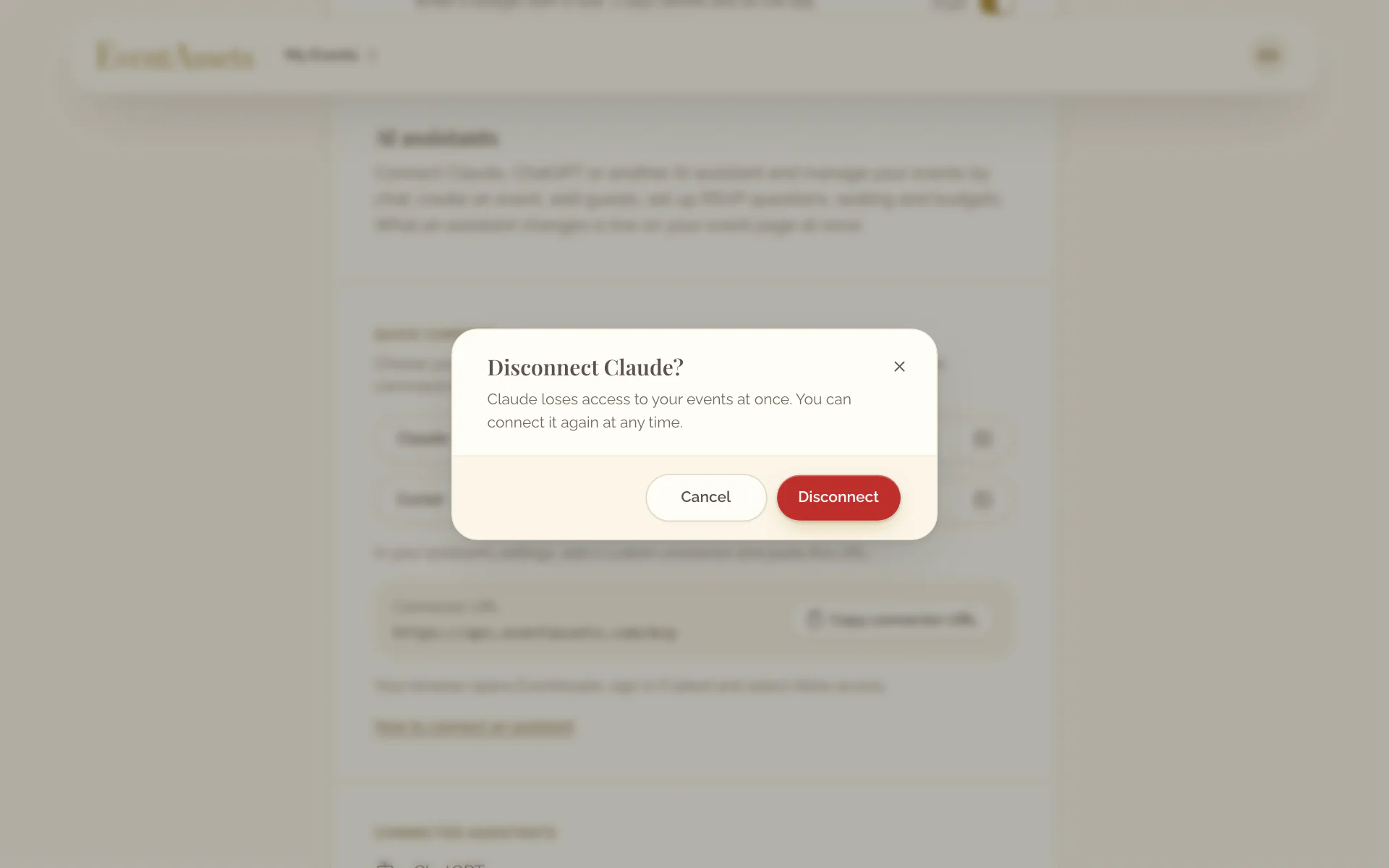
- Open My Account and scroll to AI assistants.
- Under Connected assistants, select Disconnect beside the assistant and confirm.
What an assistant can do
An assistant works on your events as you do, in the chat:
- Read your events, create them, change them and delete them: the name, the description, the dates and time zone, the RSVP deadline, the location, and the fonts and colors of the event page.
- Show, hide and order the sections of the event page: About, Agenda, Location, Photos & Videos, RSVP, Seating and Guestbook.
- Add guests in bulk with their companions, change a guest's reply, party or table, and remove guests.
- Set up RSVP questions: text, number, single choice and multiple choice.
- Add, change and remove agenda items.
- Add, change and remove seating tables, and seat guests at them.
- Create budgets and budget items with their amounts, due dates and paid dates.
- Approve, hide, move and delete photos and videos, organize albums, and prepare a download of the gallery.
- Approve, hide and delete guestbook entries.
It cannot upload photos, videos, covers or the image of a QR code, pay or upgrade an event, or change your account settings. For uploading and upgrading, it gives you a link that opens the right place in EventAssets. EventAssets sends your guests nothing: an assistant sends no invitations.