Wedding website: what to put on it, and in what order
What a wedding website needs and in what order: the day at a glance, the schedule, getting there, replies, questions and photos, with wording and a checklist.
What a wedding website is for
A wedding website has one job: to answer the questions your guests would otherwise send you one by one. When is it, where is it, what time should we be there, can we bring the children, where do we park, what do we wear, how do we reply. Everything else is pleasant and optional.
That order of importance should be the order of the page. A guest opens it three or four times: when the invitation arrives, when they reply, the week before, and on the morning itself, standing in a hallway with one shoe on. Each time they are looking for one fact. A website that makes them scroll past six paragraphs to find the start time has failed at its job, however pretty it is.
The first screen: who, when, where
The top of the page carries three things and nothing more: your names, the date, and the place. One photograph of the two of you is enough; it tells people they are in the right place.
Write the date in full, with the weekday and the year, and name the town as well as the venue. "Saturday, 14 August 2027, Kensington Palace, London" cannot be misread; "14.08." can, and "the Orangery" means nothing to a cousin flying in. If the celebration runs over several days, say so here.
The order of the rest
After the first screen, set the page out in the order guests need it. Short chapters with plain names work better than one long text, because people come back to find one thing.
- The day: the schedule with times. When to arrive, when the ceremony starts, when dinner is served, when the evening ends. Give the arrival time, not only the ceremony's.
- Getting there: the address as it should be typed into a map, where to park, the nearest station, and whether you have arranged a shuttle or taxis for the way back.
- Where to stay: two or three places at different prices, with any group rate and the date it runs out.
- Your reply: how to answer and by when. Put the deadline in the heading.
- Good to know: the questions everyone asks, each with a short answer. More on these below.
- Gifts: one or two sentences, if you want to say anything at all.
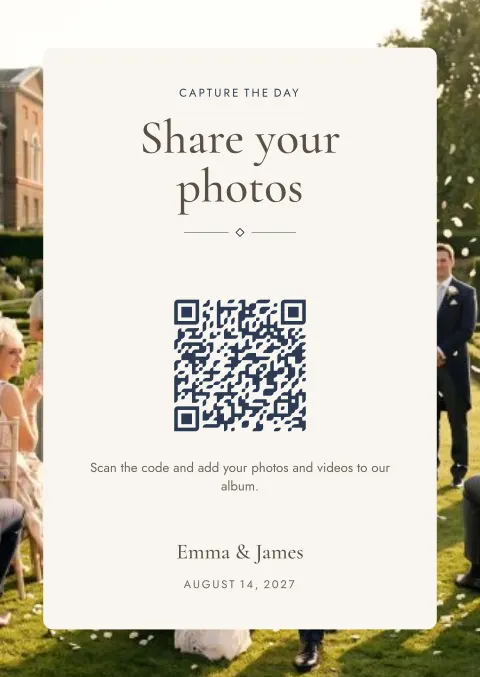
- Photos: where guests can add the pictures they take, and later where everyone finds them.
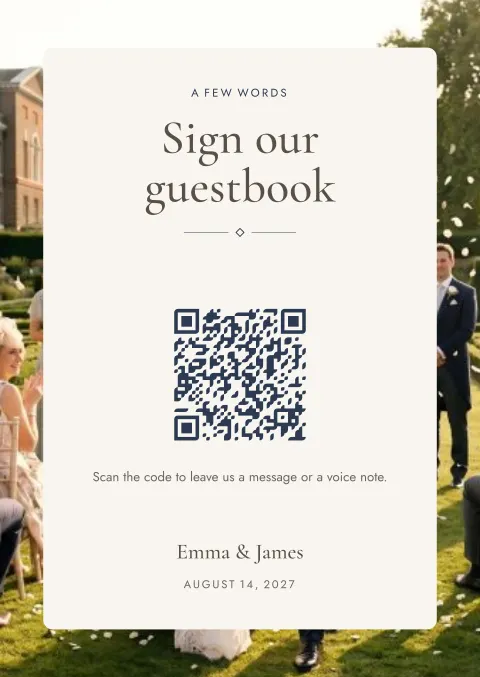
- A few words from you: the welcome, or the story, for the guests who like to read. It belongs near the end, not at the top.
Not every wedding needs every chapter. A wedding in your own town with forty guests can leave out where to stay; a weekend abroad needs it before anything else.
What to write, and what to leave out
Write the way you would tell a friend on the phone: short sentences, the fact first. "The ceremony starts at 2 pm. Please arrive by 1.30." is better than a paragraph that works its way there.
Leave out anything that only some guests are invited to. A page that mentions the Friday dinner tells everyone that there is a Friday dinner. If parts of the weekend are for a smaller circle, tell those guests directly.
Leave out private details too. A wedding website is found by whoever has its address, so the page needs no home addresses, no phone numbers of relatives and no bank details in plain view. A contact address for questions is enough.
The questions every guest asks
A short list of questions and answers saves you most of the messages you would otherwise get. These come up at nearly every wedding:
- Can I bring someone? Say that the invitation names everyone you have a place for.
- Are children welcome? Answer plainly either way, and mention a babysitter or a children's table if there is one.
- What should I wear? Name the dress code and add one practical line: whether part of the day is outdoors, on grass, or cold in the evening.
- Where do I park, and how do I get home? Even if it is in the chapter on getting there, guests look for it here.
- Can I take photos? Say whether phones should stay away during the ceremony, and where pictures are welcome afterwards.
- Do you have a gift list? One sentence, with a link if there is one.
- Who do I ask if something comes up? A name and one way to reach them, ideally not the two of you on the day.
Keep each answer to two or three sentences. If an answer needs more, it is a chapter of its own.
Choosing how it looks
The look should carry over from your invitation: the same colours, a typeface in the same spirit, the same level of formality. Guests should recognise the page as part of the same wedding as the card in their hand. A page that starts from a template made for weddings gets you most of the way, and your own colours and photograph do the rest.
Whatever you choose, read it on a phone before you share it, because that is where nearly every guest will open it. The date and the place should be readable without zooming, script lettering should stay for names and headings and never for times and addresses, and text over a photograph needs a calm part of the picture behind it.
If you keep your wedding in EventAssets, the event page comes with templates made for weddings, each shown on a demo wedding that you can open and restyle before you decide.
When to publish, and what changes over time
A wedding website is not finished on the day you share it. It moves with the wedding:
- With the save-the-date: names, date, place and where to stay. Guests who travel book early.
- With the invitation: the schedule, getting there, the reply and its deadline, the questions.
- After the reply deadline: take the deadline out of the heading and add what has been settled since, such as the menu or the shuttle times.
- The week before: the weather plan, the final times, a reminder of the dress code.
- On the day: where to find one's table, and where to add photos.
- Afterwards: a thank-you in place of the welcome, and the gallery with everyone's pictures.
One address for everything
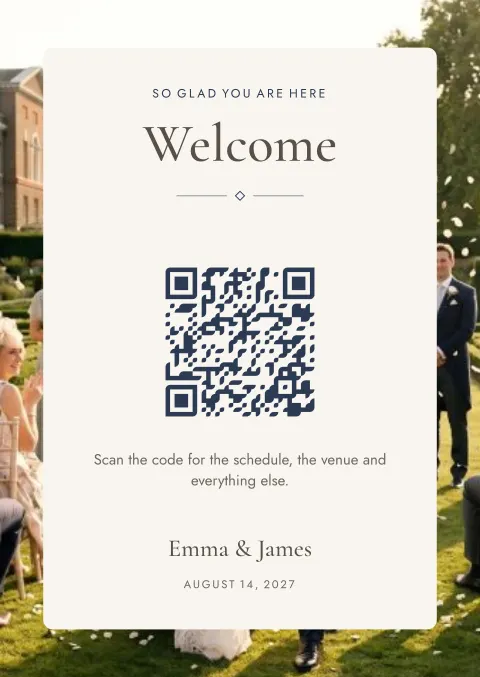
Give guests one address and repeat it everywhere: printed on the invitation, as a link in the message that goes with it, and as a QR code on the card and later at the venue. The guide to QR codes covers where a code earns its place and how to print it so every phone reads it.
Replies belong on the same page. A guest who has just read the schedule is in the best place to answer, and a reply that takes one minute gets sent the same evening; the guide to collecting RSVPs has the wording and the timing. In EventAssets, RSVP is a section of the same page.
A checklist
- The first screen says who, when and where, with weekday, year and town.
- The schedule gives an arrival time as well as the ceremony's.
- The address works when typed into a map.
- The reply deadline stands in its heading.
- The questions cover guests, children, dress, parking, photos and gifts.
- Nothing on the page is meant for only part of the guests.
- No private addresses, phone numbers or bank details.
- Every time matches the invitation and the contracts.
- The page reads well on a phone, at arm's length.
- The address is on the invitation, in the message and on a code.