One year of EventAssets: what the first events taught us
A year after EventAssets went live, its founder on what it was built for and what the first events confirmed: one page, one code, originals, private by link.
Why I built it
EventAssets went live in early October 2025. The idea behind it was simple, and it has not changed: after a celebration, the most personal record of the day is spread across dozens of phones.
The guests took the photos the photographer could not: the short videos of the speeches, the pictures from the table at the back. Almost none of them reach the hosts in a form they can keep. They are sent in a group chat, compressed, or not sent at all.
At the same time, everything guests need to know before the day was spread across messages too: the time, the address, the question of whether children are welcome, the deadline for replying. I wanted one place for both, before and after, that a guest can open without installing anything and without creating an account. That requirement shaped almost every decision since.
This is a short account of what the first year confirmed, written for the hosts who used it and for anyone wondering what kind of product this is.
The principles, side by side
Five principles came out of that requirement. Each asks something of the product so that it asks nothing of the guests:
| Principle | For the guests | For the hosts |
|---|---|---|
| One page, one code | One link and one QR code to remember | Before, during and after in one place |
| No app, no account | The page opens in the phone's browser | Nobody lost at the download step |
| Originals, not copies | Photos sent as they were taken | Pictures that print well years later |
| The host decides | A gallery someone trusted looked at | Uploads wait for approval when wanted |
| Private by link | No public feed, no search | The hosts choose whom to share it with |
The sections below take them one at a time.
One page, one code
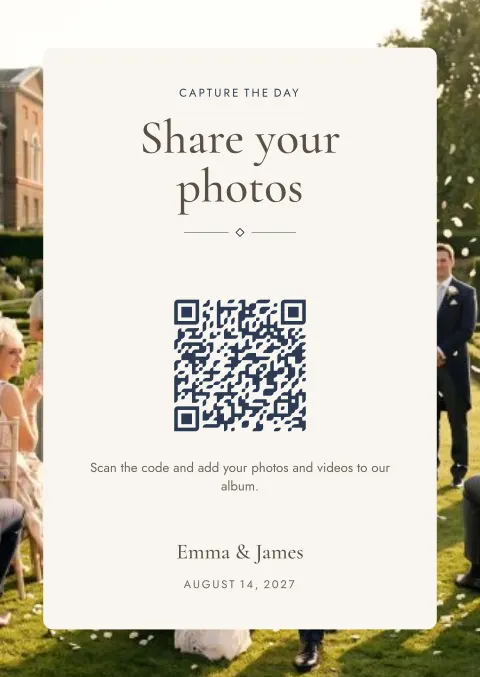
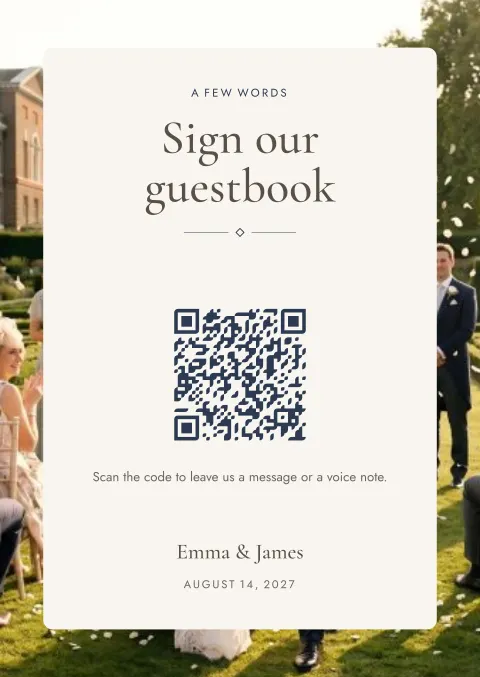
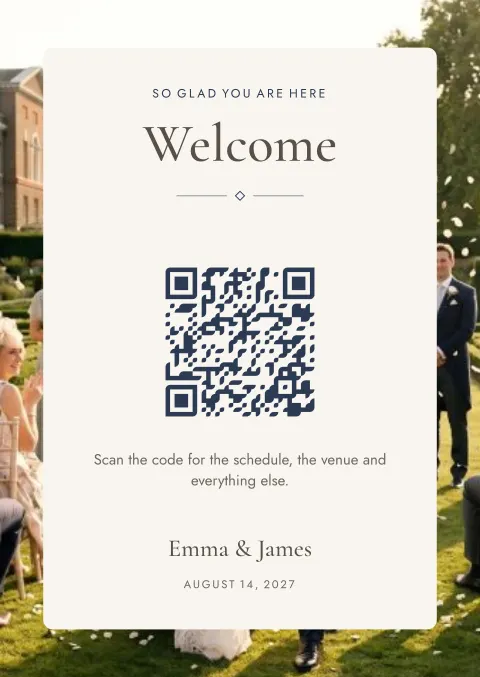
The first principle was that an event has one page and one code. Guests receive one link with the invitation and see one QR code at the venue, and both lead to the same place: the schedule before the day, the gallery on the day and after it.
It sounds obvious, and it turned out to matter more than any single feature. Every extra address loses guests at each step:
- a separate form for replies;
- a separate folder for photos;
- another app for the schedule.
When everything is behind one code, guests learn it once. The event page carries the agenda, the location and the replies; the gallery is part of the same page rather than a second destination.
No app, no account for guests
The second principle was that guests never install anything and never sign up. The hosts have an account; the guests have a link.
This is a trade-off, and I made it deliberately. An app could do more on the guest's phone, and an account would make some things easier for us. But a wedding guest who is asked to download an app at the bar will, more often than not, decide to do it later, and later rarely comes.
A page that opens in the phone's browser in a second removes that moment entirely. Everything EventAssets offers guests is built inside that limit.
Originals, not copies
The third principle is that photos and videos arrive as they were taken. A chat app compresses a photo to a fraction of its size and shortens videos; months later, those copies are what people print. When a guest uploads to the gallery, the original file is kept, so the host can print a picture from the dance floor years later in the quality it was taken.
Downloading follows from the same idea: the hosts can take everything home in one archive, sorted into the albums they created. The photos are theirs, and getting them out should never be harder than putting them in.
The host decides what is shown
Not every upload belongs in front of every guest. Hosts need a moment to look before the gallery goes out, for:
- a blurred frame;
- a duplicate;
- a screenshot sent by mistake;
- a picture someone would rather not see published.
So uploads can wait for the host's approval, and the host can remove a picture at any time. This is less about technology than about trust. Guests share more freely when they know that someone they trust looks at the gallery before everyone else does.
Private by link
The fifth principle is privacy without ceremony. An event page is reached through its link or its code, not through a public feed or a search. Hosts decide whom they share it with. That keeps a family celebration within the family without asking guests to manage passwords.
The guest list belongs next to the page
From the start, the guest list and the replies have lived next to the page, not in a separate tool. Hosts add the people they invite, grouped by household, and guests answer for each name on the page, with any questions the hosts want to ask and a deadline everyone can see.
The count the caterer needs is the count on the page. The guide on collecting replies online describes the approach in detail.
What stays the same
A year in, the principles are the ones I started with:
- one page and one code per event;
- nothing to install for guests;
- originals rather than copies;
- the host in control of what is shown;
- privacy by default.
New things will be added around them; the principles are what I will keep.
If you are planning an event, the easiest way to see what this means is to create one. It takes a minute, and your guests will need nothing but the link.