
Add an event location
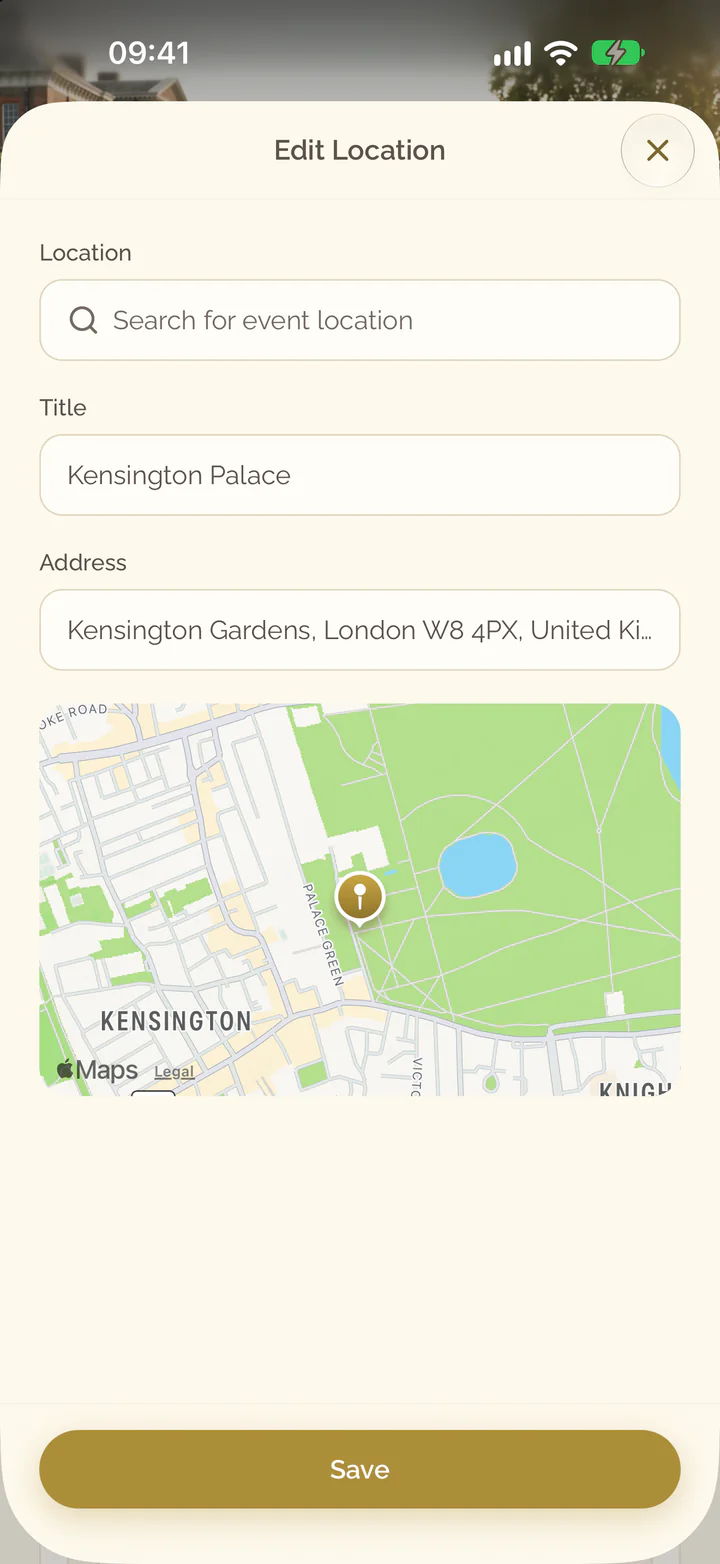
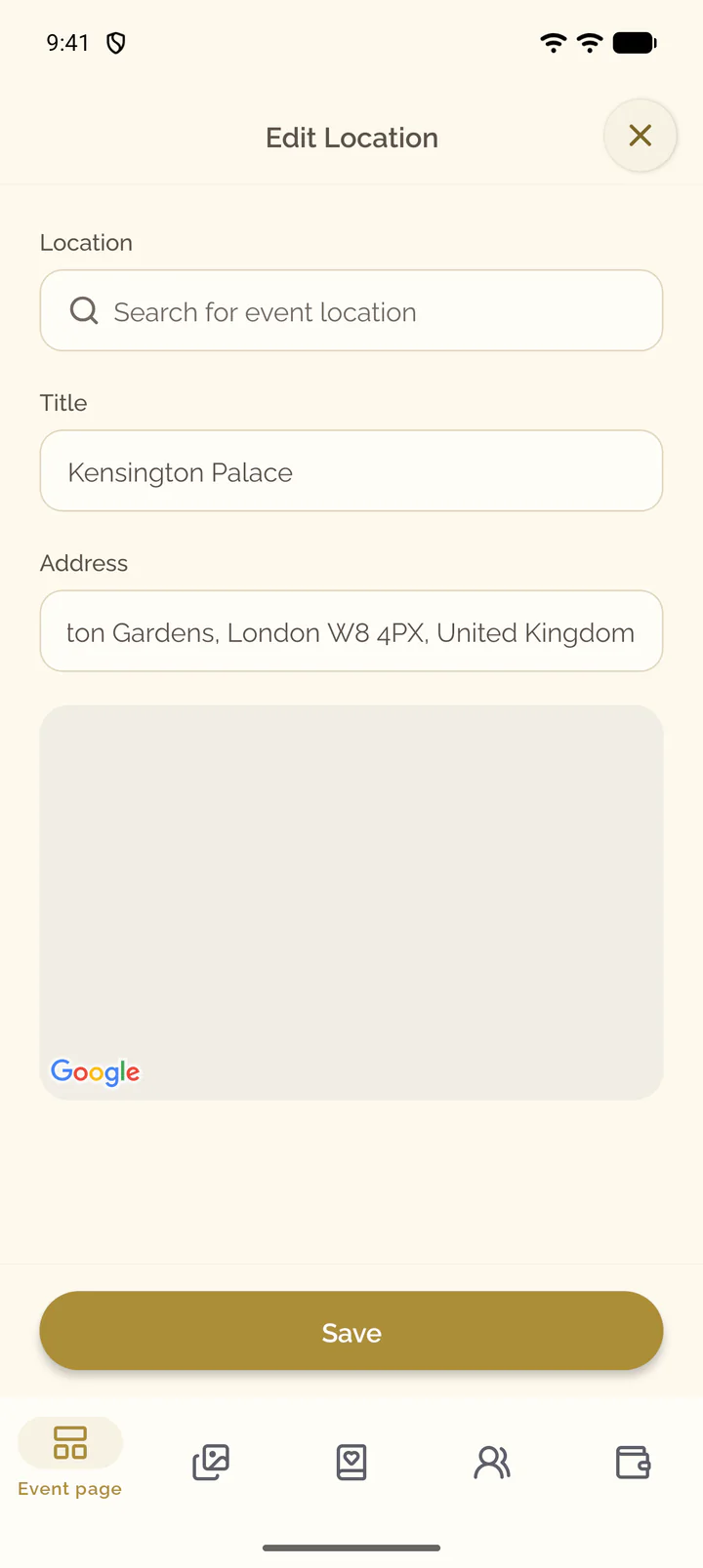
Find the place of your event, set its title and address, and show it to guests on a map.
Steps for
Add the location
- Open the Event page tab of the event.
- On the card Location, select Add.
- Type the name or the address of the place into the search field and choose a result.
- Check Address. Enter a Title if guests know the place by a name.
- Select Save.
- Open the Event page tab of the event.
- Scroll to the end of the page and tap the row Location.
- Type the name or the address of the place into the search field and choose a result.
- Check Address. Enter a Title if guests know the place by a name.
- Select Save.
Change the location
- On the section Location, select Edit Location.
- Search for another place, or change Title and Address.
- Select Save.
On a phone, Edit Location stands in the menu of the section, Actions for Location.
- On the card Location, select the three dots, then Edit Location.
- Search for another place, or change Title and Address.
- Select Save.
Remove the location
- Open the actions of the section and select Remove Location.
- Confirm with Delete.
- On the card Location, select the three dots, then Remove Location.
- Confirm with Remove Location.
What guests see
Guests see the title, the address and a map with a marker in the primary color of your design. Open in Maps opens the place in their maps app, where they get directions.