
Build an event agenda
Add the moments of your event with their times, edit them, and delete what has changed.
Steps for
Add an agenda item
- Open the Event page tab of the event.
- On the card Agenda, select Add. Once the section exists, select Add Agenda Item on it.
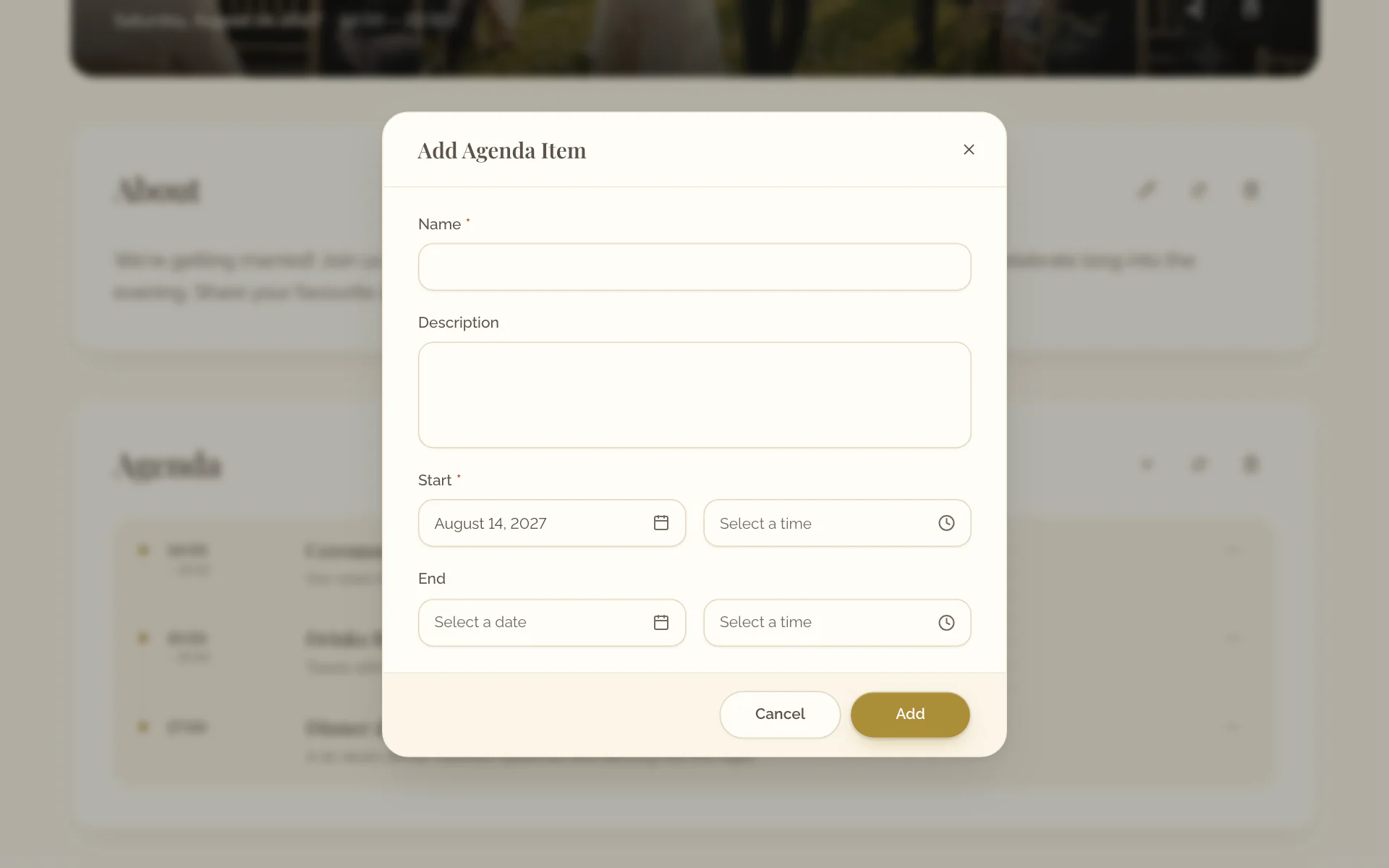
- Enter Name and Start. Description and End are optional.
- Select Add.
- Open the Event page tab of the event.
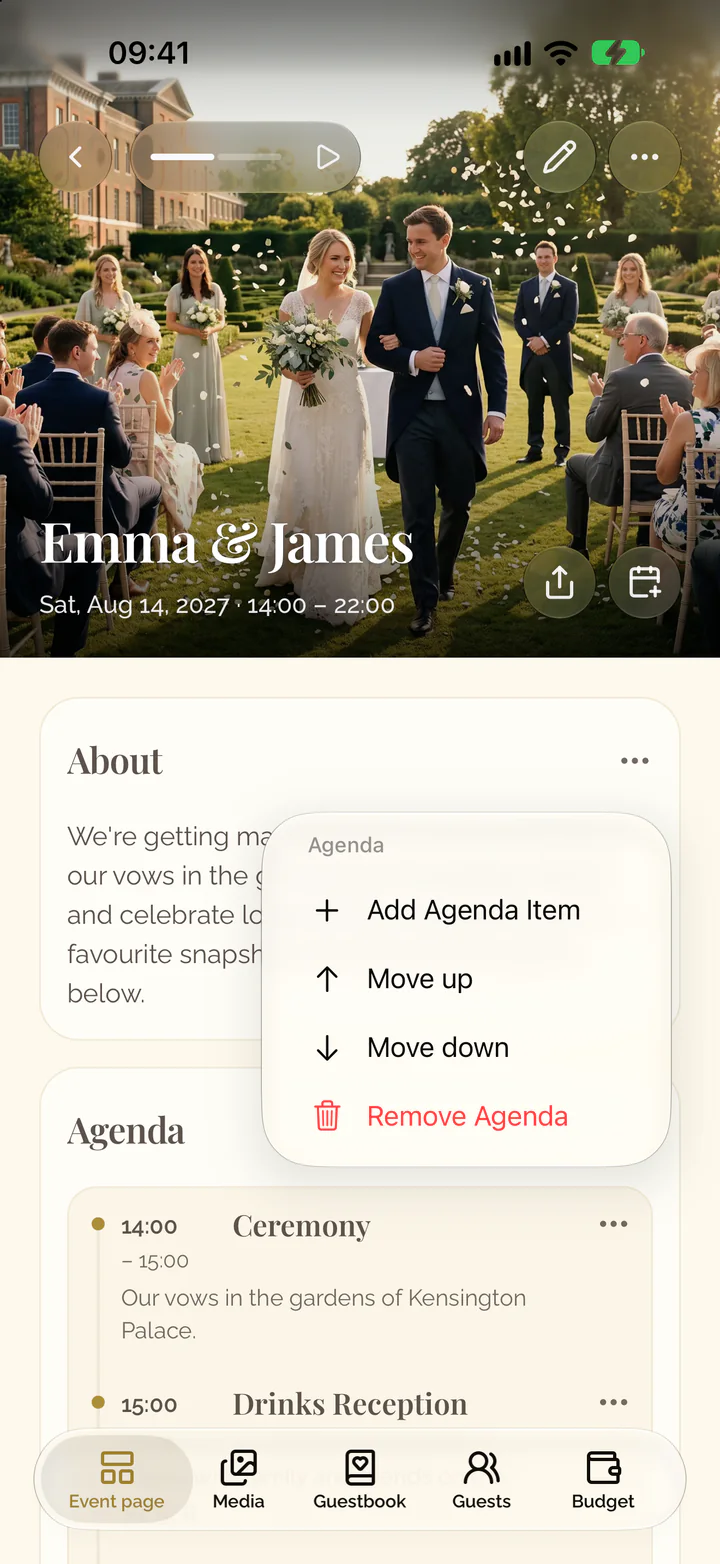
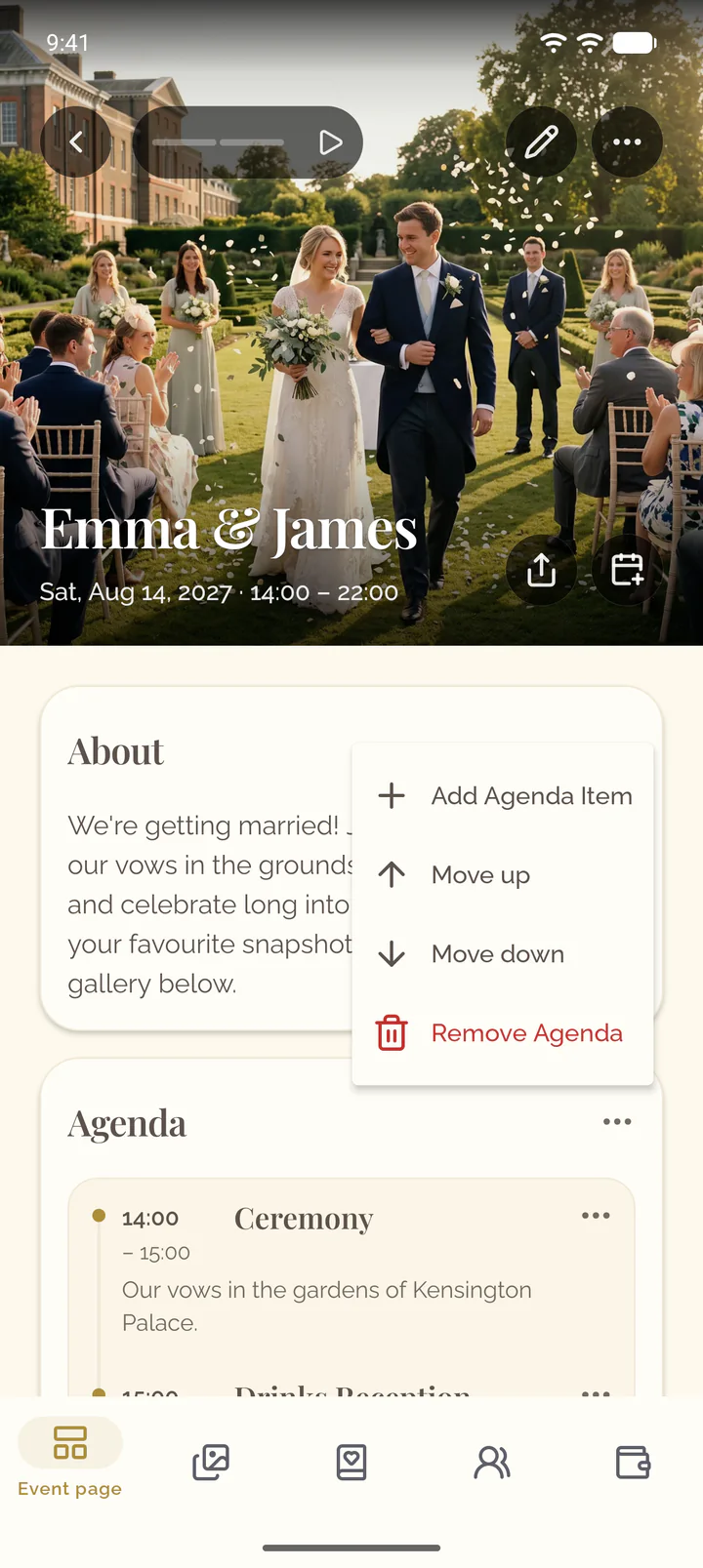
- On the card Agenda, select the three dots, then Add Agenda Item. Without an agenda yet, tap the row Agenda at the end of the page.
- Enter Name and Start. Description and an end, set with Add end time, are optional.
- Select Add.
Edit an item
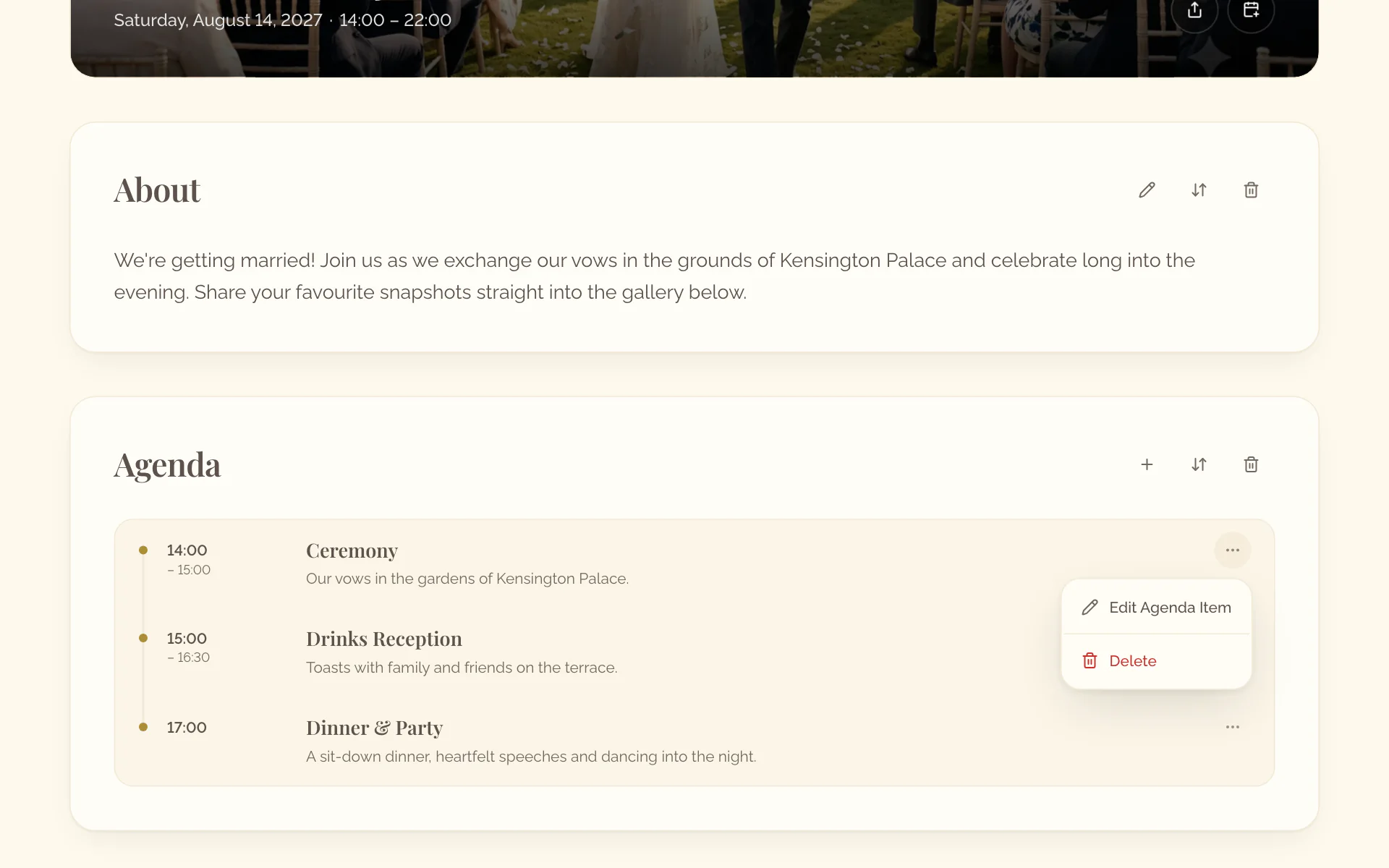
- Open the menu of the item, for example Actions for Dinner.
- Select Edit Agenda Item.
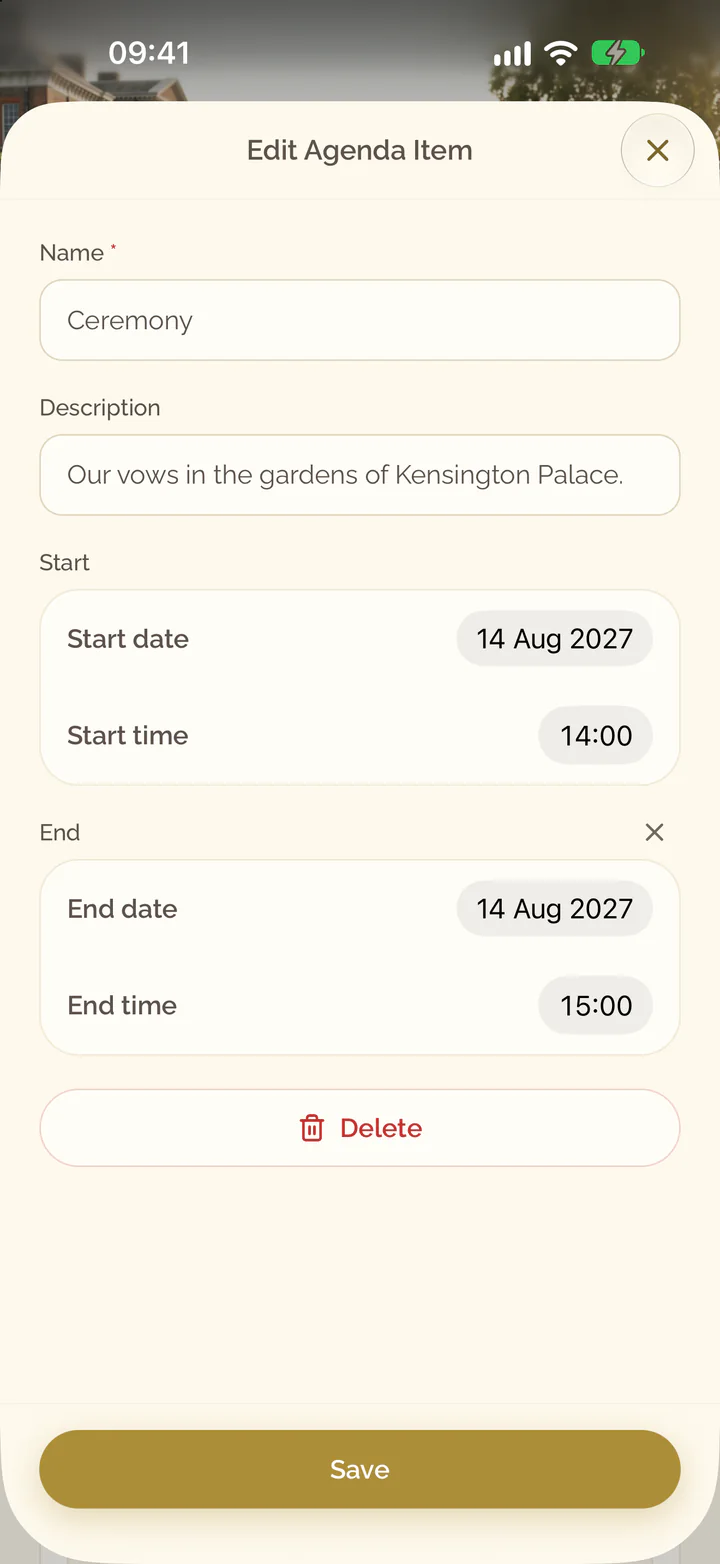
- Change the item and select Save.
- Tap the item on the card Agenda.
- Change the item.
- Select Save.
Delete an item
- Open the menu of the item.
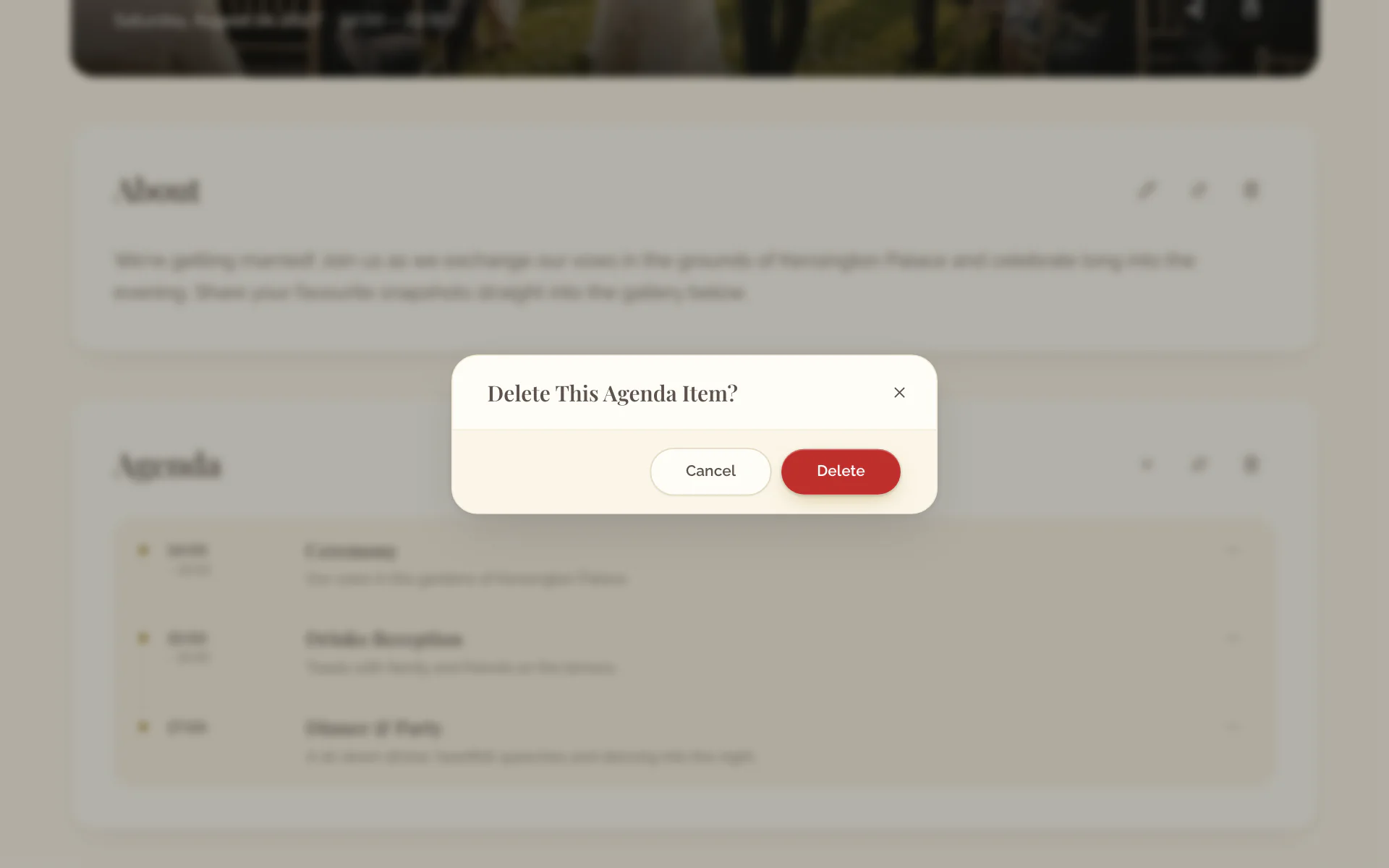
- Select Delete and confirm.
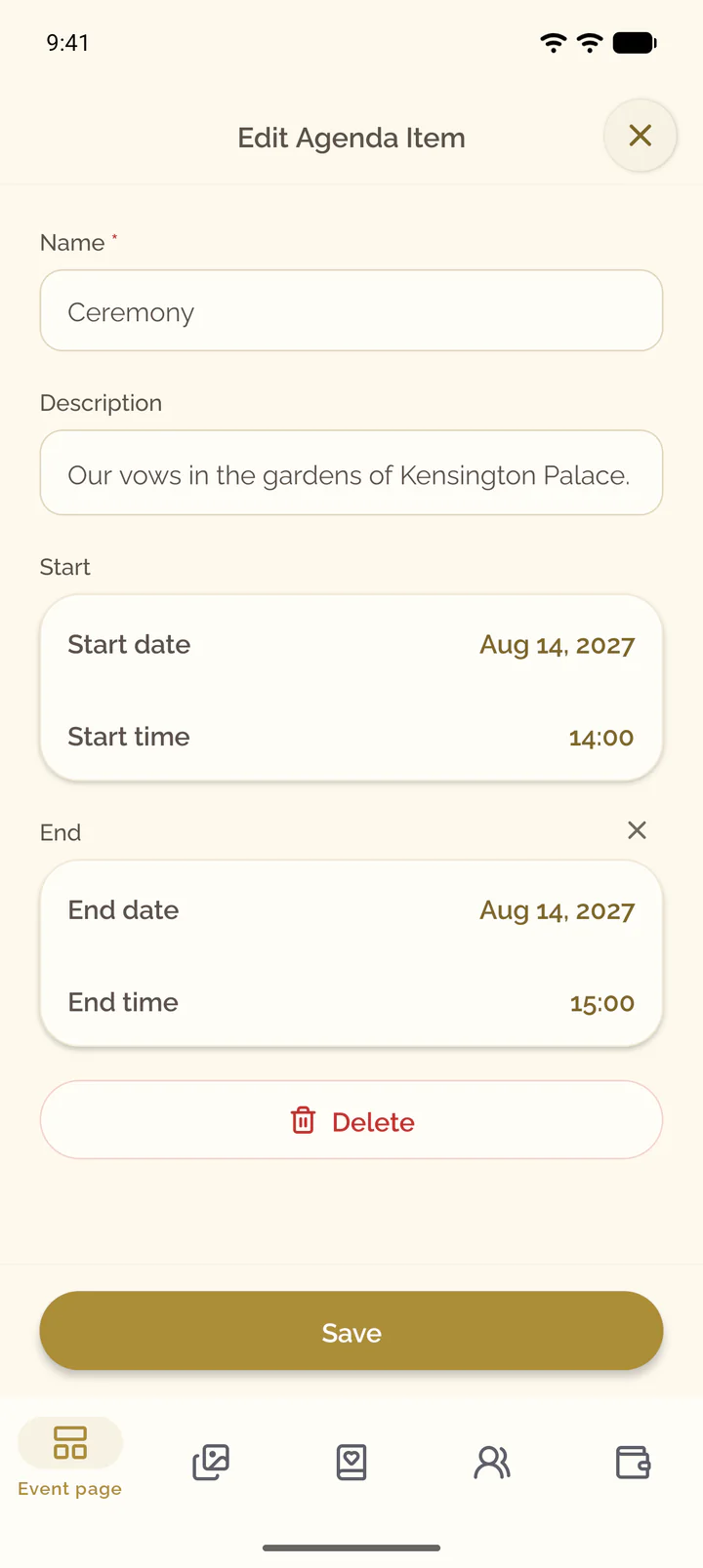
- Tap the item on the card Agenda.
- Select Delete at the end of the form and confirm.