Set up and brand your event
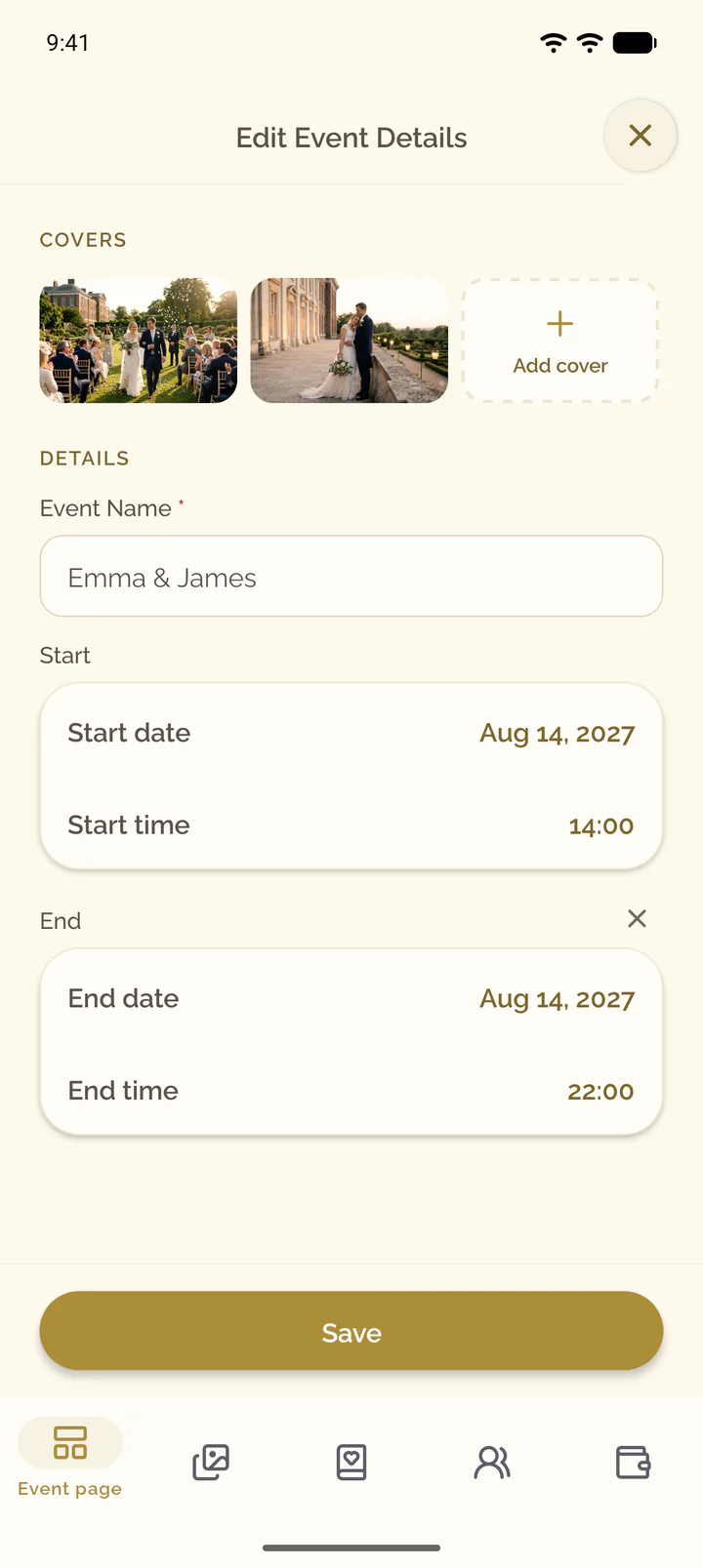
Change the name and the date of your event, add cover images, and choose the fonts and colors of the event page.
Steps for
Change name, start and end
- Open the Event page tab of the event.
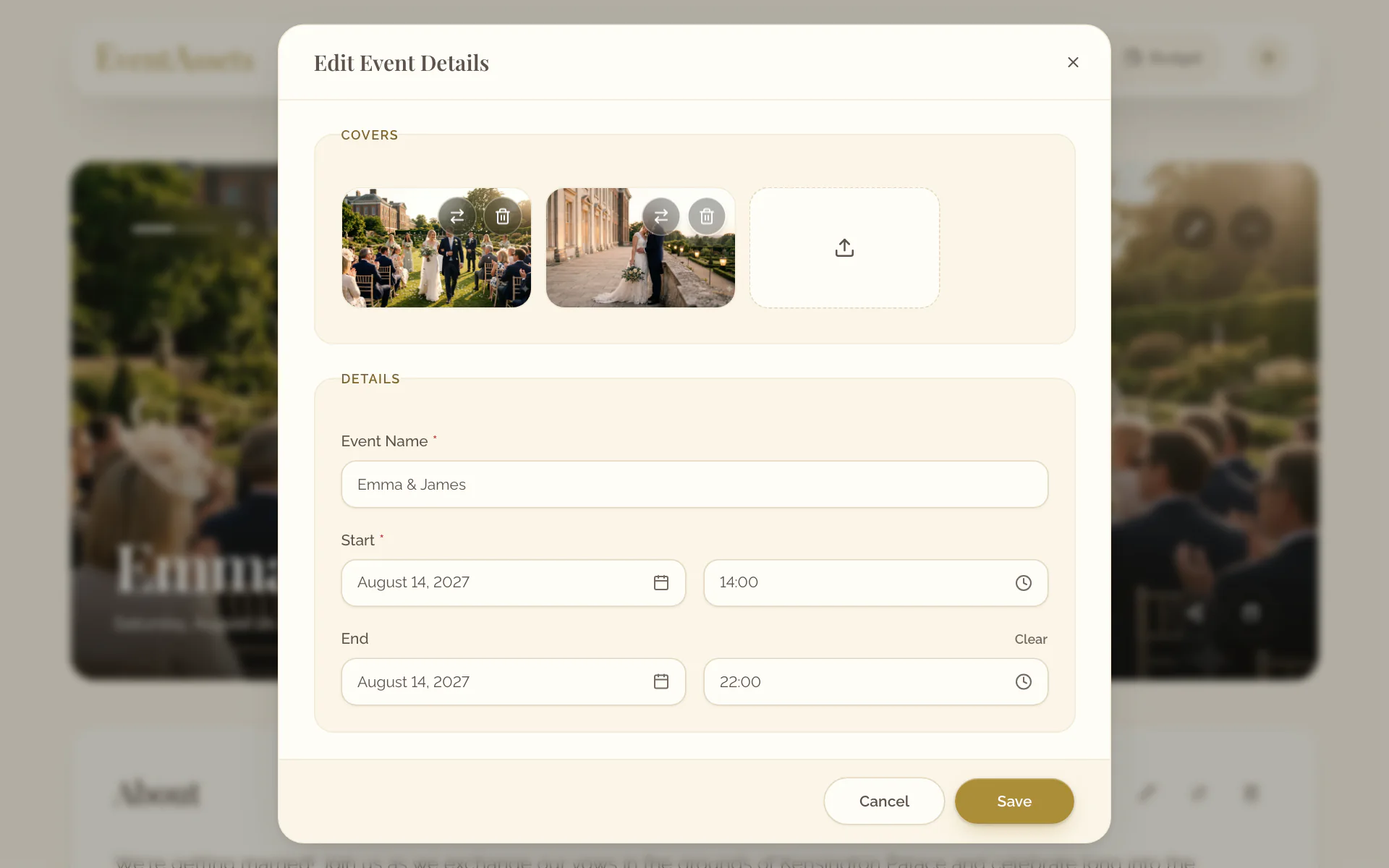
- Select Edit Event Details at the top of the cover.
- Under Details, change Event Name, Start or End. Clear removes the end.
- Select Save.
- Open the Event page tab of the event.
- Select the pencil at the top of the cover.
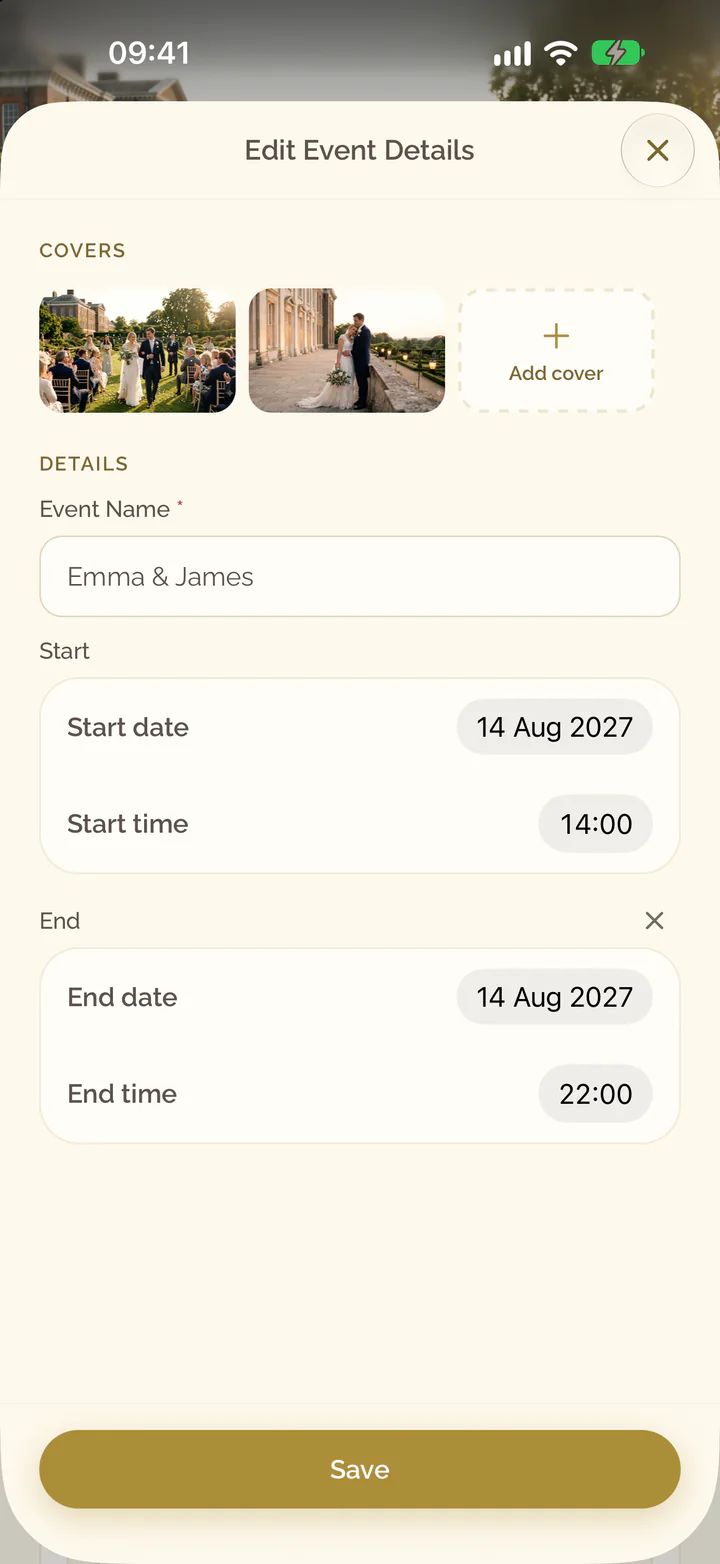
- Under Details, change Event Name or Start. Add end time sets an end, Remove end time takes it away.
- Select Save.
Add cover images
- Select Edit Event Details at the top of the cover.
- Under Covers, select Upload files, the tile at the end of the row.
- Choose one or more images.
- Select the pencil at the top of the cover.
- Under Covers, select Add cover.
- Select Choose from library or Take a photo or video.
Reorder or remove covers
- Select Edit Event Details at the top of the cover.
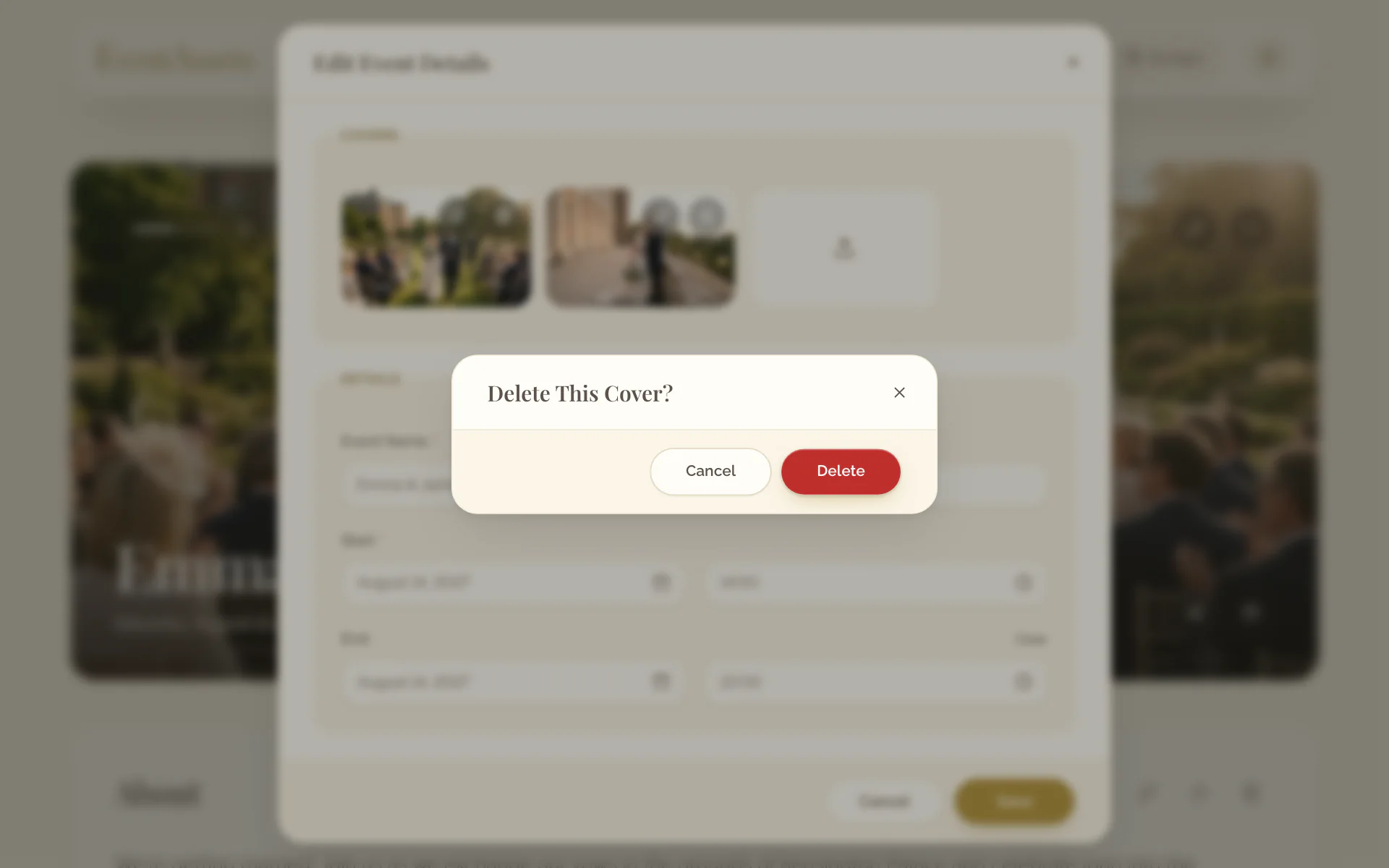
- Drag a cover by its handle to its new place.
- To remove a cover, select Delete on it and confirm.
- Select the pencil at the top of the cover.
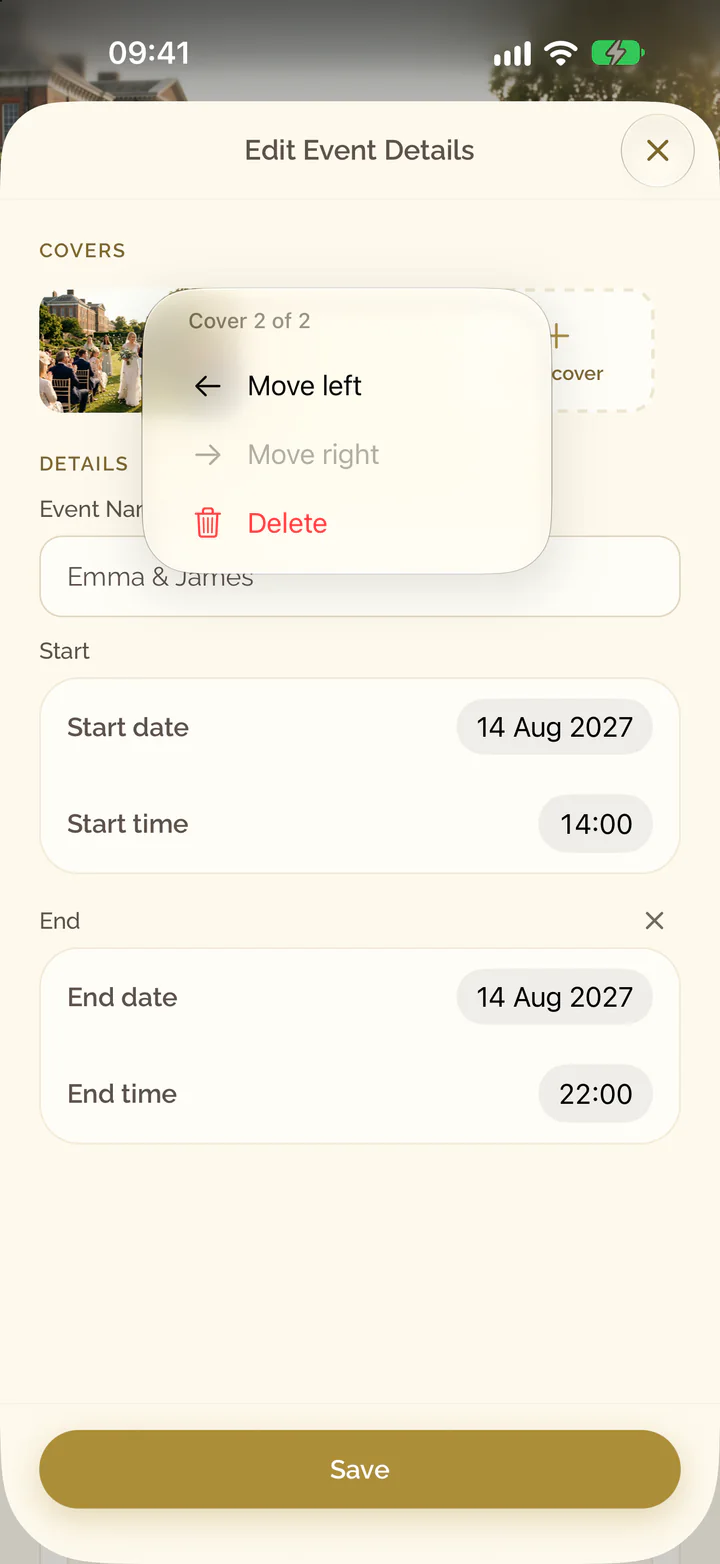
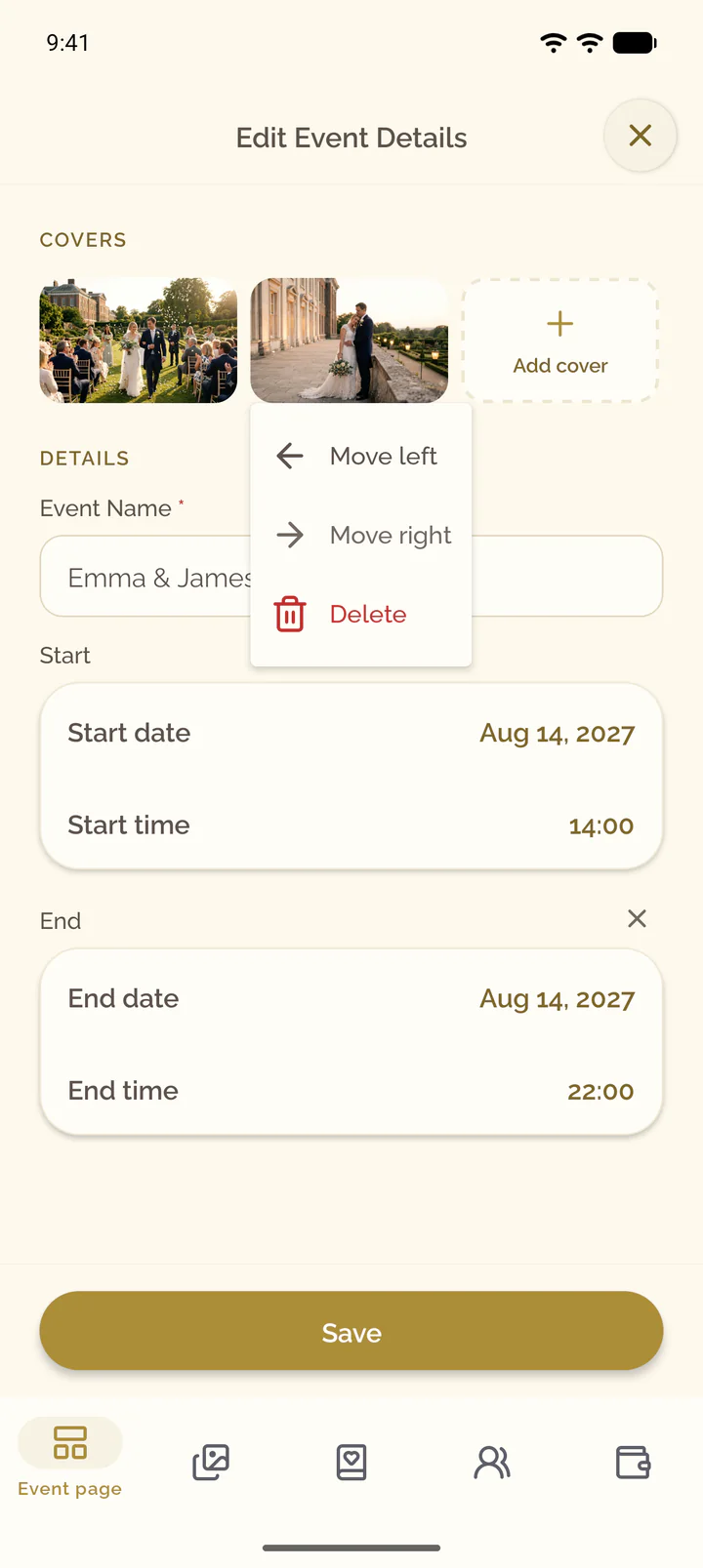
- Tap a cover and select Move left or Move right.
- To remove a cover, select Delete in the same menu and confirm.
Choose fonts and colors
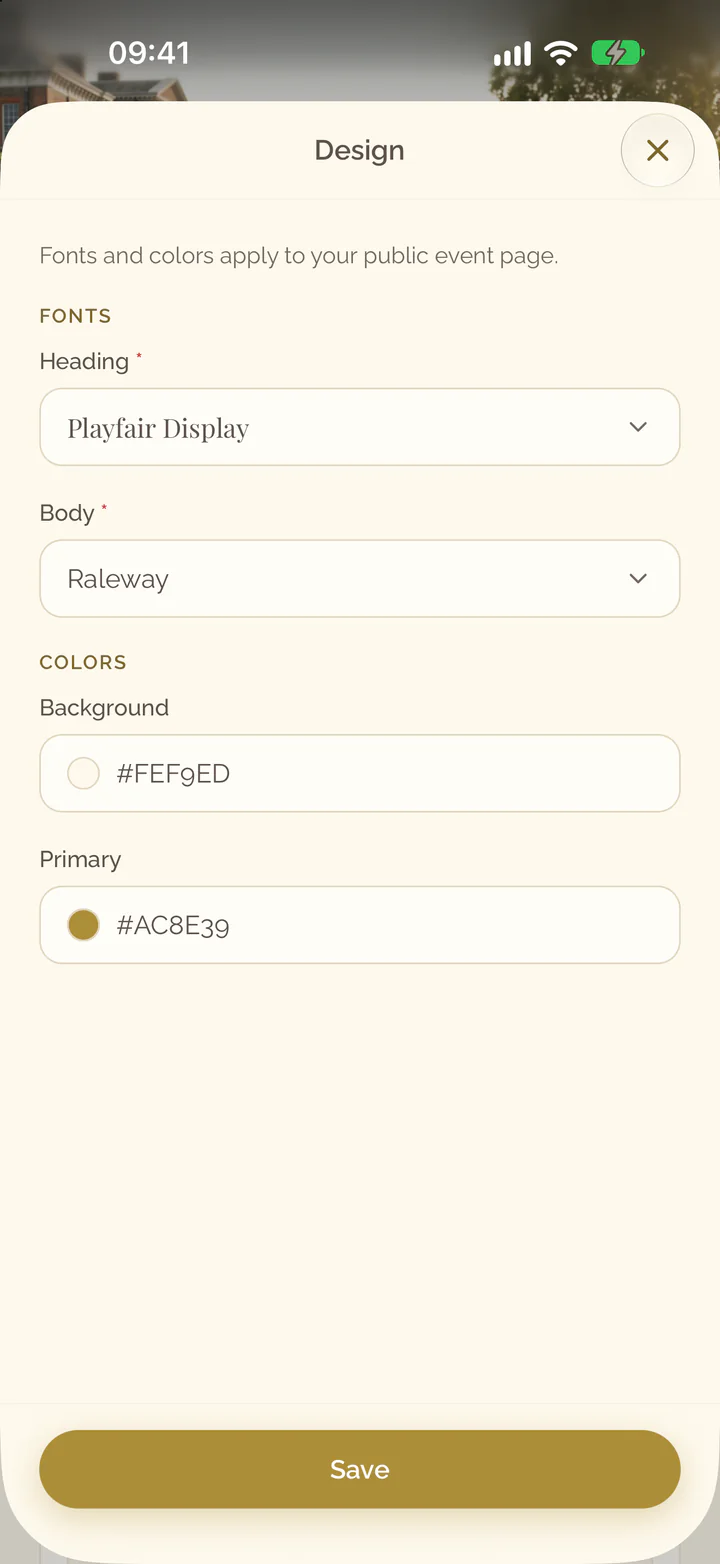
- Select More at the top of the cover, then Design.
- Under Fonts, choose Heading and Body.
- Under Colors, set Background and Primary.
- Select Save.
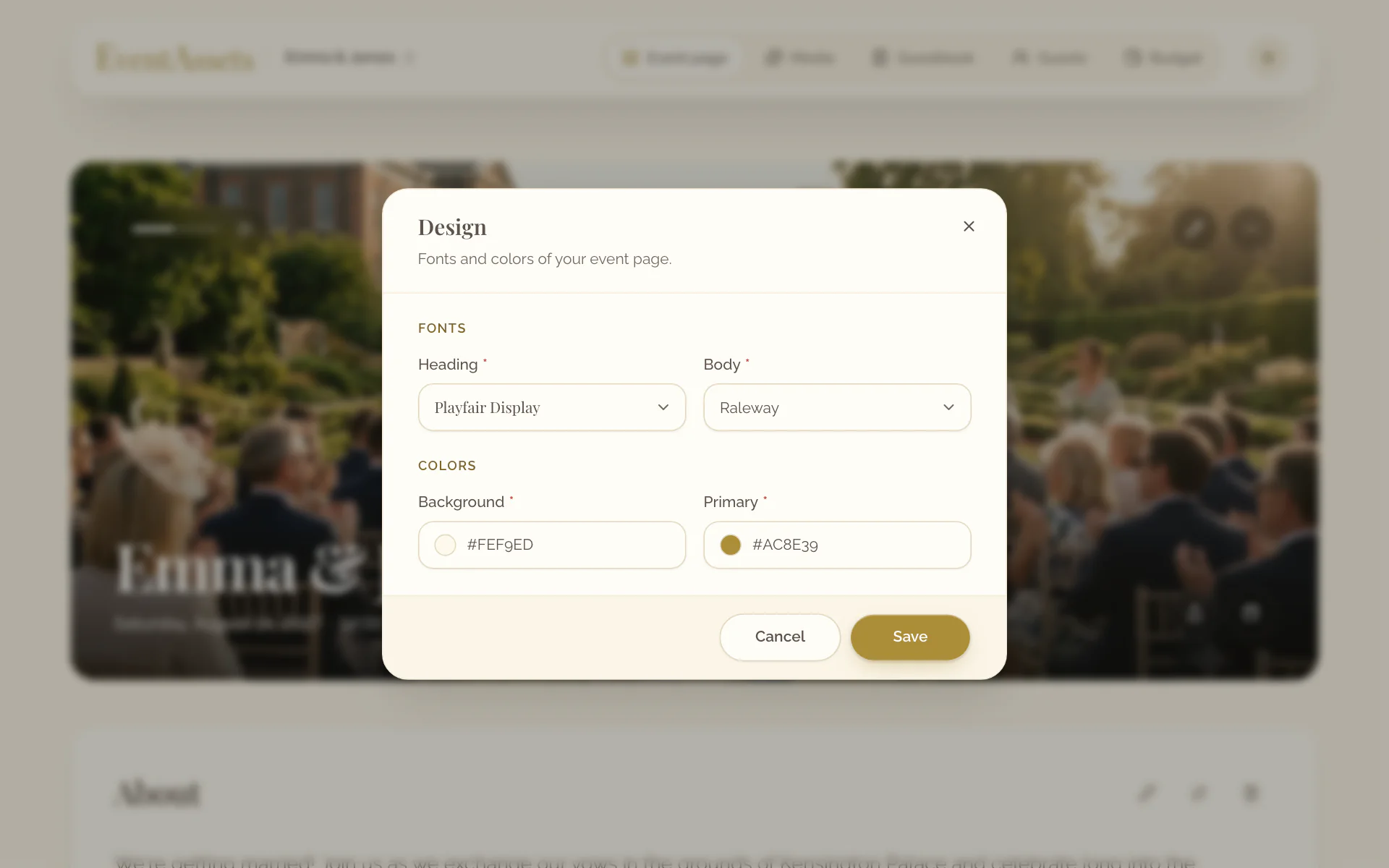
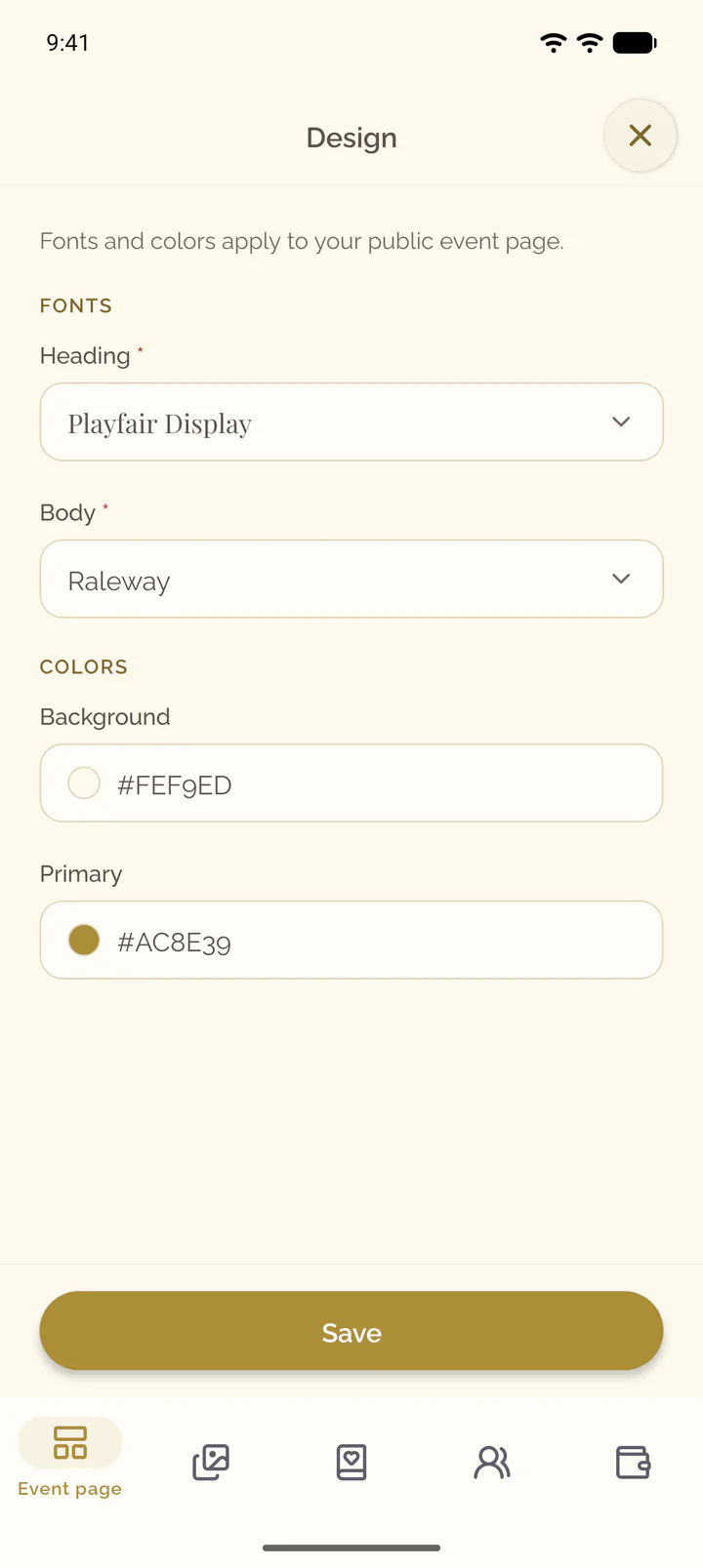
- Select the three dots at the top of the cover, then Design.
- Under Fonts, choose Heading and Body.
- Under Colors, set Background and Primary.
- Select Save.