The wedding weekend: from welcome drinks to Sunday brunch
How to plan a wedding over two or three days: who is invited to what, one schedule per day, travel and rooms, a reply for each part, and a calm Sunday.
Why a weekend, and what it asks of guests
A wedding that runs from Friday evening to Sunday lunch is no longer reserved for destination weddings. When guests travel for hours to be there, one long day feels short, and couples want time with the people they rarely see. A welcome drink on the evening before, the wedding itself, and a late breakfast the morning after turn a day into a small trip.
That trip is a gift, and it is also a request. Every extra event asks guests for another evening, another night in a hotel, another outfit and, often, another day off work. A weekend works when:
- each part has a clear reason;
- guests know early what is planned;
- nobody feels they have to attend everything to be a good friend.
The planning below is built around those three things.
Decide who is invited to what
Before you write a single invitation, put each part of the weekend in a row and decide who belongs to it. A common shape:
| Part of the weekend | When | Who is invited |
|---|---|---|
| Welcome drinks | Friday evening | Everyone who has arrived |
| Rehearsal dinner | Friday evening | Family and the wedding party, if you hold one |
| Ceremony and party | Saturday | Every guest |
| Brunch | Sunday morning | Whoever is still in town, often everyone who stayed |
Open events are easier than closed ones. If the welcome drinks are for everyone, nobody has to be told they are not invited, and the guests who arrive late simply miss a drink.
If an event is for a smaller circle, such as a rehearsal dinner for family and the wedding party, keep it off the page everyone reads and invite those guests directly. A schedule that shows an event a guest is not invited to answers a question they did not ask.
Write the decision down per party: the household you invite together. It will drive the invitations, the replies, the catering numbers and the rooms you reserve.
One schedule, one page
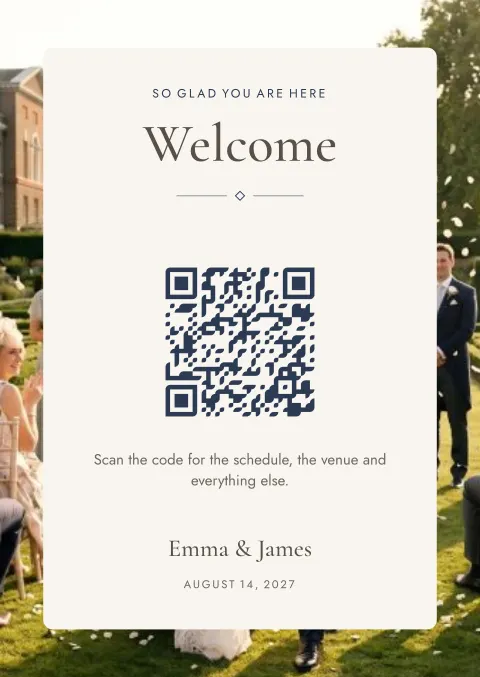
Guests should find the whole weekend in one place, in the order it happens. Split the schedule by day and give each entry a time, a place and one line of what to expect:
| Day | Time | What | Good to know |
|---|---|---|---|
| Friday | From 7 pm | Welcome drinks on the hotel terrace | Come as you are, any time you arrive |
| Saturday | 2 pm | Ceremony in the garden | Please be seated by 1.45 |
| Saturday | 6 pm | Dinner and dancing in the barn | Until late |
| Sunday | 10 am to 1 pm | Brunch in the hotel restaurant | Drop in whenever you wake up |
Give each place its own address. Three events often mean three locations, and the guest who types "the hotel" into a map on Sunday morning will thank you for the exact one. Say what to wear when it differs from day to day, and say when nothing special is needed.
If you use EventAssets, the agenda takes one entry per item with its time and place, and grouping it by day is how the agenda support article sets it out. The wedding website guide covers what else belongs on the page and in what order.
Travel and rooms
A weekend lives or dies on where people sleep. Reserve a block of rooms early, ideally close enough to walk between the events, and write on the page until when the rate holds. Name two or three alternatives at different prices for guests who prefer to book their own.
Make the journey easy to plan:
- Arrival: the nearest station and airport, how long the transfer takes, and whether you have arranged a shuttle.
- Between events: whether guests can walk, where to park, and how late the last taxi or bus runs.
- Departure: when brunch ends, so guests can book a train that suits them without leaving early.
If most guests travel, publish the page with the save-the-date, months before the invitation. People book holidays around weekends like this, and a date without a place leaves them guessing.
A reply for each part
One "yes" for the whole weekend tells you very little. You need to know who comes to the drinks, who stays for brunch and how many will eat on Saturday. Ask for each part separately, as its own question on the reply form.
For the evening before:
"Will you join the welcome drinks on Friday evening?"
For the morning after:
"Will you be with us for brunch on Sunday morning?"
For the rooms:
"Do you need a room in the hotel block, and for which nights?"
Keep the questions as short as the schedule and only ask what you will act on. Set one deadline for all of them, early enough for the caterer and the hotel. With EventAssets, these become custom questions on the RSVP form, answered per guest, with the deadline on the page; the RSVP guide covers wording and reminders.
What it costs your guests
A weekend multiplies what guests spend: two or three nights instead of one, meals, travel, sometimes extra days off. Be generous where you can and honest where you cannot.
- Pay for what you invite to: if you host the welcome drinks, they are your drinks. If guests pay for their own dinner on Friday, say so on the page.
- Keep the optional parts optional: write it plainly. "Come to as much of the weekend as suits you" relieves the guest with a small budget or young children.
- Book a range of rooms: a block at one price excludes some guests from the weekend without anyone saying so.
Keep Sunday light
The morning after is for conversation, not for another programme. The right end is:
- a brunch with a long window;
- food that keeps;
- no speeches.
Guests leave when their train leaves, you have time to thank people one by one, and nobody has to be anywhere at a fixed hour.
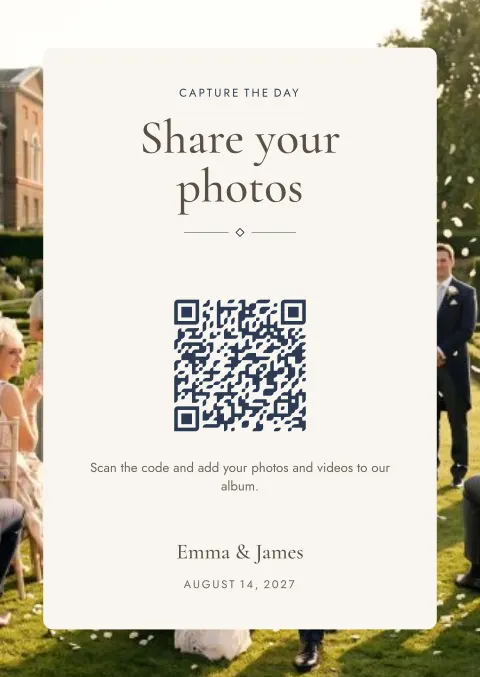
It is also the morning many guests share the photos from the night before. Put the QR code for the gallery on the brunch tables, or remind guests on the page, and the pictures come in while everyone is still together.
A checklist
- List each part of the weekend and decide who is invited to each, per party.
- Keep closed events off the shared page; invite those guests directly.
- Publish the page with the save-the-date when most guests travel.
- Set out the schedule by day, with a time, a place and what to wear for each item.
- Give every location its own address, and say how guests get between them.
- Reserve a block of rooms in a range of prices, and state when the rate ends.
- Ask one reply question per part of the weekend, with one deadline.
- Say which parts are optional, and pay for what you invite to.
- Keep Sunday short, open-ended and without a programme.