
Add blocks and arrange chapters
Add text, a quote, a countdown, questions and answers, links or photos to your event page, edit and move them, and group the page in chapters you name.
Steps for
Beside its sections, the event page holds blocks that you add yourself: Text, Quote, Countdown, Questions and answers, Links, Photos and Divider. Sections and blocks stand in chapters, which guests open as tabs or read down one page.
Add a block
- Open the Event page tab of the event.
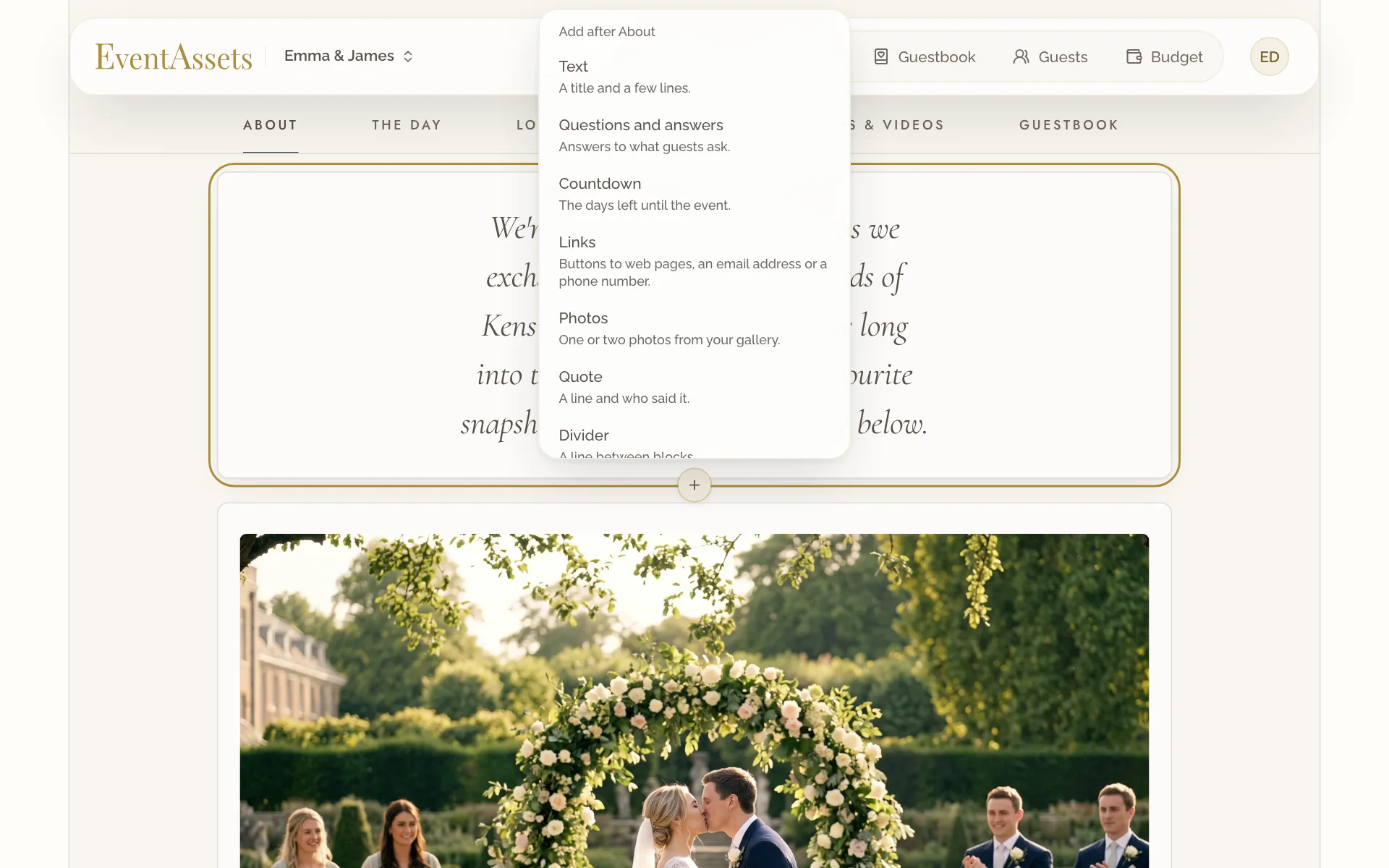
- Point at the block the new one should follow and select the plus under it, for example Add after About. Add to page at the end of the page adds to its end.
- Choose the kind of block.
- Fill in the form and select Save. A countdown and a divider are added at once.
- Open the Event page tab of the event.
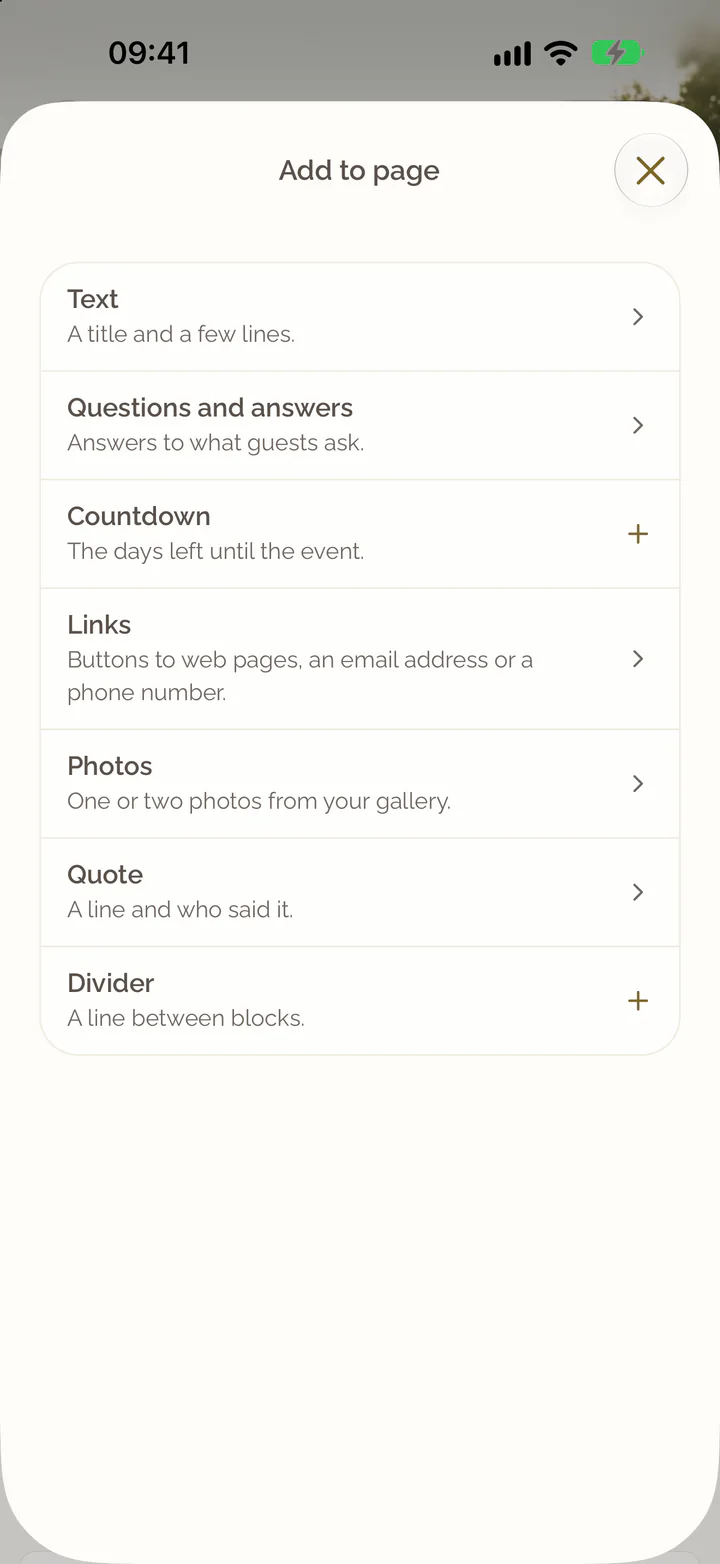
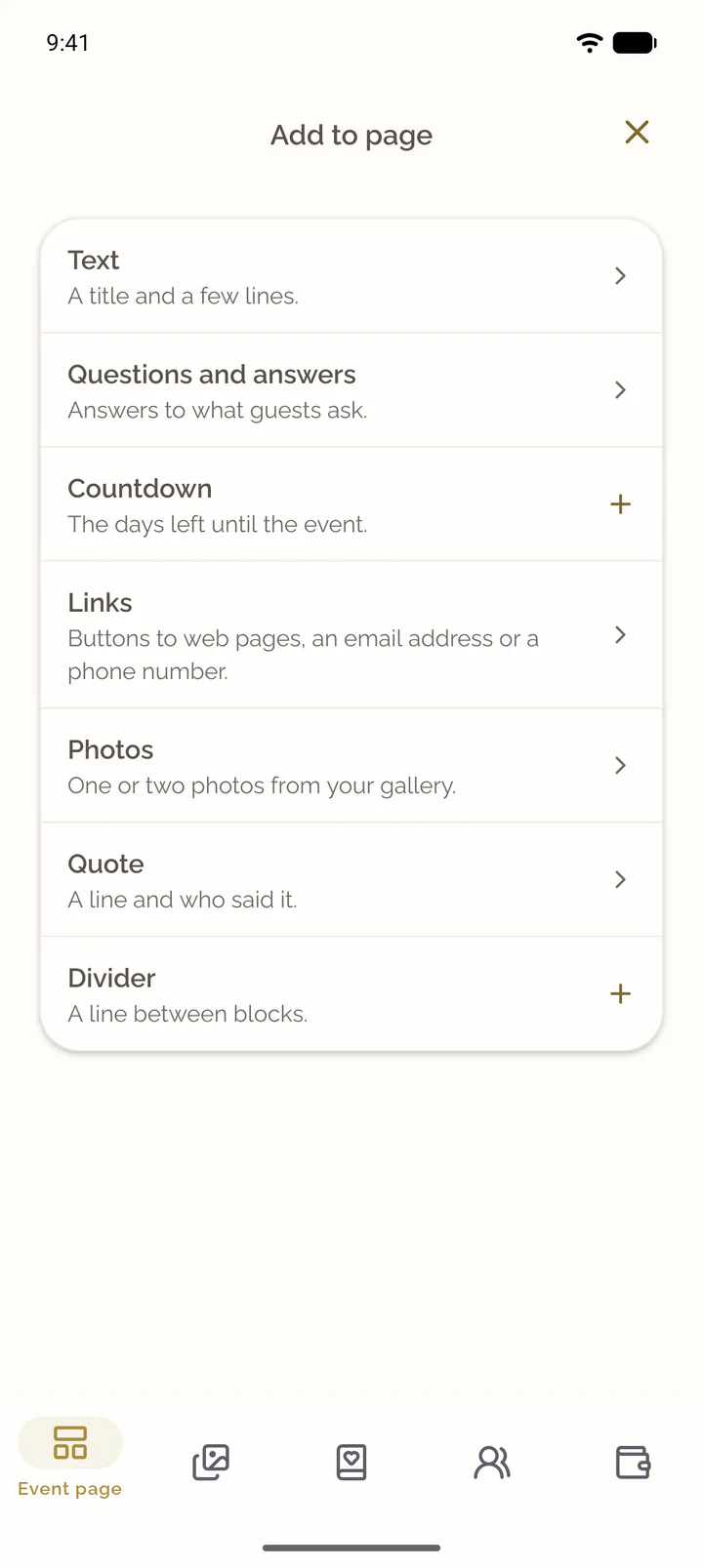
- Select the three dots on the block the new one should follow, then the entry that adds after it, for example Add after About. Add to page at the end of the page adds to its end.
- Choose the kind of block.
- Fill in the form and select Save. A countdown and a divider are added at once.
Edit a block
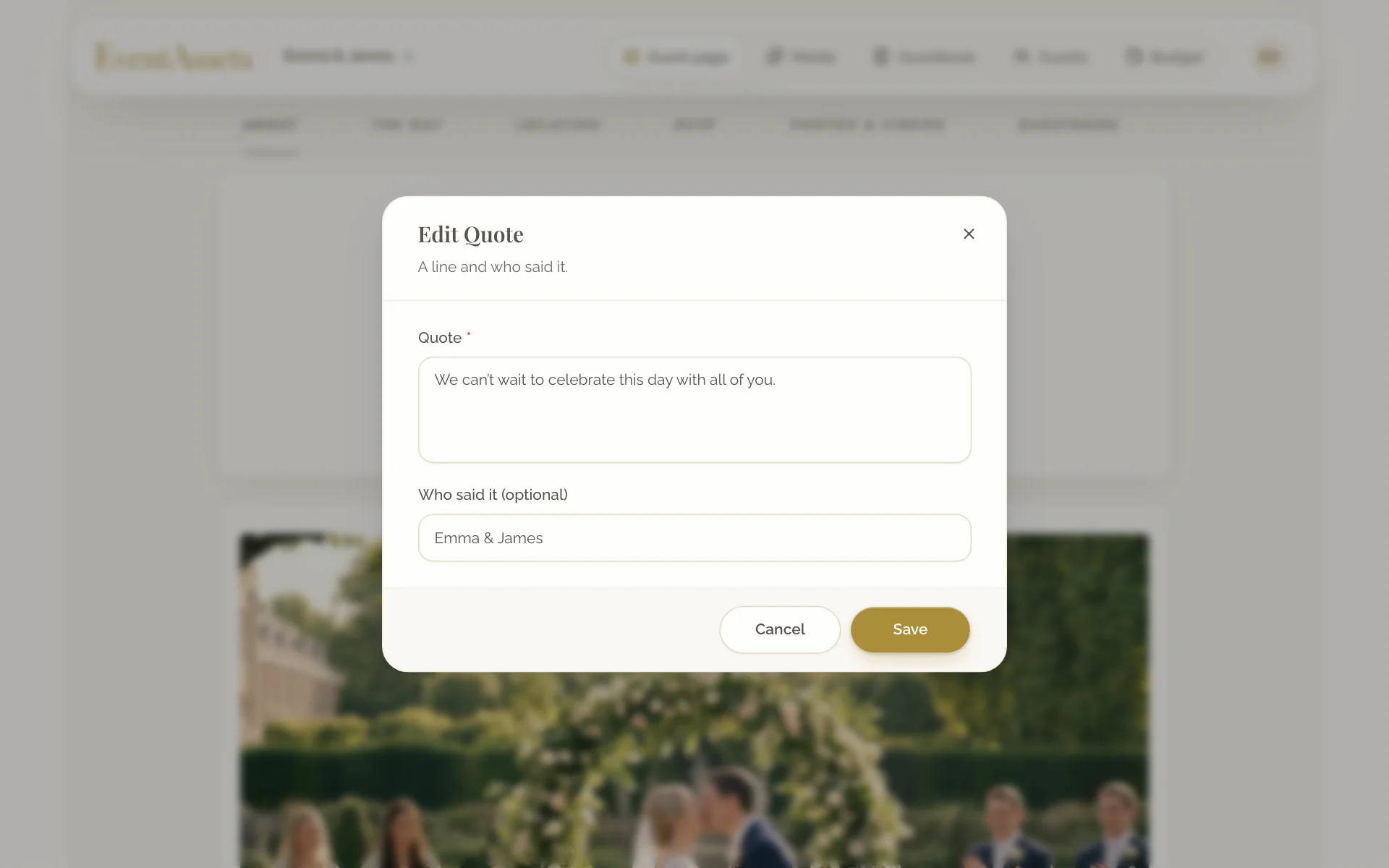
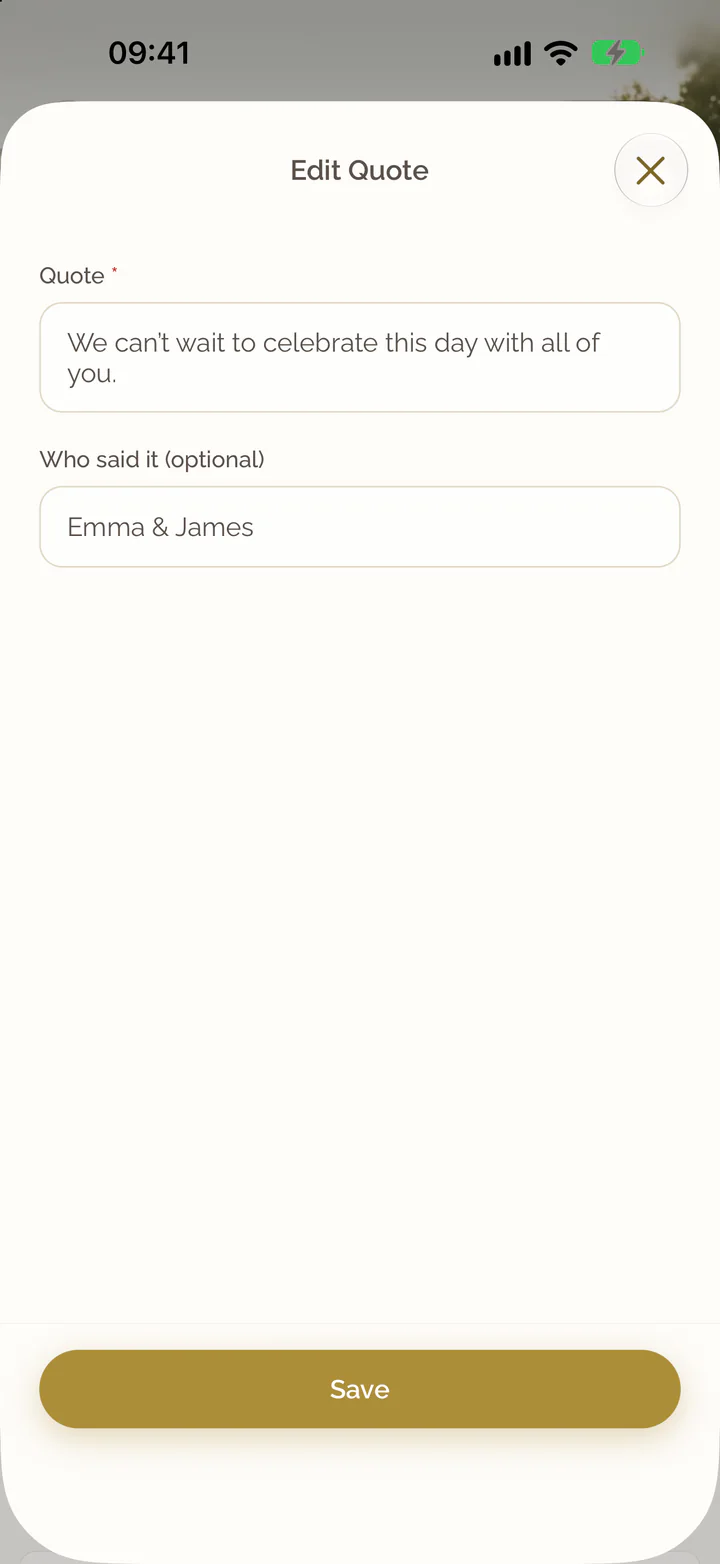
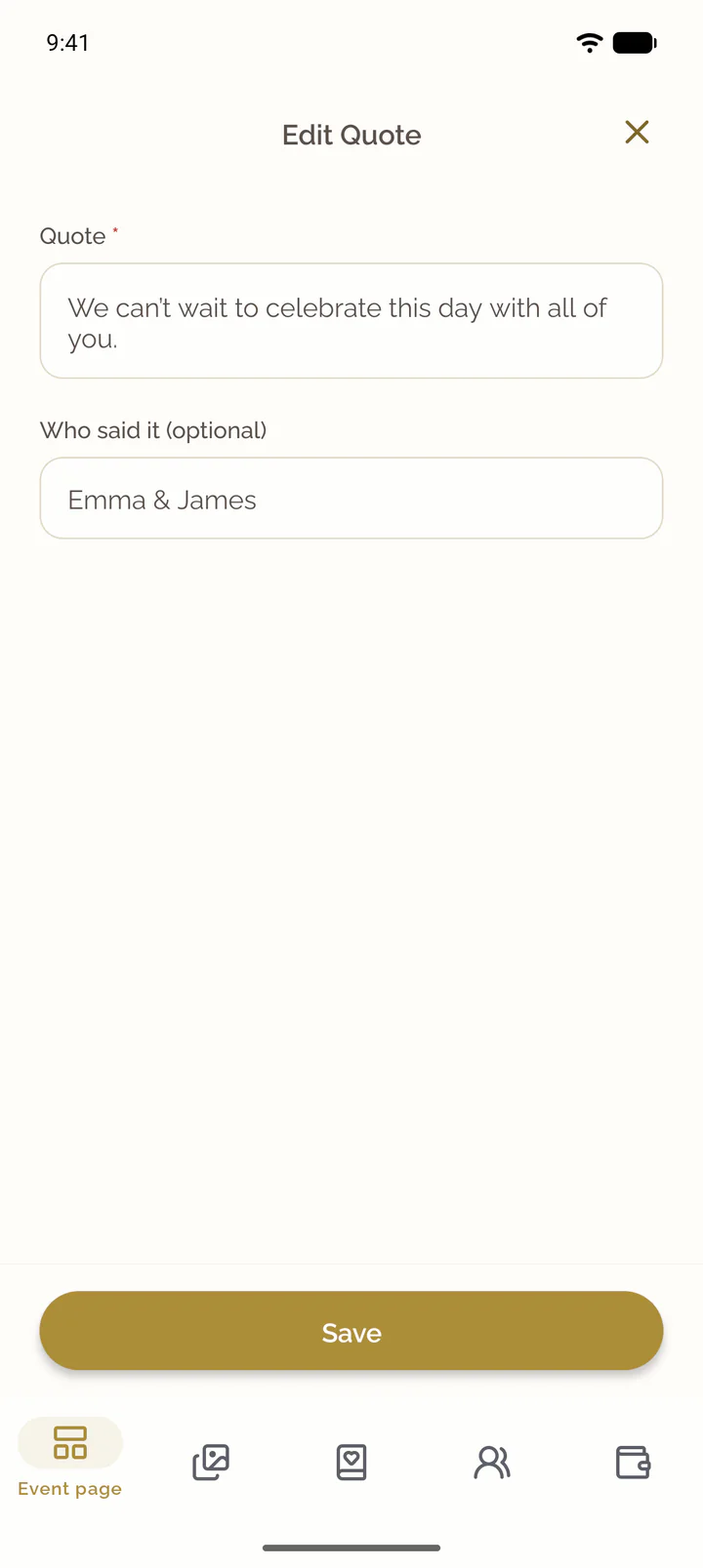
- Point at the block and select the pencil in its toolbar, for example Edit Quote.
- Change its fields.
- Select Save.
- Select the three dots on the block, then the entry that edits it, for example Edit Quote.
- Change its fields.
- Select Save.
Move, hide or delete a block
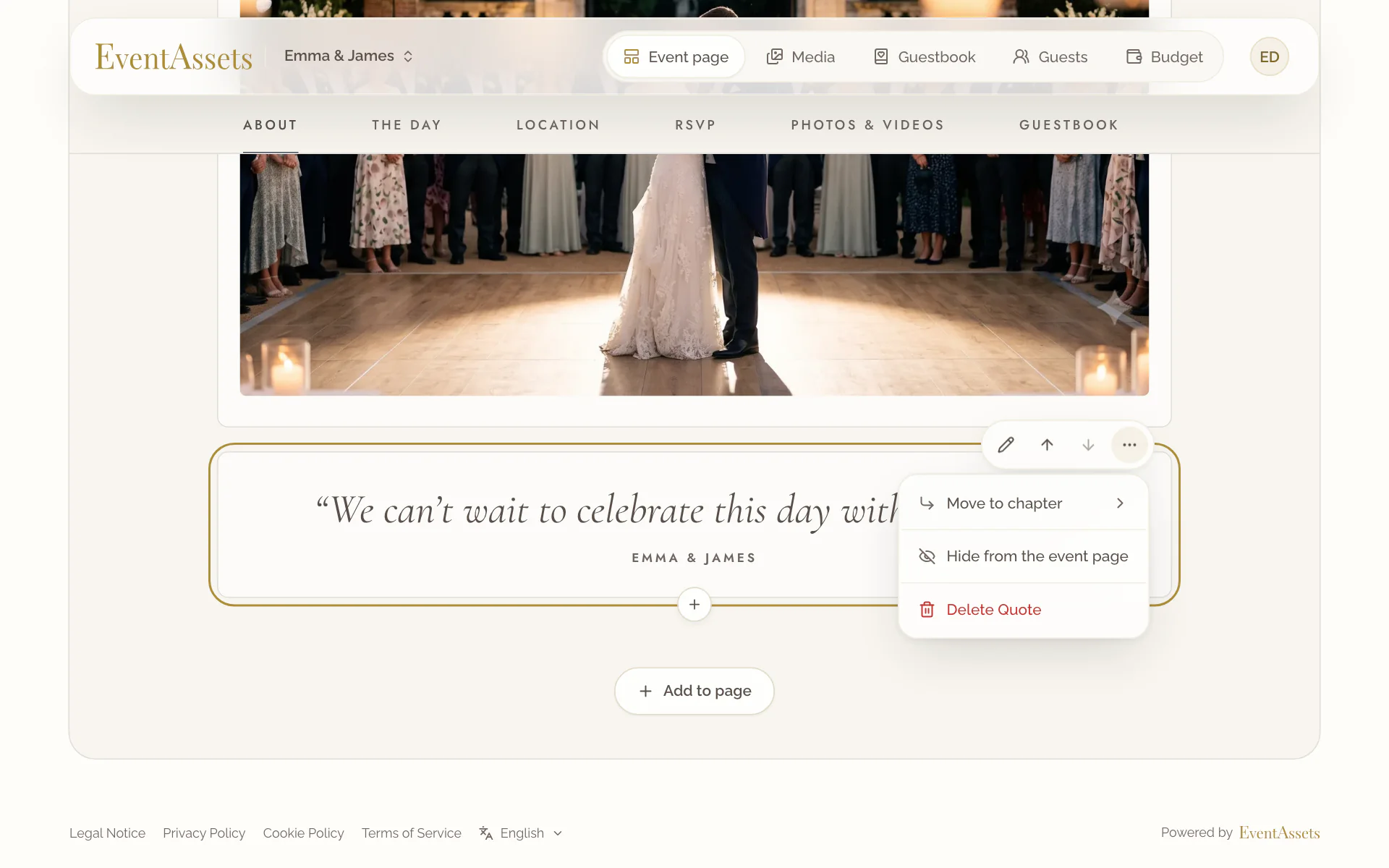
- Point at the block. Move up and Move down in its toolbar move it one place.
- Open its actions, for example Actions for Quote.
- Select Move to chapter and a chapter, Hide from the event page, or the entry that deletes it, for example Delete Quote.
- Select the three dots on the block.
- Select Move up or Move down to move it one place, or Move to chapter and a chapter.
- Select Hide from the event page, or the entry that deletes it, for example Delete Quote, and confirm with Delete.
Name and arrange chapters
A chapter is called after its first section until you name it.
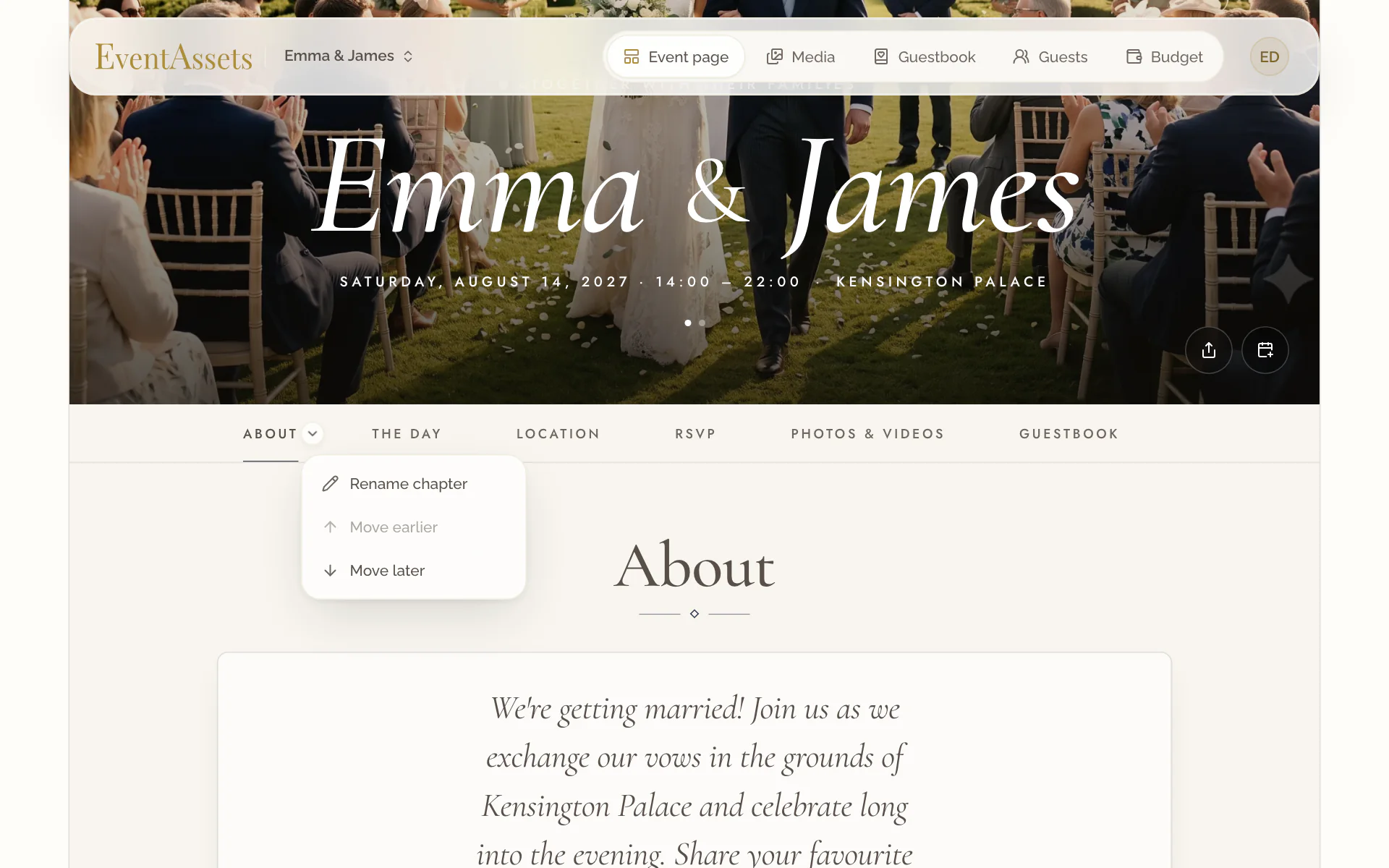
- Open the actions of the chapter where its name stands, for example Actions for About.
- Select Rename chapter, type the name and select Save.
- Select Move earlier or Move later to change its place among the chapters.
- Touch and hold the chapter's name in the bar of the event page, or its title where the page has no bar.
- Select Rename chapter, type the name and select Save.
- Select Move earlier or Move later to change its place among the chapters.
Take a change back
- Select Undo over the page to take the last change back.
- Select Redo to make it again.
- Select the three dots at the top of the cover.
- Select Undo to take the last change back, Redo to make it again.