
Order printed cards
Have your event’s cards and signs printed and sent to your door: choose the size, the paper and how many, pay, follow the order or cancel it within an hour.
Steps for
Every print design can be ordered printed: as business cards of 90 × 50 mm or 3.5 × 2 in, printed on both sides, or as cards in A6, DL, A5 and A4, printed on one side. They are usually printed close to where they ship and sent to your door. How to choose a design, its words and its colors is in Print QR code cards and signs.
Order prints of a card
- Open the Event page tab of the event.
- Select Design over the page, then Print.
- Select a design, then choose its size and its words.
- Select Order prints.
- Open the Event page tab of the event.
- Select the palette icon at the top of the cover, then Print.
- Select a design, then choose its size and its words.
- Select Order prints.
Choose the paper and how many
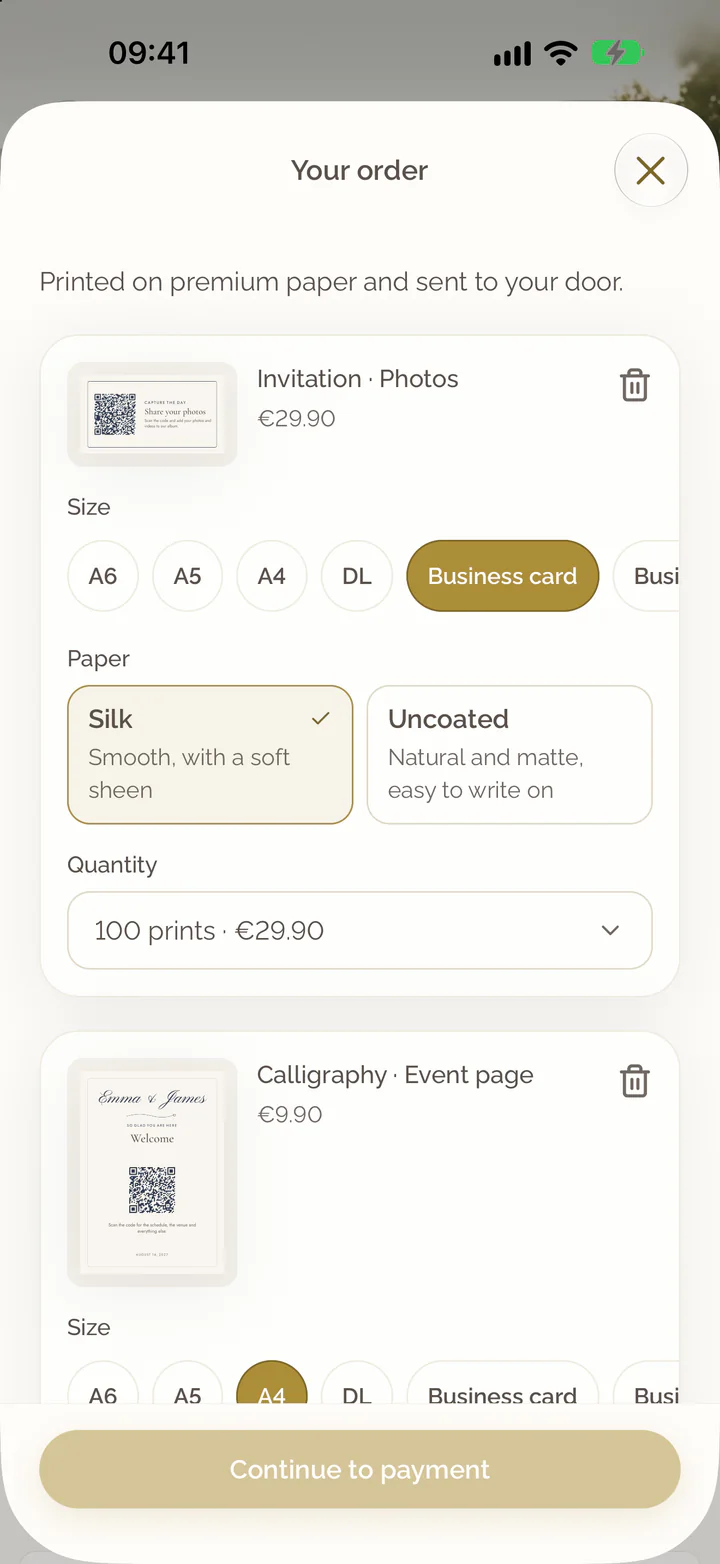
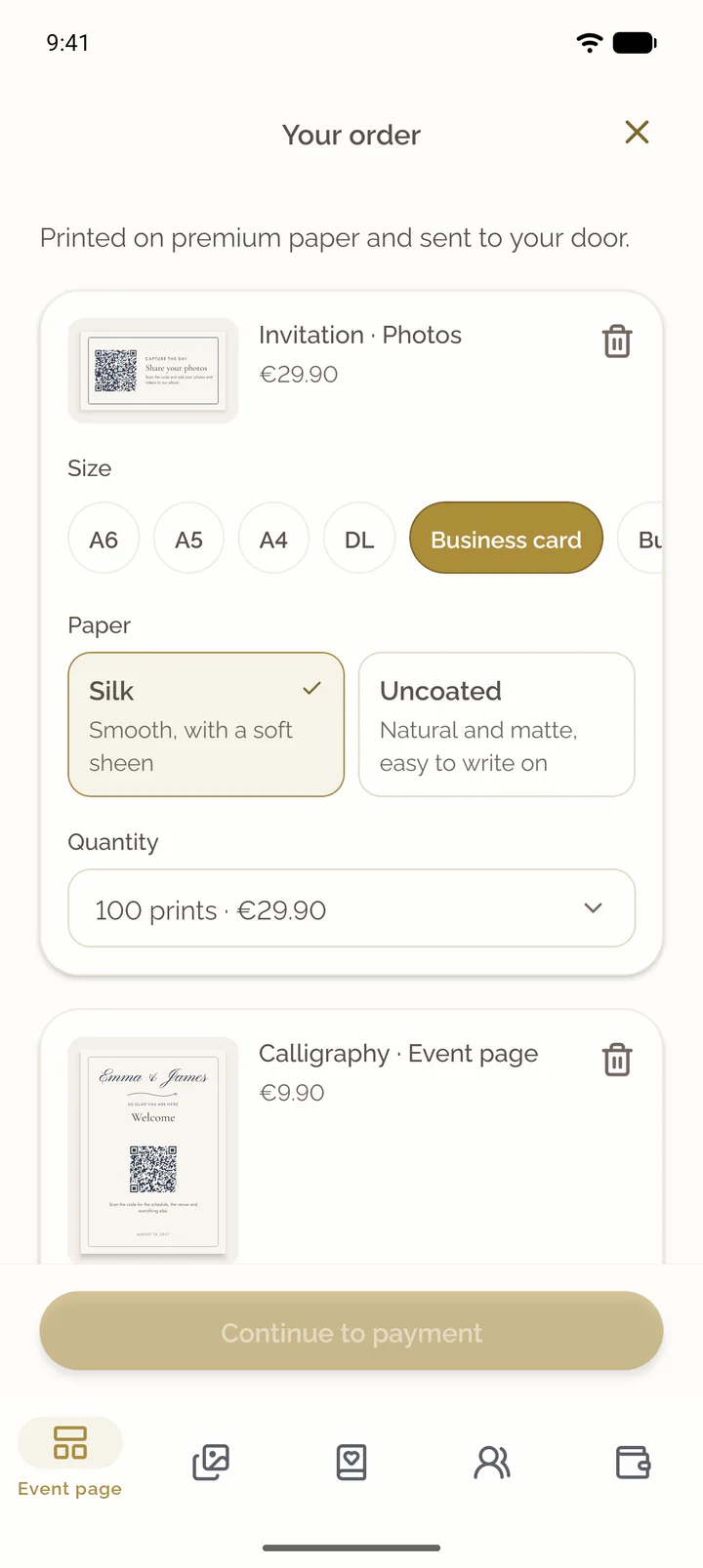
- In Your order, choose the size of each card and its paper: Silk or Uncoated.
- Under Quantity, choose how many prints.
- To order another design too, select Add another card, choose the design and select Order prints.
- To take a card out of the order, select the bin beside its name.
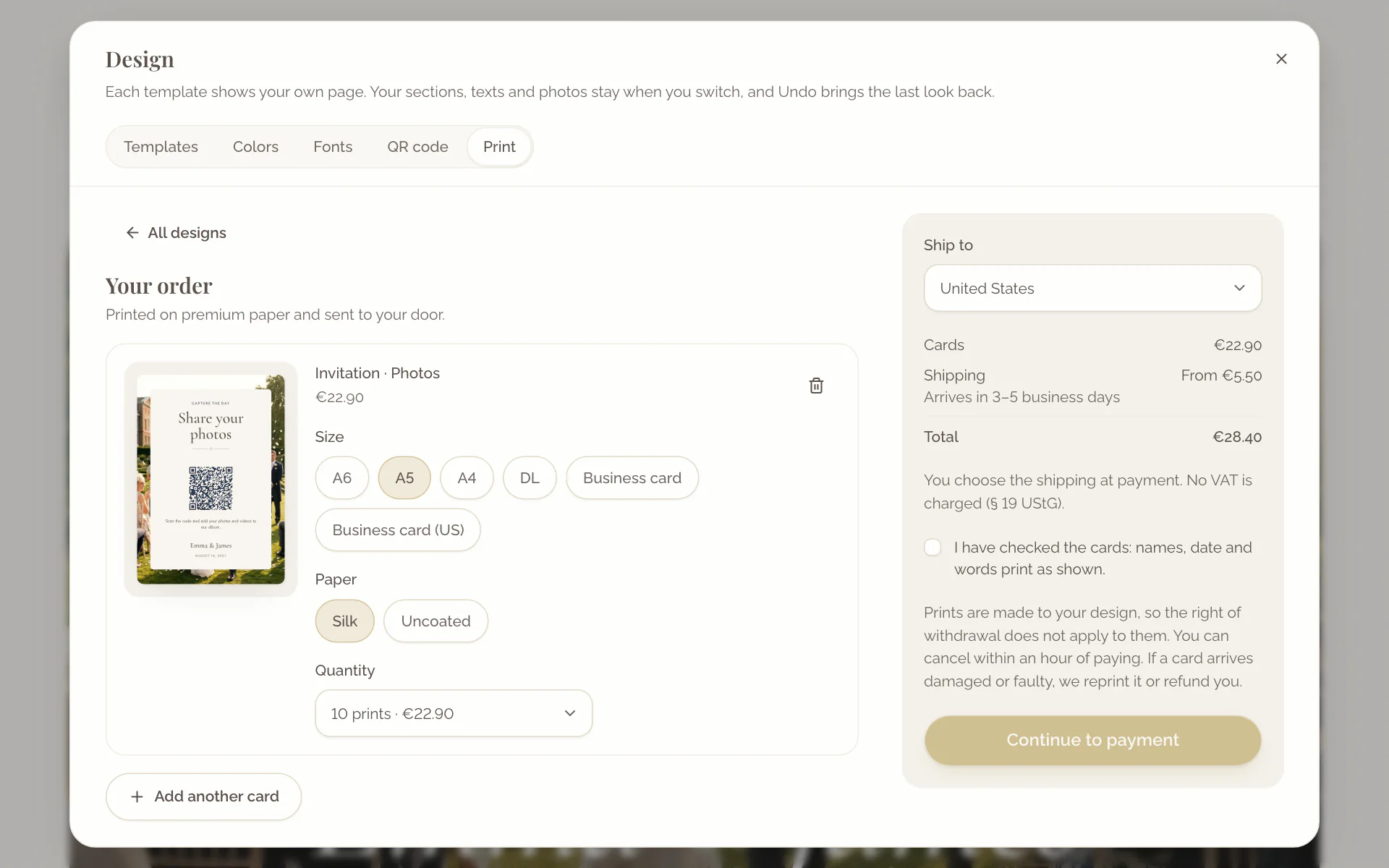
- In Your order, choose the size of each card and its paper: Silk or Uncoated.
- Under Quantity, choose how many prints.
- To order another design too, select Add another card, choose the design and select Order prints.
- To take a card out of the order, select the bin beside its name.
Pay for your order
- Under Ship to, choose the country the cards go to.
- Check every card, then tick I have checked the cards: names, date and words print as shown.
- Select Continue to payment.
- In the checkout, enter the address, choose the shipping, accept the terms and pay.
- Select Ship to and choose the country the cards go to.
- Check every card, then tick I have checked the cards: names, date and words print as shown.
- Select Continue to payment.
- In the checkout, enter the address, choose the shipping, accept the terms and pay. You come back to the app when you are done.
Follow your order
- Open the account menu in the header, then select My Account.
- Select Orders.
- Select an order to see where it stands, the address it ships to, its cards and its amounts.
- Once the cards have shipped, select Track parcel where the carrier tracks the parcel.
- Select My Account at the bottom of the screen.
- Select Orders.
- Select an order to see where it stands, the address it ships to, its cards and its amounts.
- Once the cards have shipped, select Track parcel where the carrier tracks the parcel.
Cancel an order
- Open the order in My Account, under Orders.
- Select Cancel order, then confirm.
- Open the order in My Account, under Orders.
- Select Cancel order, then confirm.
If something is wrong with your cards
If cards arrive damaged or faulty, or a parcel does not arrive, write to hi@eventassets.com as soon as you can, with your order number and photos of the cards and their packaging. We reprint the cards concerned or refund what you paid for them.